
Add a stamp from the Control Panel
If you don't have the scanner app at hand.
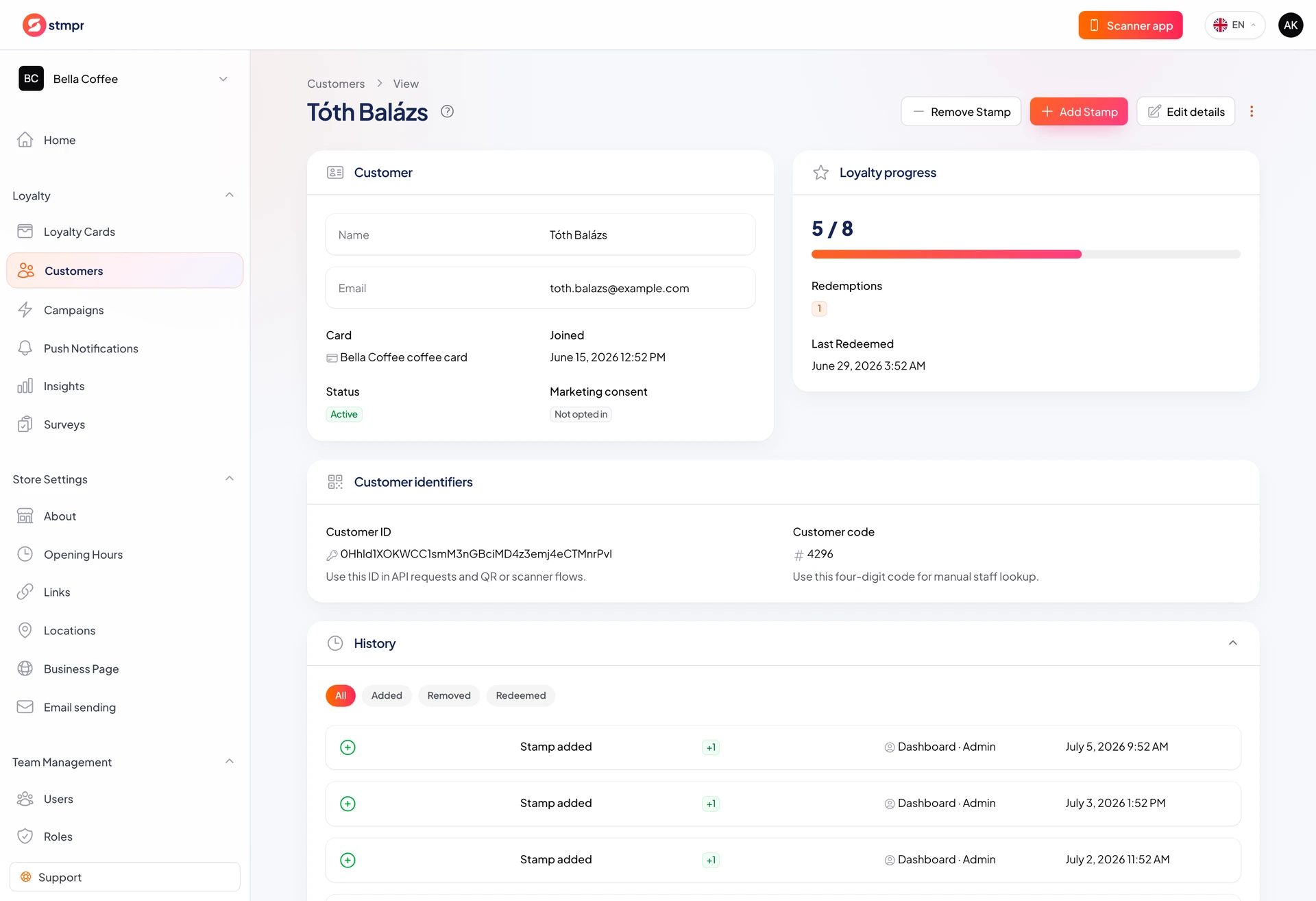
Add or remove stamps from the dashboard when the scanner is not handy or you work from a desk. The customer Wallet pass and activity log update the same as in the app.
In Customers use the row actions: plus adds a stamp, minus removes one. There is no extra confirm dialog.
Buttons appear only when they make sense and your role allows it.
https://stmpr.io/dashboard/customers
Why use this?
Flexible when the counter phone is busy or you fix data from a desk.
Useful for tests and corrections. Undo a mistaken stamp with minus.
Every action logs the signed-in team member.
Step by step
- Open Customers (or a card customer list) and find the customer.
- Click plus on the row to add a stamp instantly.
- Click minus to remove a stamp when at least one exists.
- The Stamps column updates; the Wallet pass follows shortly.
- When the card is full, plus hides and the green gift icon offers Redeem reward.
Good to know
- Add/remove stamps needs the matching permission or buttons stay hidden.
- Plus is active until the card is full. Then redeem is next.
- Dashboard and scanner stamps share the same log and Insights.