Stamp and redeem with one quick scan
Most loyalty systems ask you to replace your till or wire up an integration before you can start. With stmpr, staff just scan the QR on the guest’s phone.
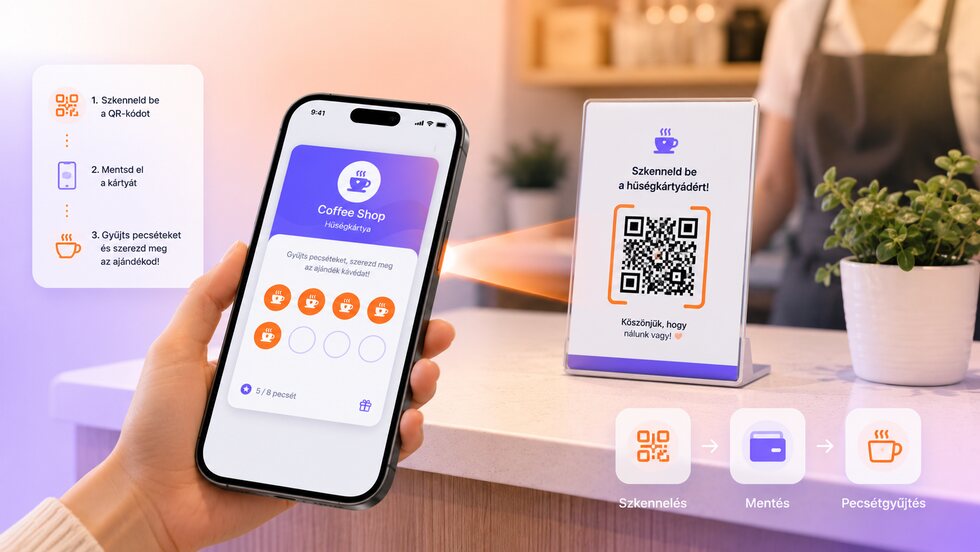
QR code stamping
Scan the QR code on the guest’s phone, add a stamp and redeem rewards. No POS integration is required, so you can launch quickly.
- Scan the guest’s Wallet QR to add a stamp or redeem a reward in seconds.
- A four-digit fallback code works even when a screen won’t scan.
- No POS integration required, so you can launch the same day.

How it works in practice
-
Open your scanner app.
-
Scan the guest’s QR code on their Wallet card, or enter the four-digit code.
-
Add a stamp or redeem a reward in a couple of seconds.
-
The guest’s card updates on its own, with no receipt to keep.
Privacy by default
Guests can join without giving an email, and you only collect the data you actually need. Personal details are never required to issue a card or add a stamp. No per-customer or per-scan fees, and guest limits depend on your plan.
Scanning built for real counters
Fast stamping without replacing the till
Staff need one dependable action at the counter, not another checkout integration project.
| Area | Common workaround | stmpr |
|---|---|---|
| Hardware | A dedicated terminal or POS integration delays launch. | Staff scan with the scanner app on a supported phone. |
| At the counter | Names, paper cards or coupon codes slow down a queue. | Scan the Wallet QR and choose stamp or redeem in the same flow. |
| Fallback | A damaged card or difficult screen stops the interaction. | A four-digit code provides a simple fallback when the QR cannot be read. |
Questions about this feature
Do I need a POS or a terminal?
What if there is no internet at the counter?
What if the guest's QR code will not scan?
Set it up step by step
Short walkthroughs with screenshots from the knowledge base, in case you get stuck.
- Scan your guest card
- Redeem a reward in the scanner
- Four-digit backup code
- Troubleshoot QR enrollment