
Configure email sending
Connect, verify, pause, and monitor your transactional email provider.
Email Sending is separate from contact-sync integrations. It connects your store to an SMTP server or transactional email provider used by stmpr to deliver customer emails.
The sender must be verified before email delivery becomes available for notifications, surveys, campaigns, and automations.
You can turn sending off without deleting credentials. While disabled, stmpr sends no customer email through this connection.
https://stmpr.io/dashboard/email-sending
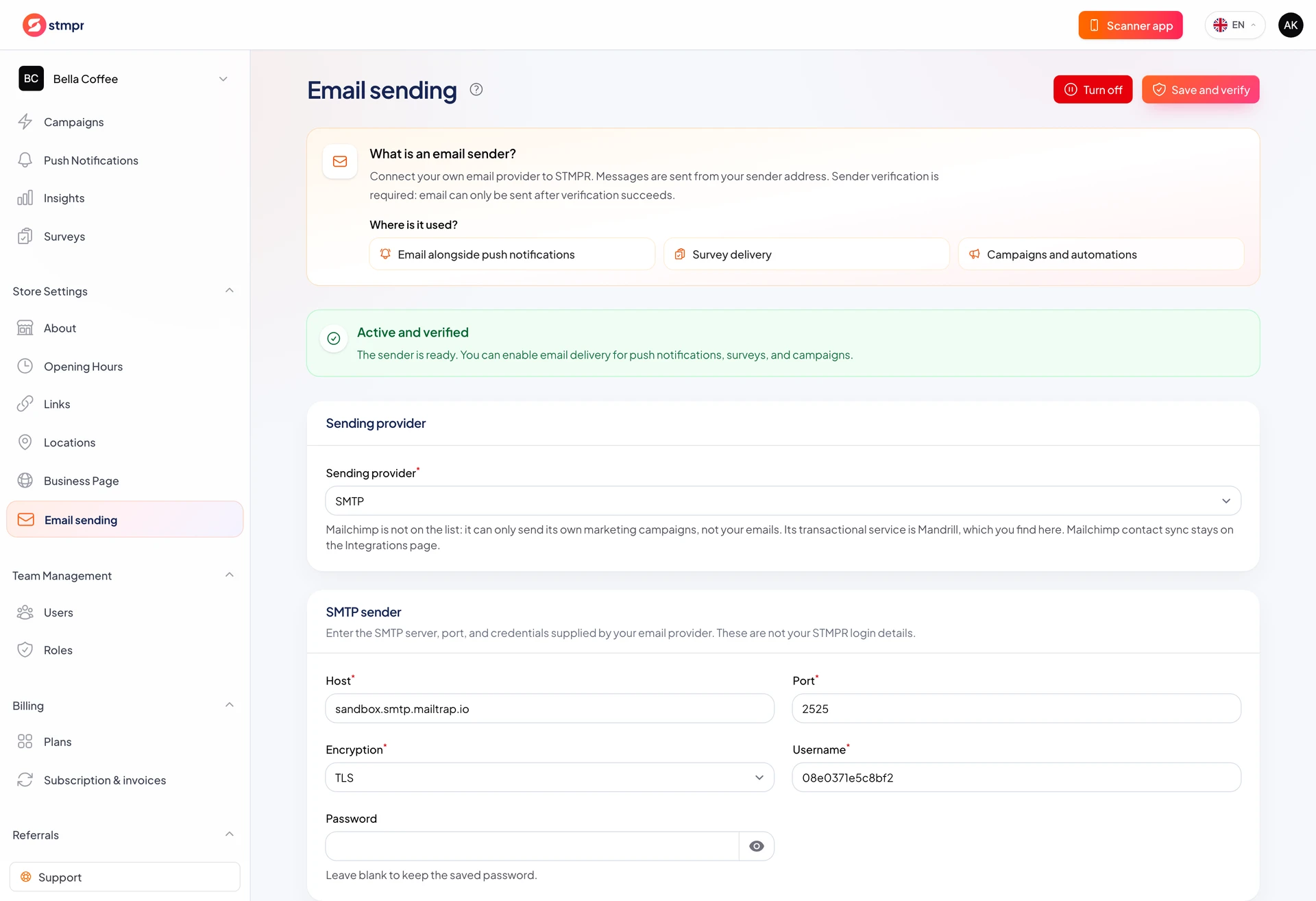
Step by step
- Open Email Sending in the dashboard.
- Choose SMTP, Mailgun, SendGrid, Postmark, Brevo, or Mandrill.
- Enter the provider credentials and the sender name, sender email, and optional reply-to address.
- Select Save and verify. Correct the provider or domain settings if verification fails.
- For API providers, copy the bounce and complaint webhook URL into the matching provider webhook settings.
- Use Turn off when you want to stop all customer email. Your settings stay saved and Turn on restores the verified connection.
What to check before sending
- The sender address or domain is verified at the provider.
- The selected loyalty card collects email addresses and the customer has given the required consent.
- Bounce and spam-complaint webhooks are configured when the provider supports them.
- The Excluded addresses list does not contain a recipient you expect to reach.