
Monthly sending quota
Manage the sending quota for your plan.
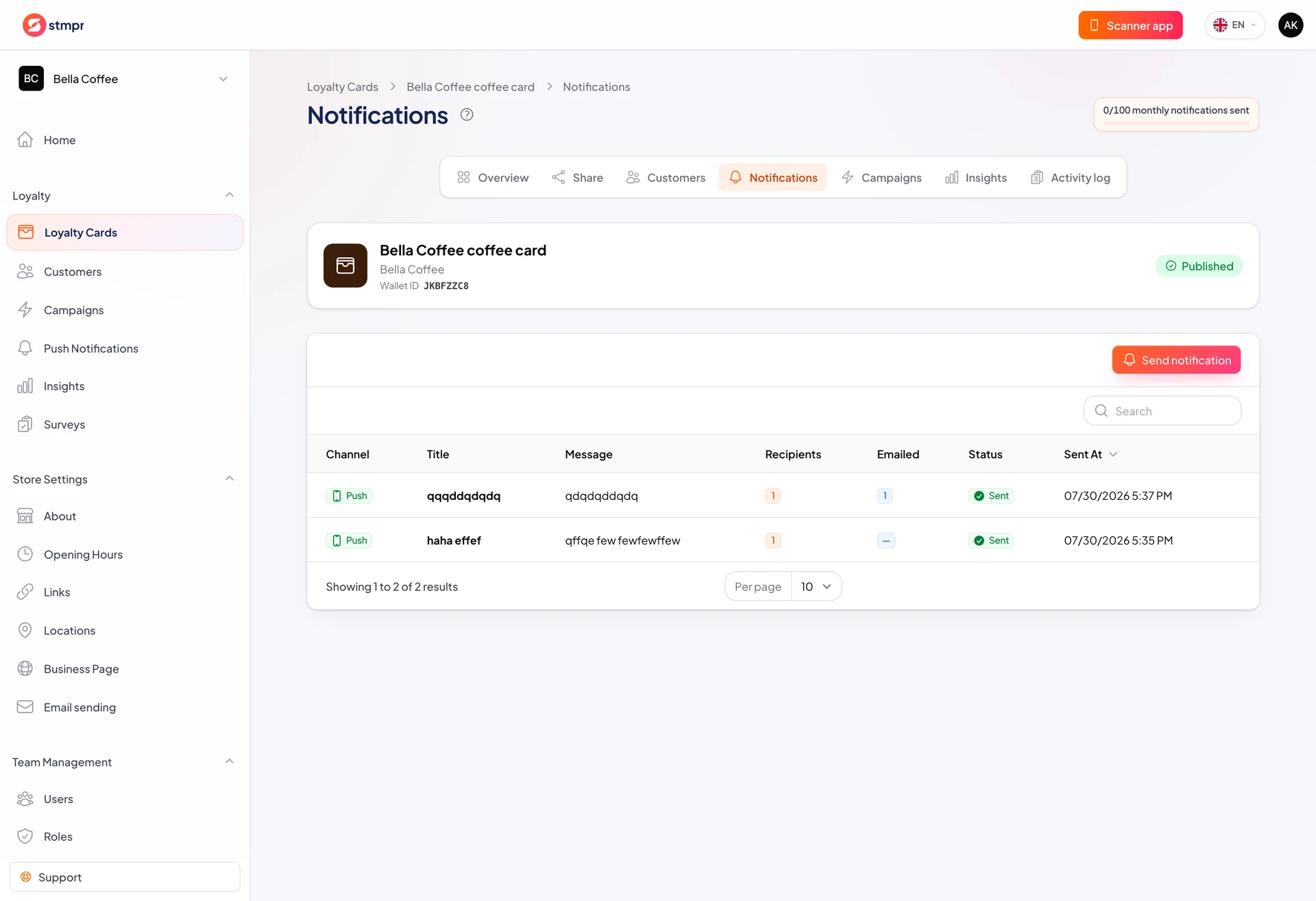
Your plan includes a monthly push allowance. The dashboard shows used and remaining sends. Check before large campaigns.
Quota is shared across all cards in the store and resets each month.
When quota runs out, wait for the next month or upgrade.
https://stmpr.io/dashboard/notifications · Quota
Why use this?
Planning avoids running dry mid-month.
One targeted send uses the same quota as a blast but performs better.
Higher plans include more sends for growing lists.
Step by step
- Review your plan under Billing.
- On Push Notifications check remaining quota.
- Each campaign counts as one unit regardless of recipient count.
- Prefer one strong targeted campaign over daily spam.
- Upgrade if you often hit the limit.