Availability
Available from the Start plan, with a monthly send allowance per plan.
Plans and pricingA stamp without a reminder is a stamp forgotten. Marketing emails rarely get opened, while a Wallet notification lands right on the lock screen, where it gets seen.
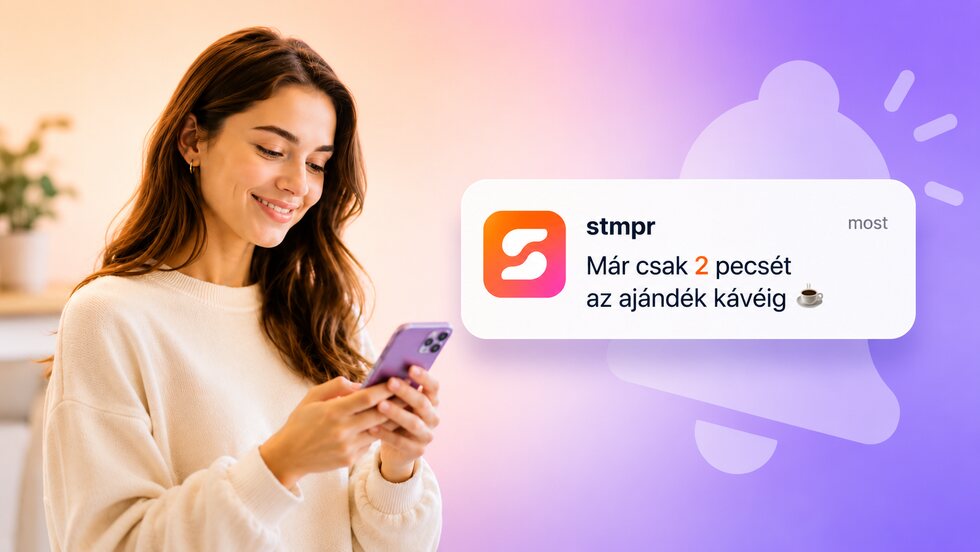
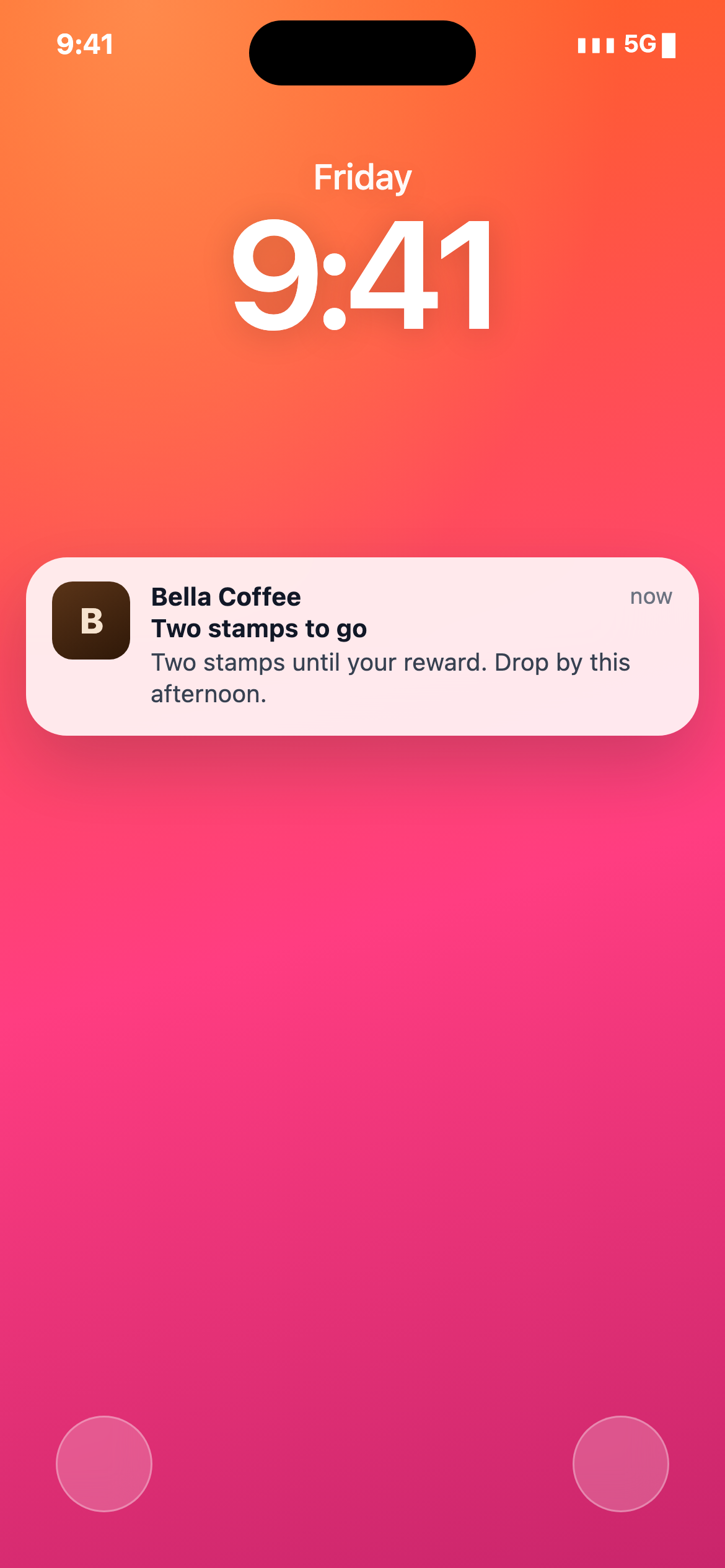
Remind guests when they are close to a reward, have not visited in a while, or when you have a current offer. The message reaches them through the saved Wallet card.
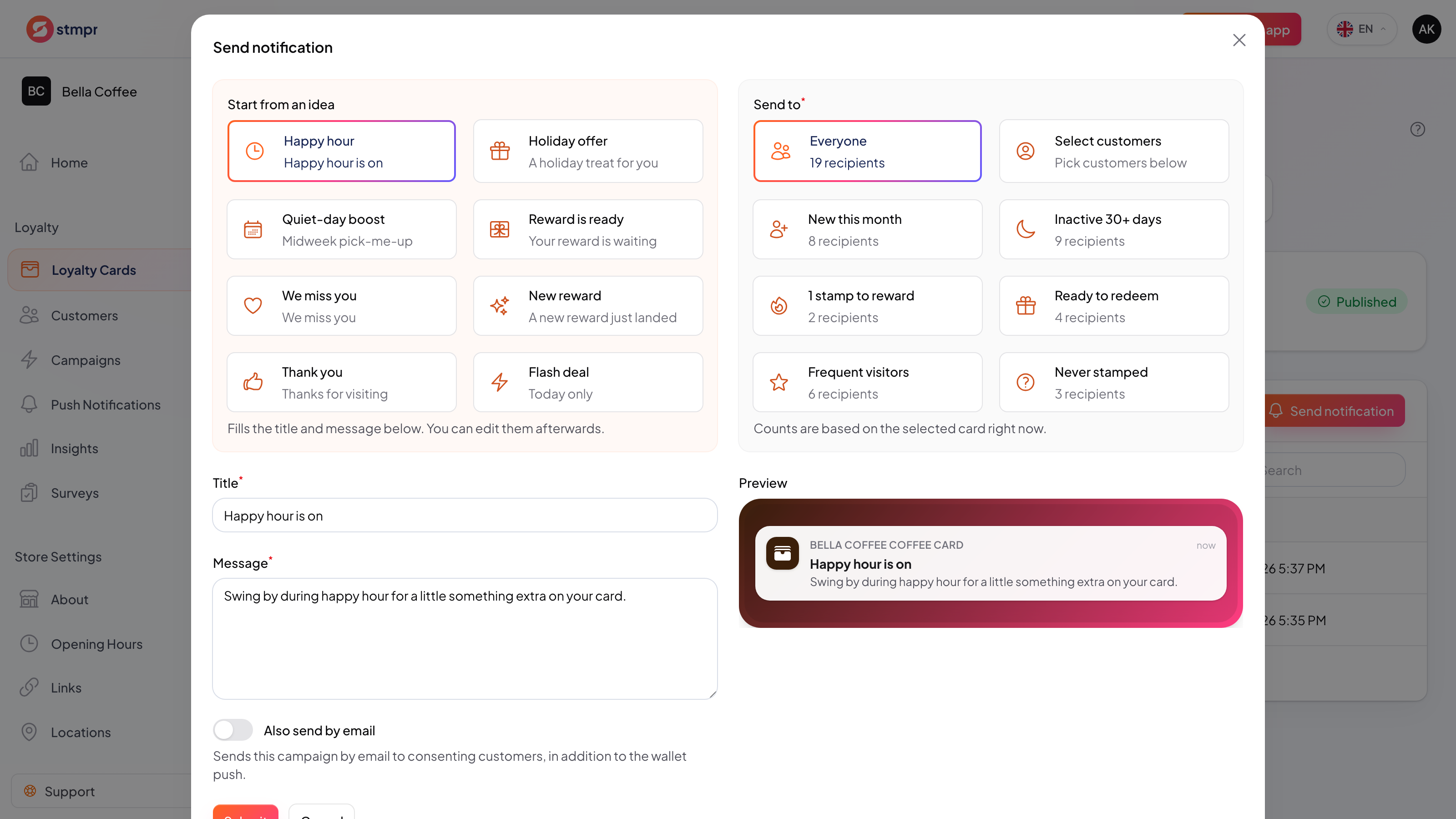
Pick who to reach: everyone, or a targeted group of guests.
Write a short message and, on paid plans, schedule when it goes out.
Your notification appears on the guest’s saved card.
Guests tap through the reminder and come back in.
Available from the Start plan, with a monthly send allowance per plan.
Plans and pricingGuests can join without giving an email, and you only collect the data you actually need. Personal details are never required to issue a card or add a stamp. No per-customer or per-scan fees, and guest limits depend on your plan.
Reach guests through the card they opted to save, with a message tied to a visit or reward.
| Area | Common workaround | stmpr |
|---|---|---|
| Contact data | Email and SMS require a separate address or phone number. | Wallet delivery can work through the saved pass without collecting an email address. |
| Context | A broadcast promotion is disconnected from the guest’s progress. | Messages can refer to a nearly completed card, an earned reward or inactivity. |
| Destination | The guest must find the offer after opening the message. | The notification leads back to the loyalty card carrying the current reward state. |
Short walkthroughs with screenshots from the knowledge base, in case you get stuck.
Create your first Apple and Google Wallet-based loyalty card and try stmpr free.
Try it free