
Public link and QR
Copy the link and download a QR code for the counter.
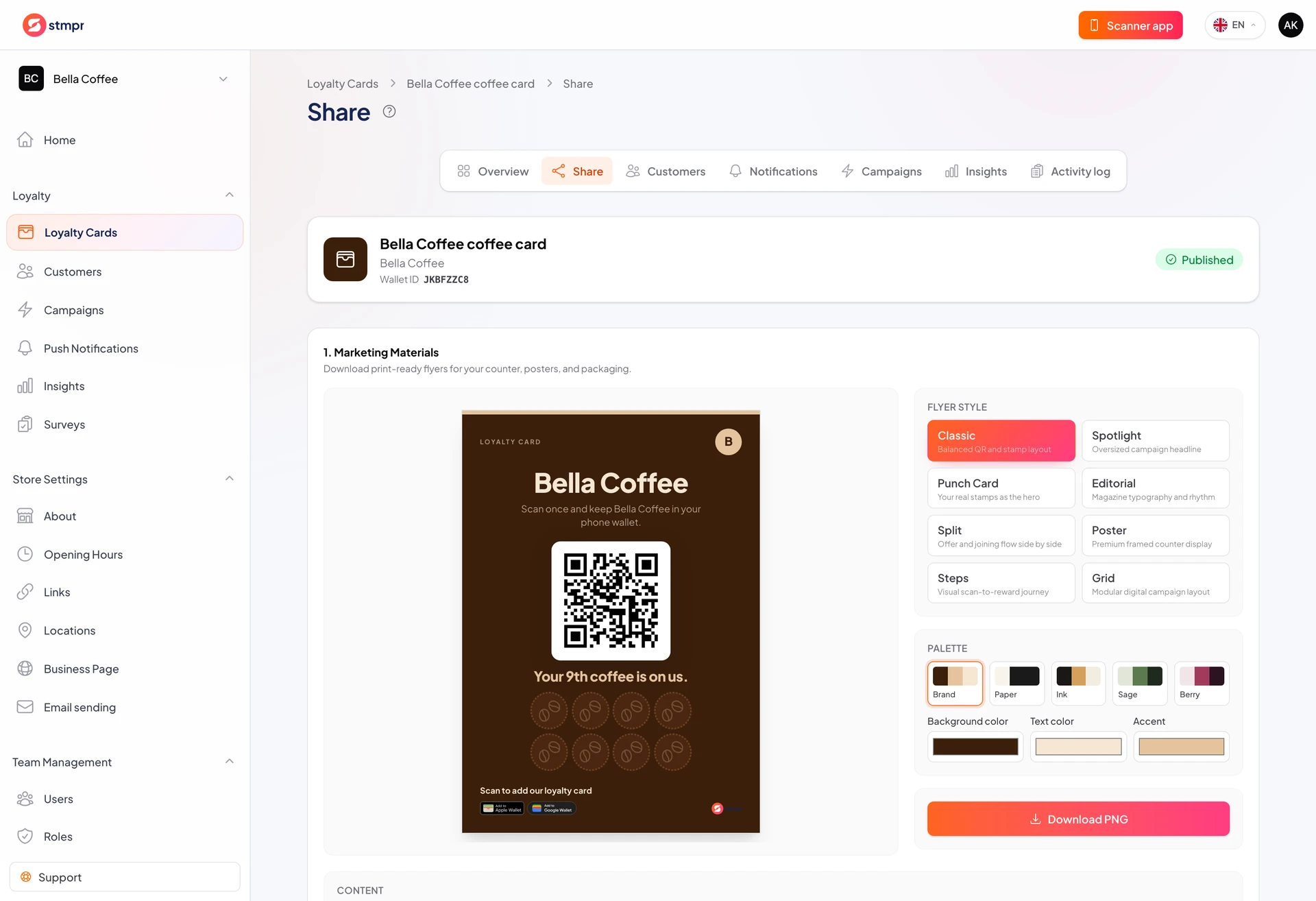
On the Share tab you get the public enrollment link and downloadable QR code. Put it at the counter, on tables, or on social media.
QR is the fastest in-store option: scan once and save to Wallet.
The link opens the same enrollment page in a browser.
https://stmpr.io/dashboard/wallets/{id}/share
Why use this?
Visible QR raises enrollment; customers do not hunt for a link.
Share the link in email, Instagram bio, or on your website.
Both paths lead to the same published card. There is no separate test link.
Step by step
- Open the card from Loyalty Cards.
- Click the Share tab.
- Copy the public URL with Copy link or download the QR image.
- Print the QR for the counter or tables.
- Add the link to social bios, your site, or email signature.
- Scan from another device before a big campaign.