
Update your payment method
Secure replacement of the bank card used for payment.
Update payment on the secure payment provider page. stmpr servers do not store full card numbers.
Update before expiry so subscription does not pause.
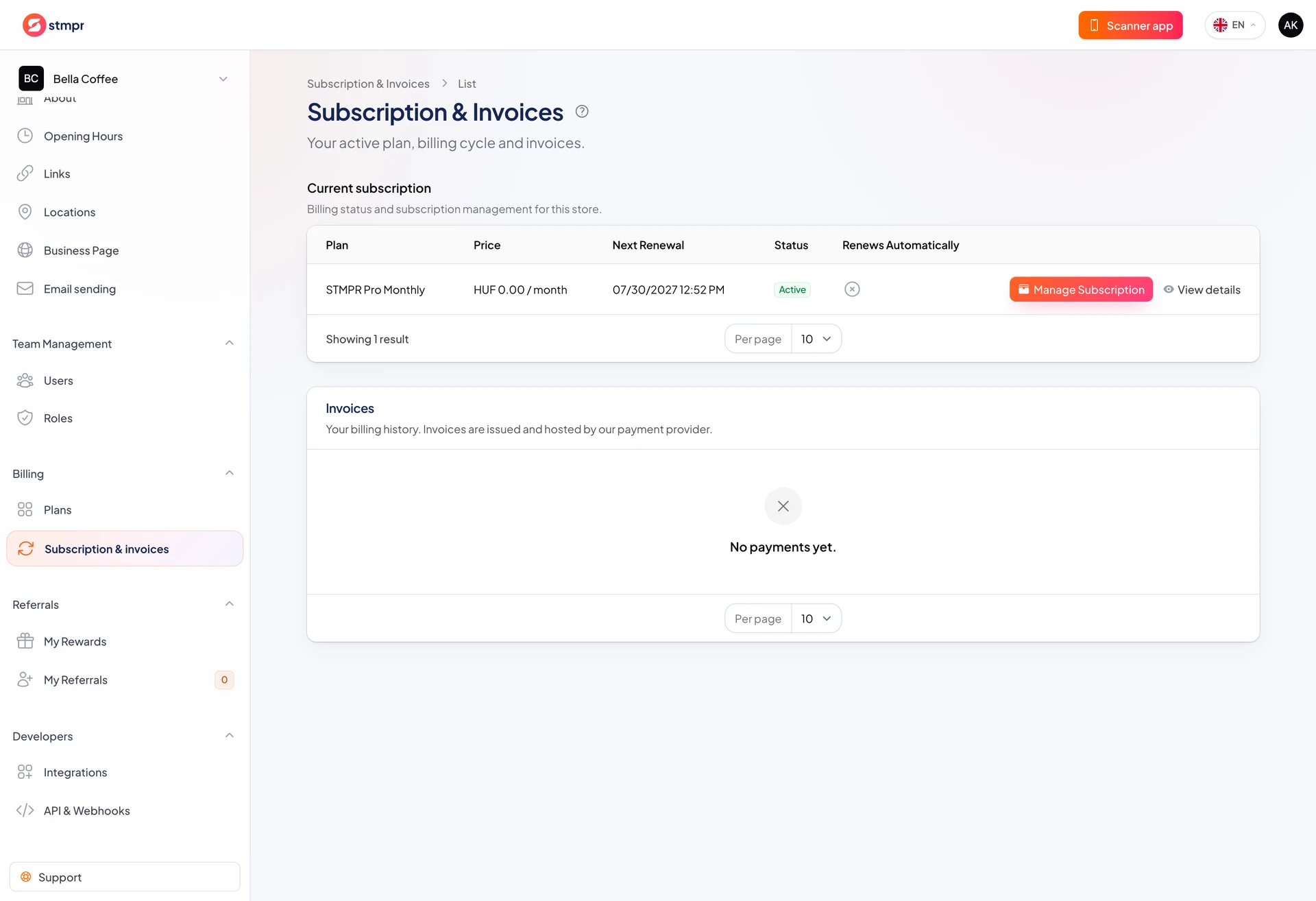
Start from Billing.
https://stmpr.io/dashboard/subscriptions
Why use this?
Failed charges can pause premium features.
Card data stays on the payment provider secure UI.
Takes only a few minutes.
Step by step
- Open Billing.
- Choose Update payment method.
- Enter new card details on the payment page.
- Save.
- Confirm subscription stays active.