
Links and extra text
Website, phone number and informative text on the card.
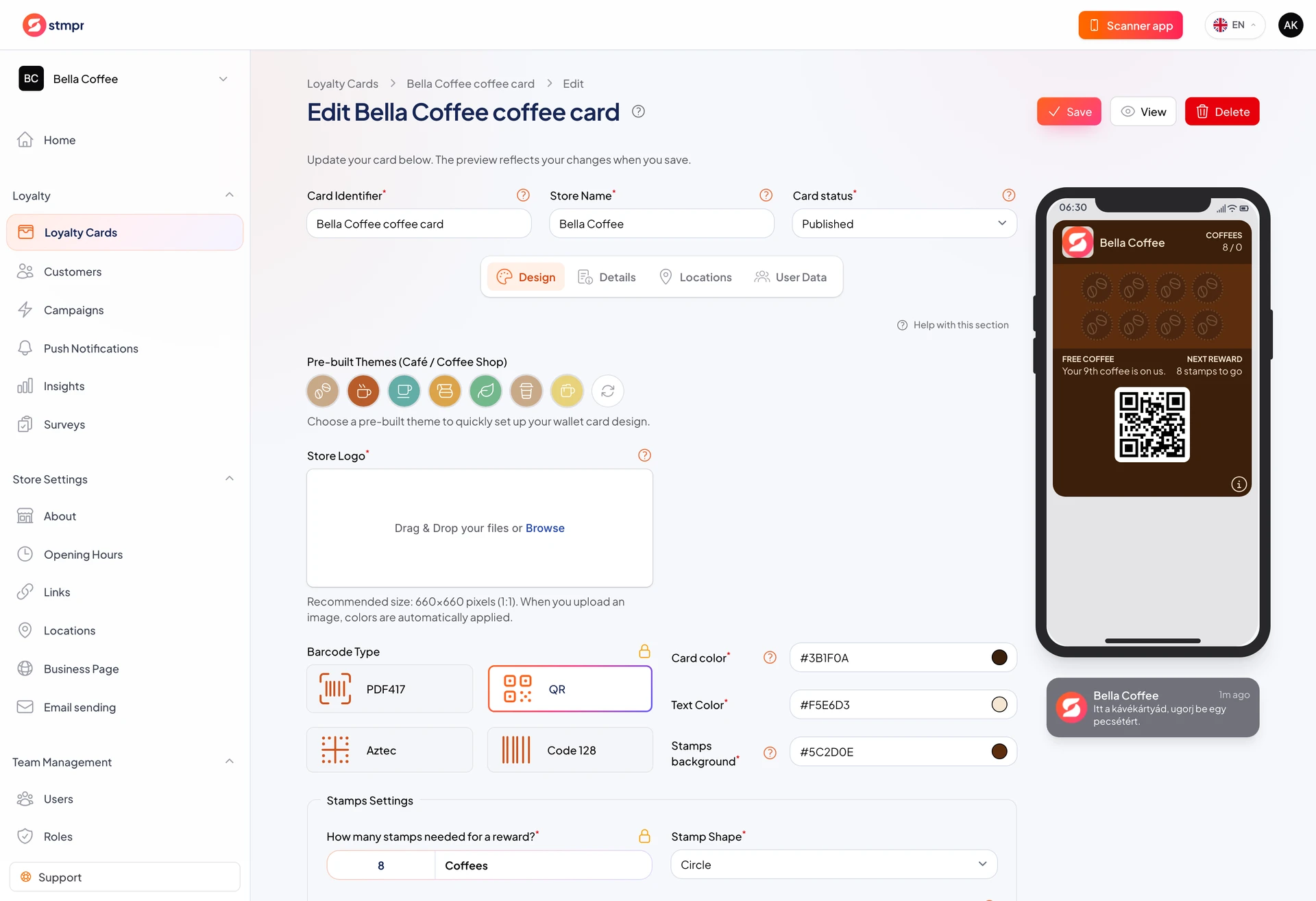
You can add tappable links (website, phone, email) and extra text blocks on the pass. Customers open them from Wallet in one tap.
This is useful for opening hours, parking, or booking details.
Links are configured in the Links section on the Details tab.
https://stmpr.io/dashboard/wallets/{id}/edit · Details
Why use this?
Customers ask fewer questions at the counter when answers are on the pass.
A website link can drive traffic, especially if online ordering is available.
A phone link is one tap to call, handy for bookings.
Step by step
- Open the Details tab in the card editor.
- Scroll to the Links section.
- Add a URL, phone number, or email with a clear label.
- Use the extra text field for opening hours or parking if needed.
- Test links on a phone before you publish.
- Save the card.