
Survey stamp reward and delivery channels
Choose Wallet and email delivery, plus stamps for completing.
Survey invites are created once per customer at activation.
Links may appear on Apple or Google Wallet pass details and, with consent, email.
Optional stamps reward the first completed response only.
https://stmpr.io/dashboard/surveys · Channels & rewards
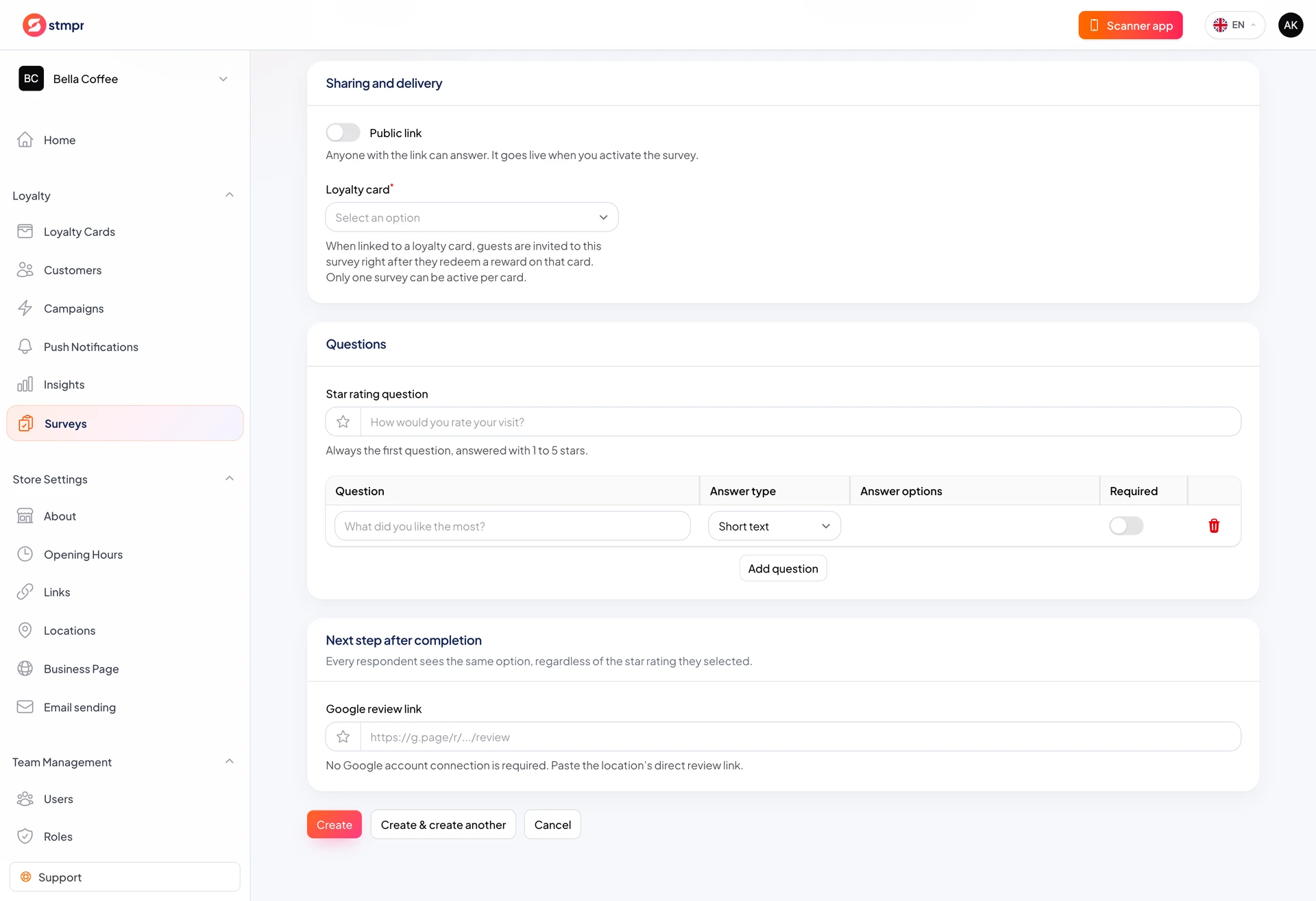
Step by step
- In Sharing and delivery choose Loyalty card for invited customers.
- Enable Wallet pass to show link on saved passes.
- Enable Email for customers with marketing consent.
- Set Stamp for completion count; zero means no stamp reward.
- Save and Activate; one-time invites queue immediately.
Delivery rules
- Wallet and email links belong to the same unique invite.
- Links do not expose raw customer or pass secrets.
- Reopening a completed invite shows done state; no double reward.
- Public link responses never earn stamps (not linked to a customer).
- Email sends only with address plus marketing consent.