
Roles and permissions
Who can see what, and who can do what.
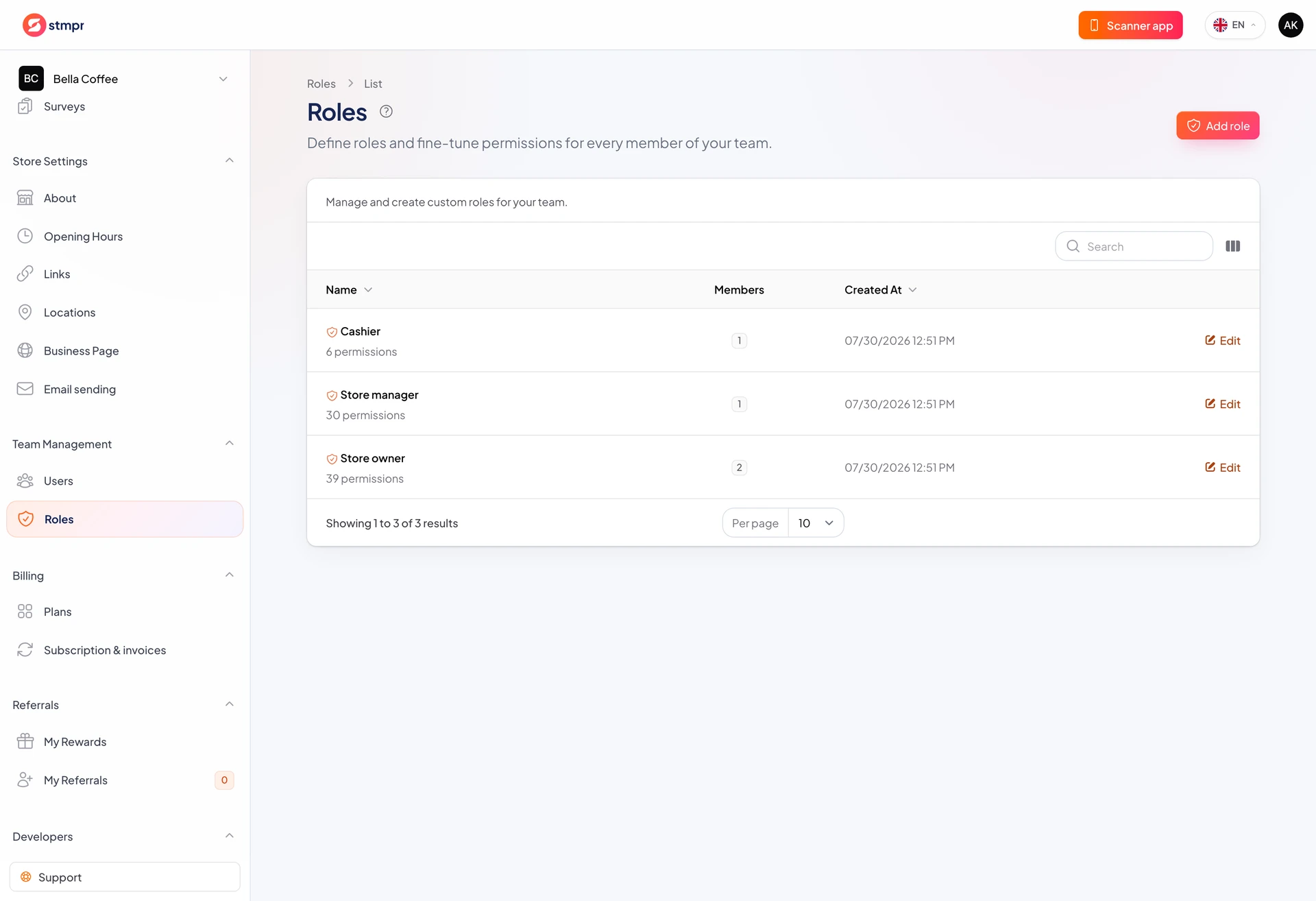
Roles bundle permissions: who edits cards, who stamps, who sees Billing.
stmpr includes preset roles and custom roles with fine-grained toggles.
Right roles reduce accidental edits and data exposure.
https://stmpr.io/dashboard/roles
Why use this?
Counter staff should not delete cards or view invoices.
Managers can run the program without changing subscription.
Owners keep full control: Billing, Team, archive.
Step by step
- Open Team, then Roles.
- Edit a member role or create a custom role.
- Review permissions: cards, customers, push, billing.
- Save changes.
- Ask them to sign in and confirm visible menus.
Typical roles
- Owner / admin: full access including Billing and Team.
- Manager: cards, Customers, push, reports, no billing.
- Staff: stamp, redeem, limited view, ideal for counter.
- Custom: pick exactly what is allowed.