
Shoprenter integration
Prerequisites, setup, field mapping, testing, and troubleshooting for the Shoprenter connection.
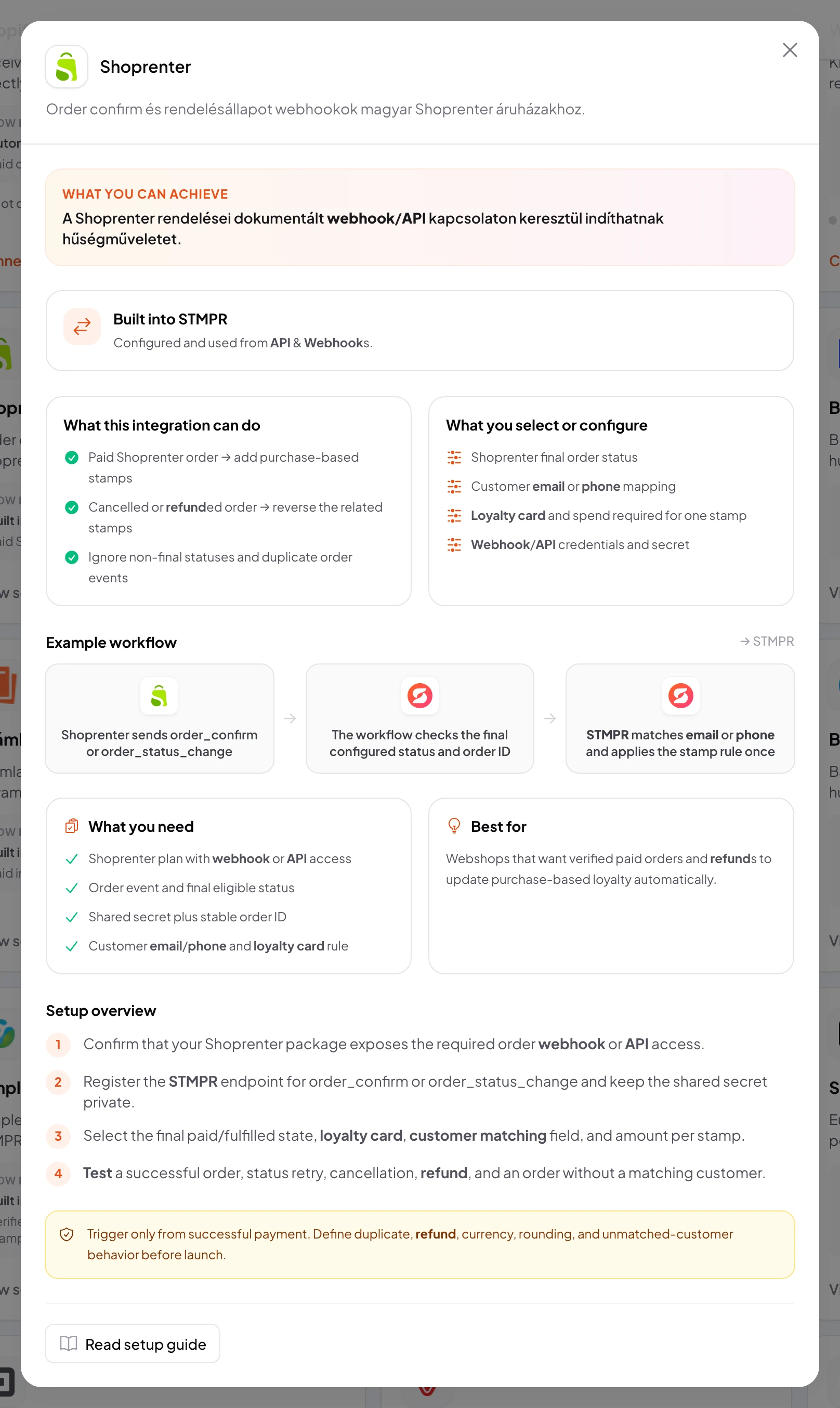
Use the Shoprenter integration to award the configured purchase stamps.
Data flows from the provider into stmpr.
Connecting the account does not activate a workflow by itself. Select the loyalty card, trigger, destination action, and customer matching rule separately.
Shoprenter · Admin
Image placeholder: Shoprenter: create the required access
https://stmpr.io/dashboard/integrations
Why use this?
Replace manual data transfers with a verified and observable workflow.
Idempotency prevents duplicate rewards, while consent gates protect marketing data transfers.
- 1A final paid order status
- 2Authentication, duplicate protection, and customer matching
- 3Award the configured purchase stamps
Step by step
- Prepare Shoprenter administrator access with API or webhook permission.
- Create the required API, OAuth, or webhook access in Shoprenter with the narrowest practical permissions.
- In stmpr, open API & Webhooks and create an API key or a webhook. Shoprenter has no Connect action, so the link runs through Zapier, Make or your own integration, and it needs a plan that includes API access.
- In Zapier or Make, build the scenario: the trigger fires at the provider, and the destination action calls the stmpr API.
- Configure customer matching in the scenario. Prefer email or phone; use a provider ID only as a stable secondary key.
- Run a test with a test customer, then deliver the same event again. Pass a stable event ID, or duplicate protection has nothing to work with.
- Test failed delivery, revoked access, a missing customer, cancellation or refund, and consent withdrawal.
- After activation, check the first live events in the delivery log. To disconnect, disable the scenario before revoking the API key.
What you select and verify
- Trigger: a final paid order status
- Action: award the configured purchase stamps
- Loyalty card, business, or location
- Customer matching and required fields
- Consent, refund, cancellation, and no-show rules
- Test data, duplicate protection, and delivery log