
Send and schedule push notifications
Create an instant or scheduled campaign.
Send a campaign now or schedule for later. Pick card, audience, and message before send.
Scheduling uses store timezone. Summary shows audience size and monthly quota impact.
stmpr checks consent and delivery channel per customer before queueing.
https://stmpr.io/dashboard/notifications · Compose + schedule
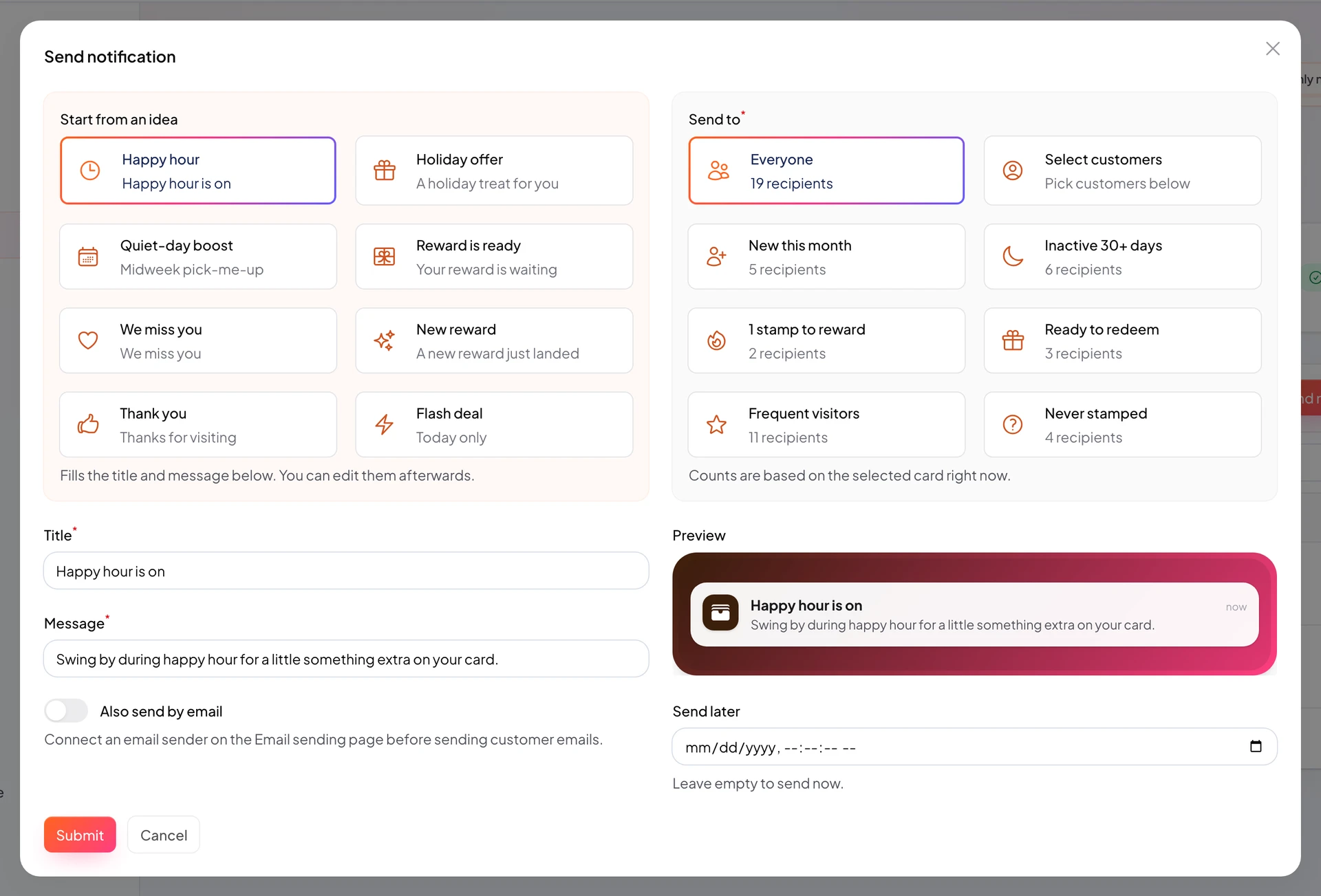
https://stmpr.io/dashboard/notifications · Audience preview
Image placeholder: Campaign review with estimated recipients
Step by step
- Open Push Notifications and choose New notification.
- Select card and audience.
- Write clear short copy and preview.
- Send now or pick future date and time.
- Review recipients, consent rules, and remaining quota.
- Confirm. Scheduled sends can be canceled until the scheduled time.