
Share a public survey link
A fillable link, QR code, and Business Webpage placement.
Anyone can complete a public survey via link without a loyalty card or signup.
Reach customers who never joined a program: table tent, receipt, or social bio.
Public responses do not earn stamps because they are not tied to a customer record.
https://stmpr.io/dashboard/surveys · Public link
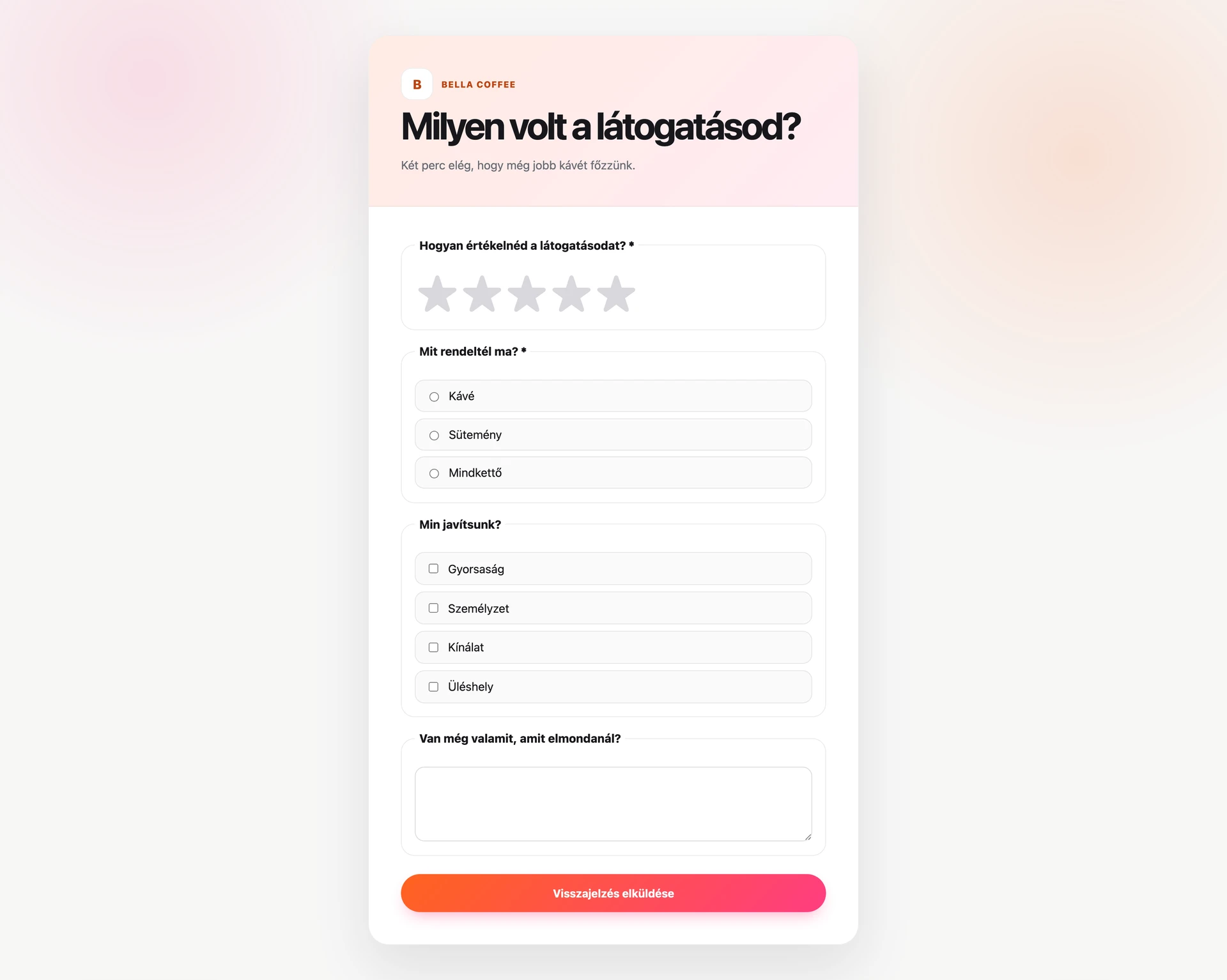
Step by step
- In editor Sharing and delivery enable Public link and save.
- Activate the survey; link works after activation.
- Copy with Copy public link and share where customers see it.
- To show on Business Webpage, enable Surveys section in page editor.
- Responses appear with source column (public vs invite).
Watch for
- Only active surveys accept public responses.
- One submission per browser session reduces ballot stuffing.
- Hidden fields and timing filter bots automatically.
- Pick a loyalty card if activation should also invite card customers.