
Manage multiple locations
Multiple addresses for one or more cards.
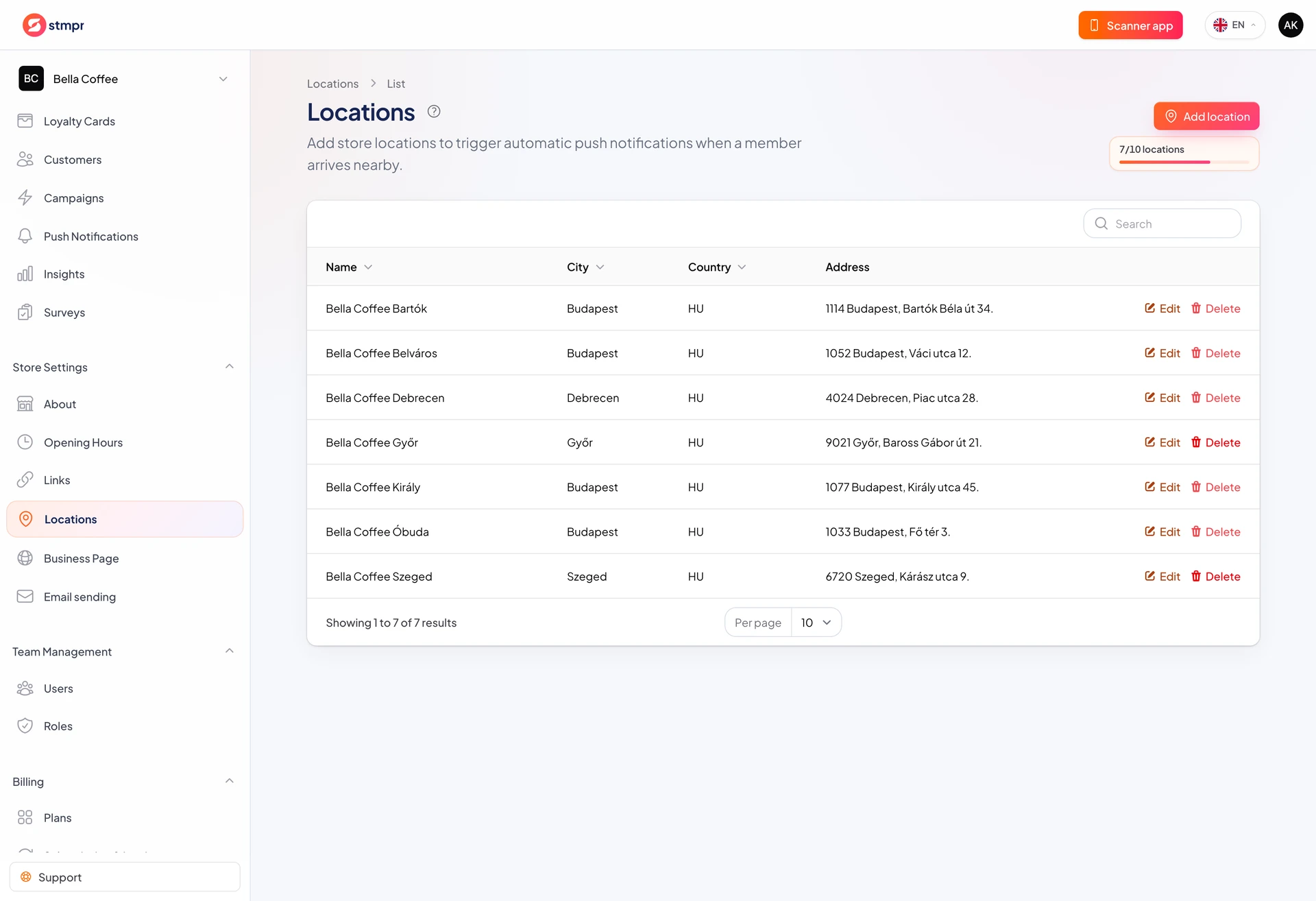
With several branches, use one location record per address. One card can cover many locations or each branch can have its own card.
Pick the model that fits: unified program everywhere or different rewards per site.
https://stmpr.io/dashboard/locations
Why use this?
One card, many addresses: simple customer experience, one reward.
Card per branch: flexible rewards and stamp counts.
Location reporting shows which store performs best.
Step by step
- Create all locations in Locations.
- Decide one multi-location card or one card per branch.
- Attach locations to card(s).
- Configure nearby reminders per location if needed.
- Train staff which card to use at which branch.
Common setups
- One card, many locations: stamp at any branch.
- Card per branch: franchise-style different offers.
- Scanner can record location per stamp for branch reports.