
Quick or detailed setup
Which setting mode is right for you at startup.
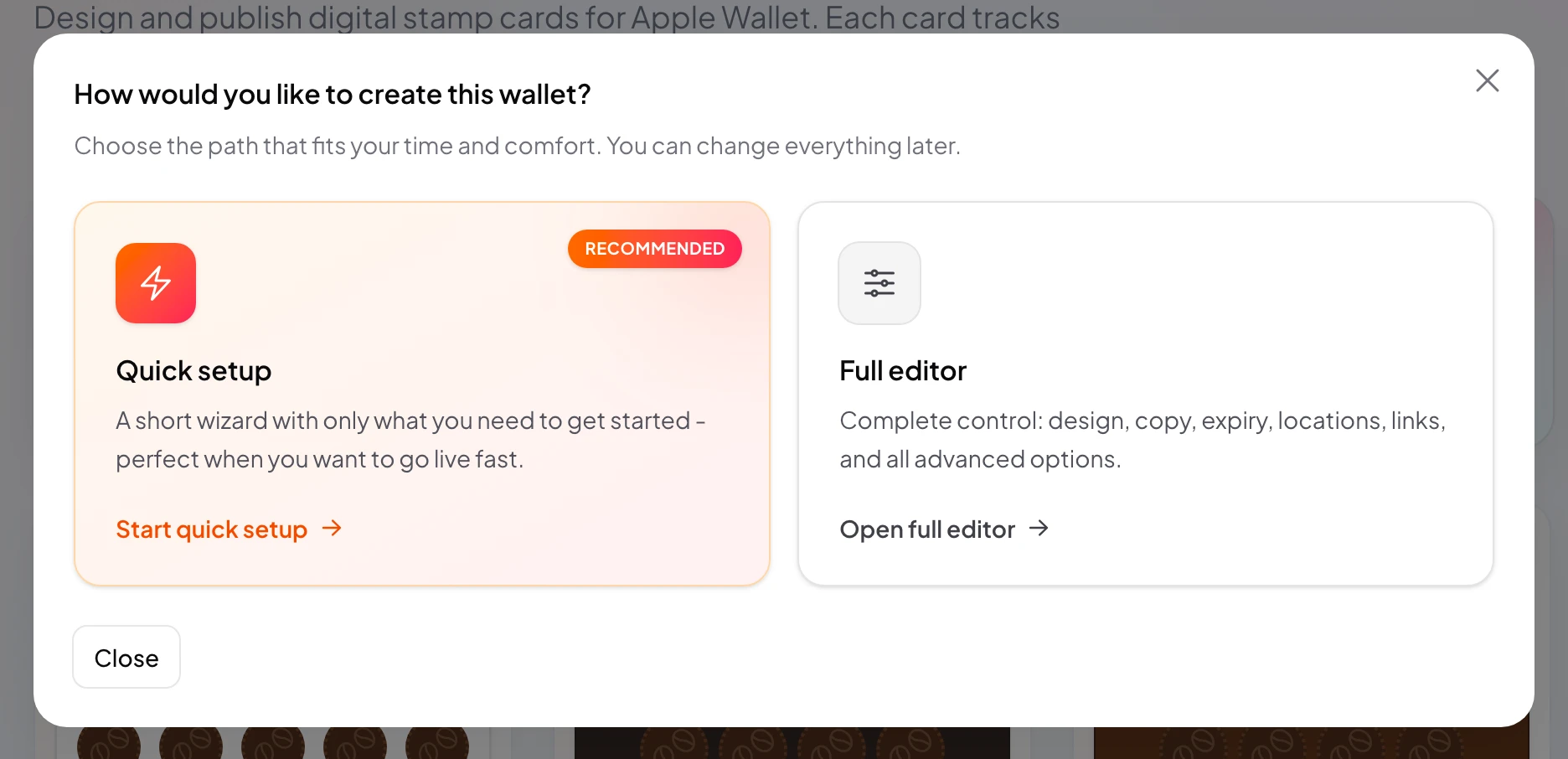
You can start a new loyalty card in stmpr in two ways: Quick setup or Full setup. Both lead to the same card editor, but with a different starting point.
The quick path gets a live-ready program in minutes with default copy. The full path offers more customization, including customer data collection.
You do not need to decide everything up front. After quick setup you can still complete the card in the editor.
Why use this?
Quick setup is ideal when you want to try the program with customers today and refine later.
Full setup is worth it when you already know which data to collect at enrollment (email, birthday, and so on).
Both paths give the same publish and share options. The difference is how detailed you start.
Step by step
- Go to Loyalty Cards and click New card.
- Choose Quick setup for a fast start: three tabs (Design, Details, Locations) are available.
- Choose Full setup if you also need the Customer data tab.
- Complete the wizard steps, then save as a draft.
- After the wizard, the card editor opens. Fill in anything missing anytime.
- Test enrollment on your own phone before you publish.