
First push message
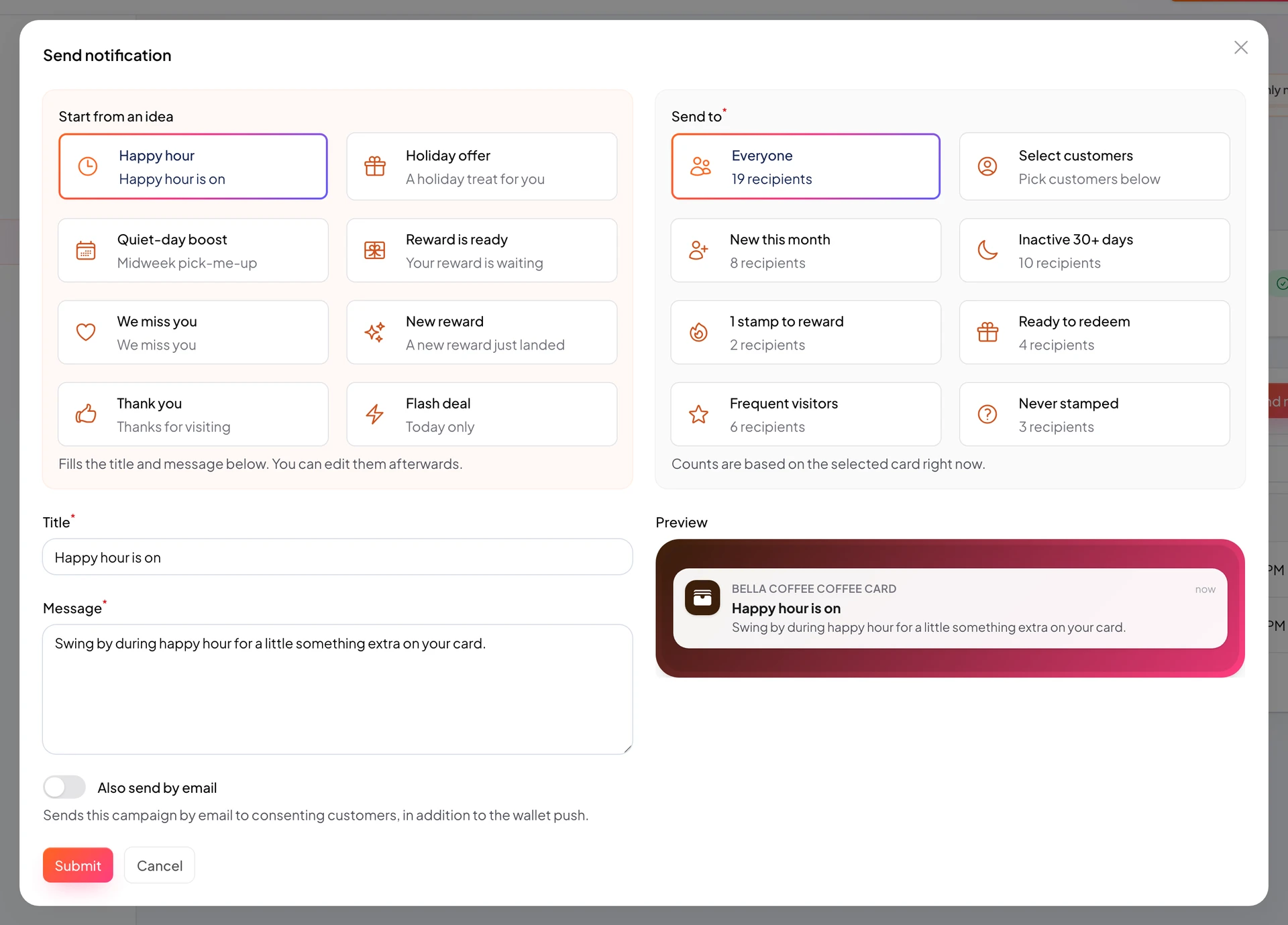
Send your first Wallet notification.
Push messages land on the customer Wallet pass, visible on the lock screen, without building an app.
Start from Push Notifications or the card notifications tab.
Keep copy short and concrete: what they get, until when, where to redeem.
https://stmpr.io/dashboard/notifications · Compose
Why use this?
Push is a direct channel on the Wallet pass with strong open rates.
Targeted messages beat mass spam (for example inactive customers).
Reminder pushes raise redemption and return visits.
Step by step
- Go to Push Notifications or the card push tab.
- Click New notification or Send.
- Pick card and audience.
- Write a short title and body.
- Check monthly quota before send.
- Send and test on your own saved pass.