
External API and API keys
Secure connection to POS and other external systems.
Use the stmpr API to connect a POS, ecommerce backend, or your own server-side application. You can read loyalty data, find customers, issue stamps, redeem rewards, and enroll customers.
API keys belong to the store rather than one loyalty card. Every request supplies the relevant Wallet ID and, when needed, Customer ID.
Treat an API key like a password. Create the least powerful key that works, store it in a server-side secret manager, and revoke it immediately if exposed.
https://stmpr.io/dashboard/developers
https://stmpr.io/docs/api
Image placeholder: API documentation showing an add-stamp request and complete success response
- 1Your server or POS
- 2Authenticated stmpr API request
- 3Customer loyalty record updated
Step by step
- Open Developers, then API & Webhooks.
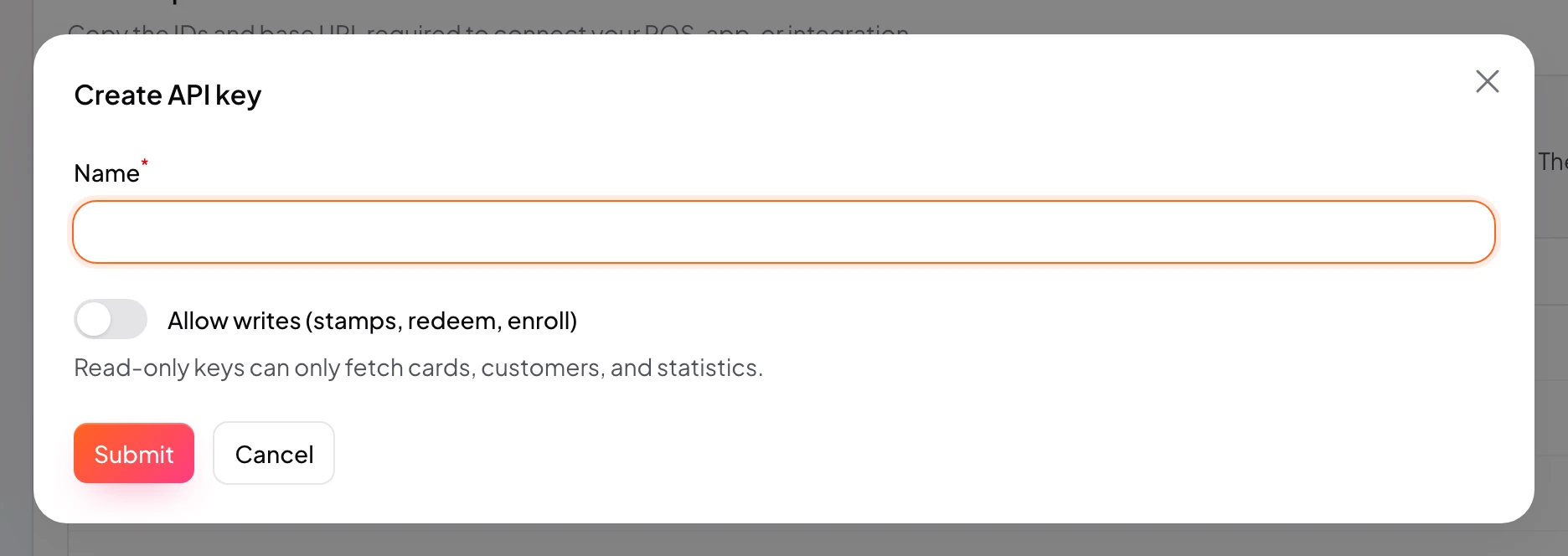
- Create a named API key and enable write access only if the integration must change loyalty data.
- Copy the Wallet ID from API setup and the Customer ID from the customer detail page.
- Send the key as a Bearer token from a server-side environment.
- Use a unique idempotency key for every write operation so retries cannot duplicate stamps or redemptions.
- Test successful, invalid-ID, unauthorized, validation, and repeated-request responses before launch.
Before going live
- Never put an API key in browser JavaScript, a Shopify theme, or a mobile app.
- Keep separate keys for separate systems so one connection can be revoked safely.
- Log the request reference and stmpr response, but never log the full API key.
- Handle 4xx validation errors separately from retryable network or 5xx failures.