
Store settings
Update your profile, logo and address at any time, even after launch.
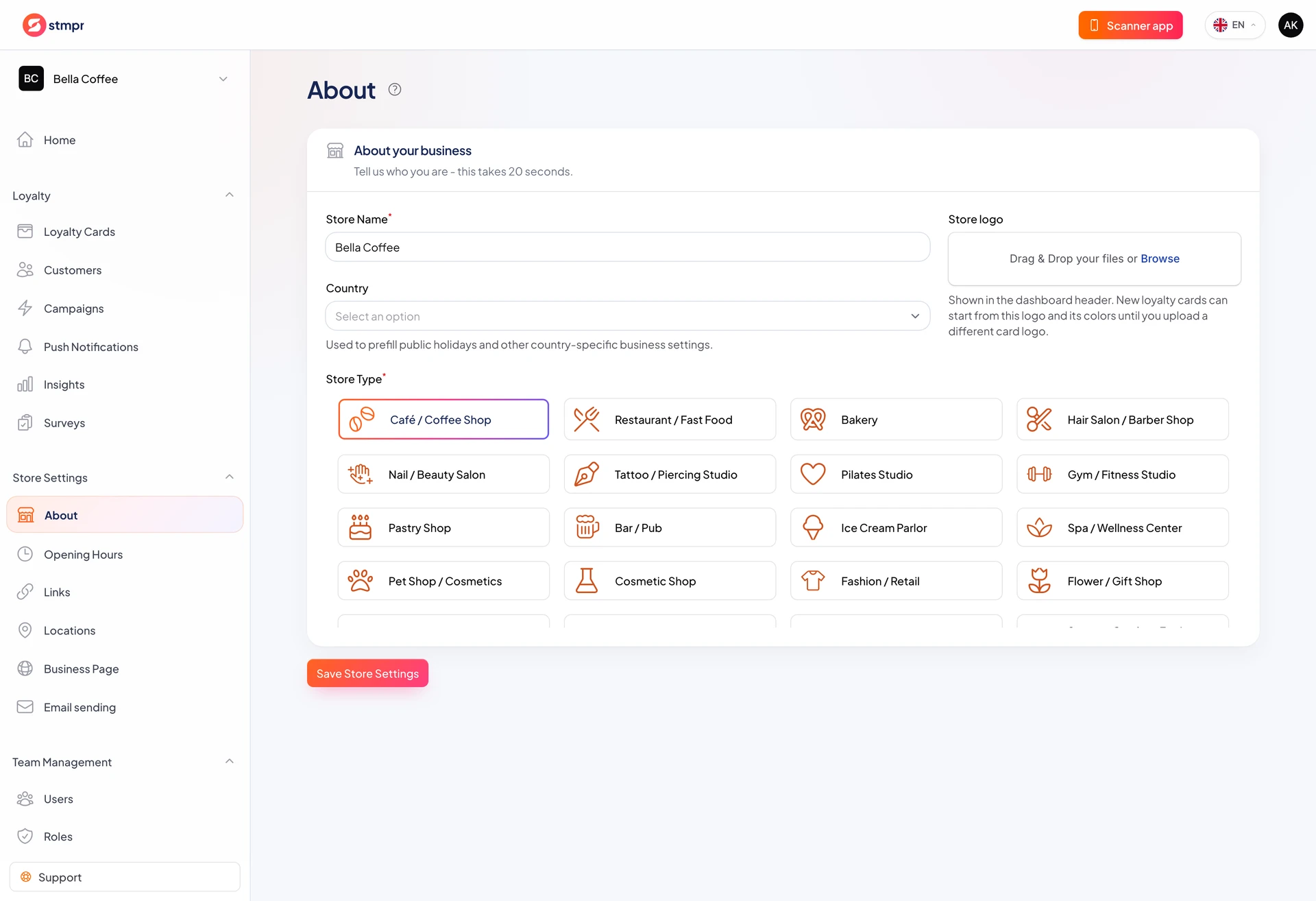
In Store Settings you update your store profile: name, logo, business type, and address. These affect card appearance and template suggestions.
This is also where details used for billing or public presence live.
You can change settings anytime, not only during onboarding.
https://stmpr.io/dashboard/store-about
Why use this?
When your brand name or logo changes, update it once here, then refresh your cards from there.
Accurate address details help with location management and bookkeeping.
Your team sees this store name on the dashboard and in the scanner app.
Step by step
- Click the top-right profile menu and choose Store Settings.
- Edit the store name, website, and logo.
- Change the business type if your profile has changed.
- Add or update address details if needed.
- Click Save to apply the changes.
- Open your published cards and check the preview after a logo change.