
Apple and Google Wallet card recovery
Re-save a lost or deleted card.
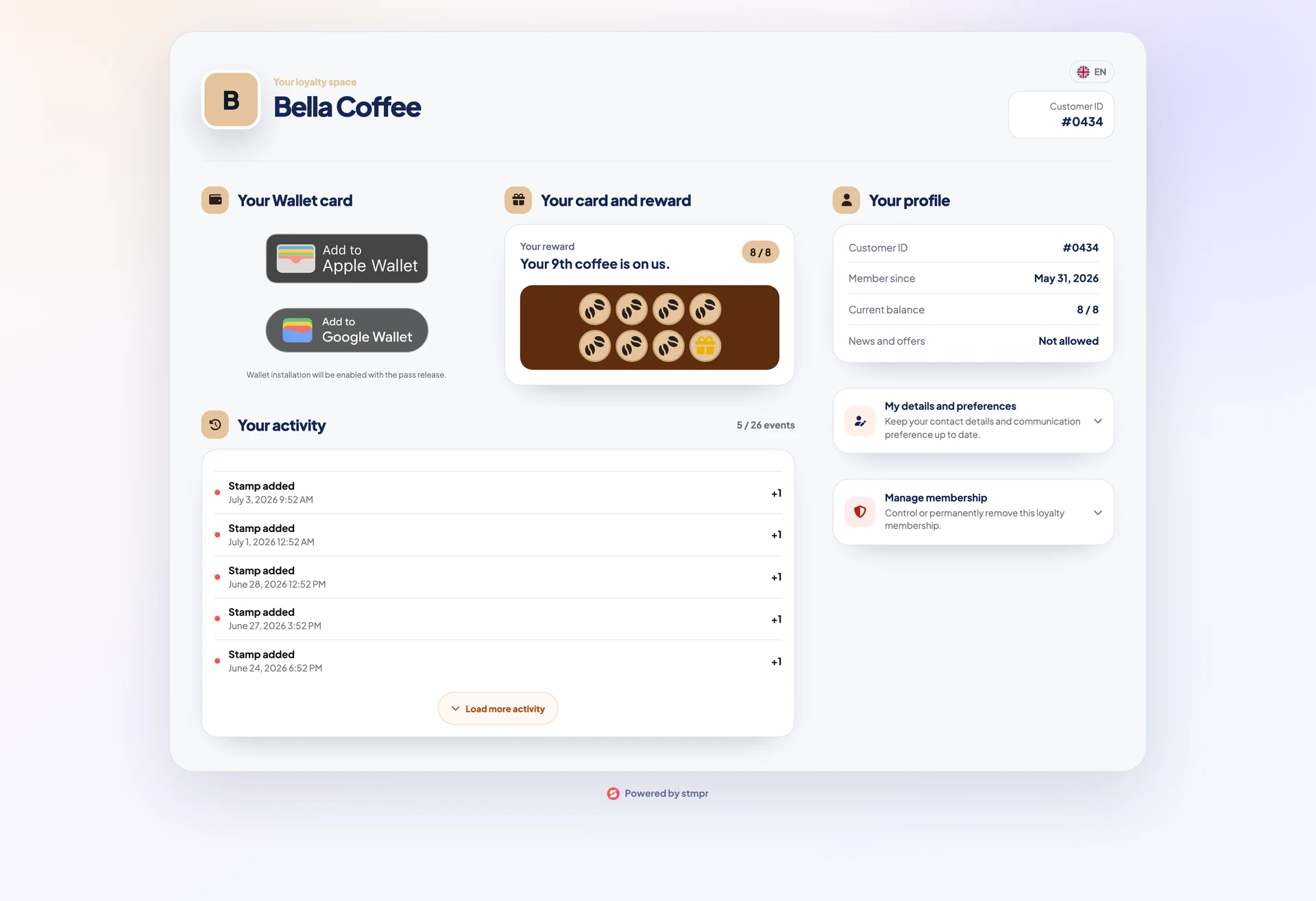
If a customer deleted the pass, changed phones, or wants it in another Wallet app, they do not need a new enrollment.
Their secure personal link always opens the current stamp count. They can save again to Apple or Google Wallet.
Recovery does not reset stamps or create a duplicate customer.
https://stmpr.io/w/{wallet}/{token} · Portal
Step by step
- Open the original link from email, message, or saved bookmark.
- If lost, find the customer on the dashboard and resend the personal link.
- iPhone: Add to Apple Wallet; Android: Add to Google Wallet.
- Confirm save and verify stamp count.
- On phone swap, remove old pass copies if still accessible.