
Set up data collection
Email, name, and custom fields.
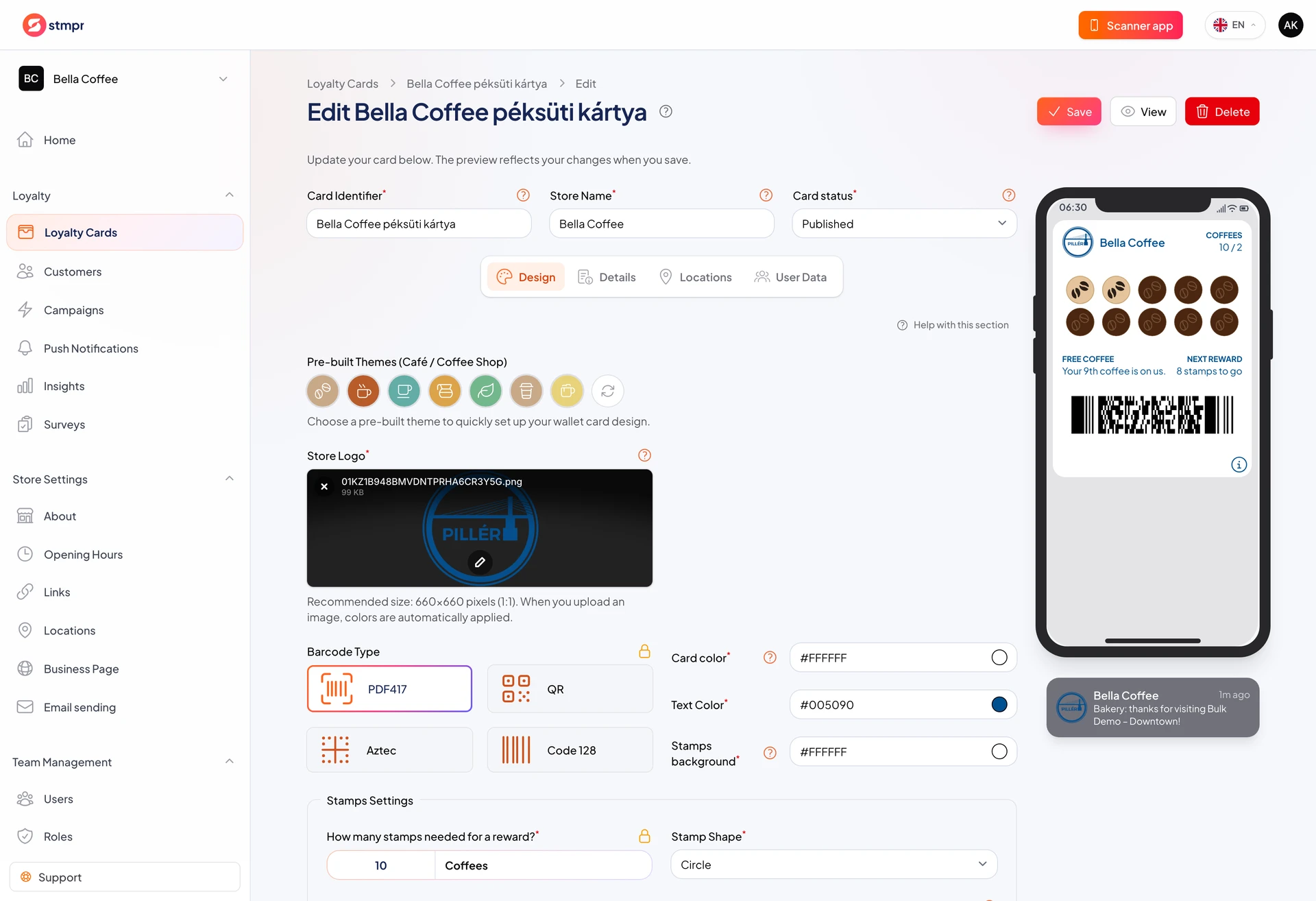
On the Customer data tab you choose whether to ask for email, name, or custom fields at enrollment. The program works without email too.
The free plan can collect name and email. Custom fields start on Bronze.
This tab is part of Full setup and stays available in the card editor later.
Fewer fields mean faster enrollment. Only ask for data that is worth the friction.
https://stmpr.io/dashboard/wallets/{id}/edit · Guest data
Why use this?
Email enables contact beyond push (for example a newsletter).
Custom fields (birthday, favorite drink) personalize the experience.
Correct marketing consent wording matters for GDPR.
Step by step
- Open the Customer data tab in the card editor.
- Turn collection on or off according to your plan.
- Mark required fields (name, email).
- Add custom fields if your plan allows it (for example birthday).
- Write marketing consent text if you request opt-in.
- Test enrollment and check the form customers see.
- Save the settings.