
Send a registration link to the guest
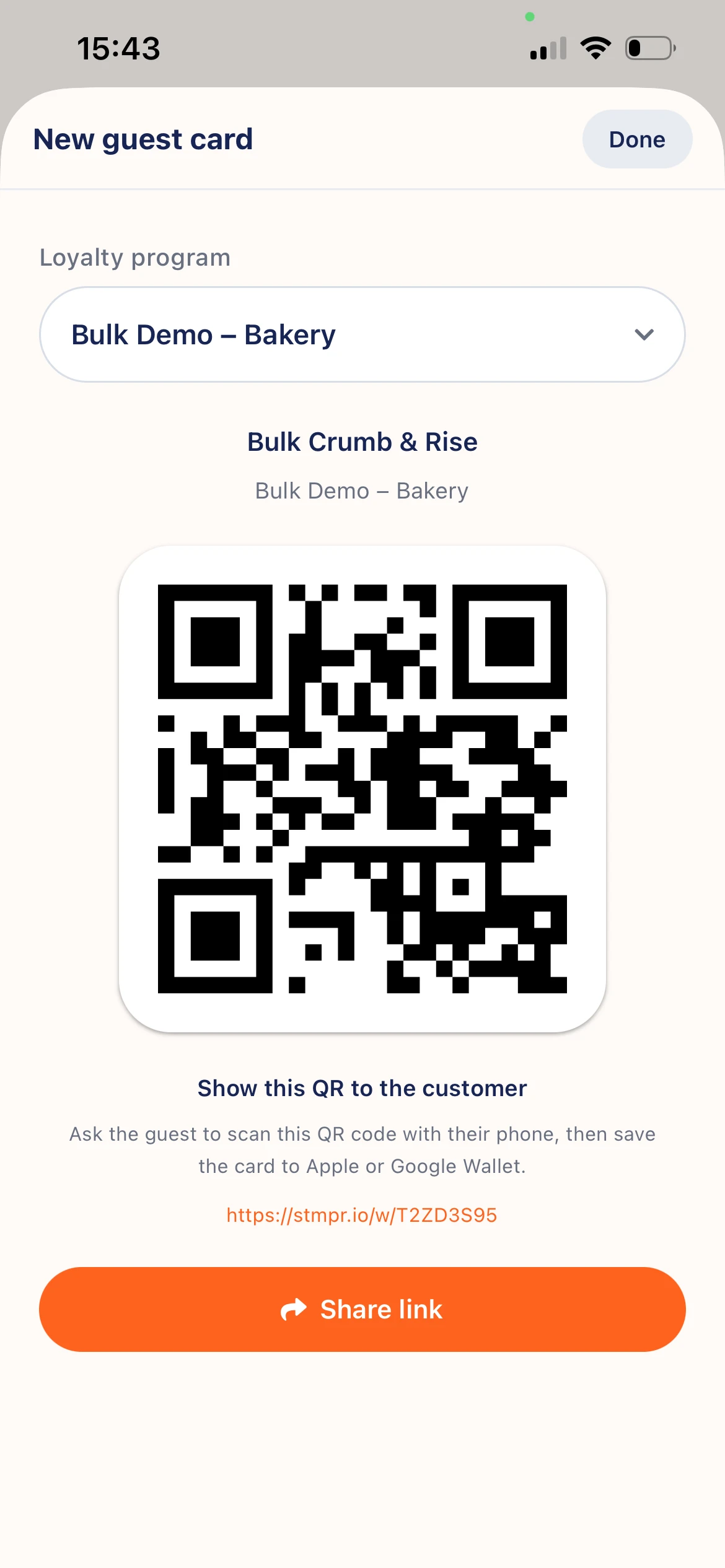
Share a join link by SMS or email at the counter.
If the customer has no phone handy or cannot scan QR, send the enrollment link directly.
In New customer share via the phone share sheet (message, WhatsApp) or enter email or phone.
They open the link and save to Apple or Google Wallet like a QR scan.
Scanner app · New guest
Why use this?
No one misses enrollment because the camera failed or the phone stayed in a bag.
Sharing at the counter takes seconds. They finish on their device.
Use message or email, whichever suits the customer.
Step by step
- Open New customer in the scanner app and select the loyalty program.
- Tap Share link and pick an app (message, WhatsApp, email).
- Or enter email or phone and send.
- For email or SMS your app opens with the link prefilled. Send it.
- The customer taps the link, enrolls, and saves the pass.
When it helps
- Customer has no phone now but wants to join later.
- Camera or QR scan fails.
- Customer prefers the link by email to save calmly.