Availability
Team size depends on the plan. Custom roles are available on higher plans.
Plans and pricingA shared password hides who changed a card or issued a reward. stmpr gives each person an account and lets you separate owner, manager and counter responsibilities.
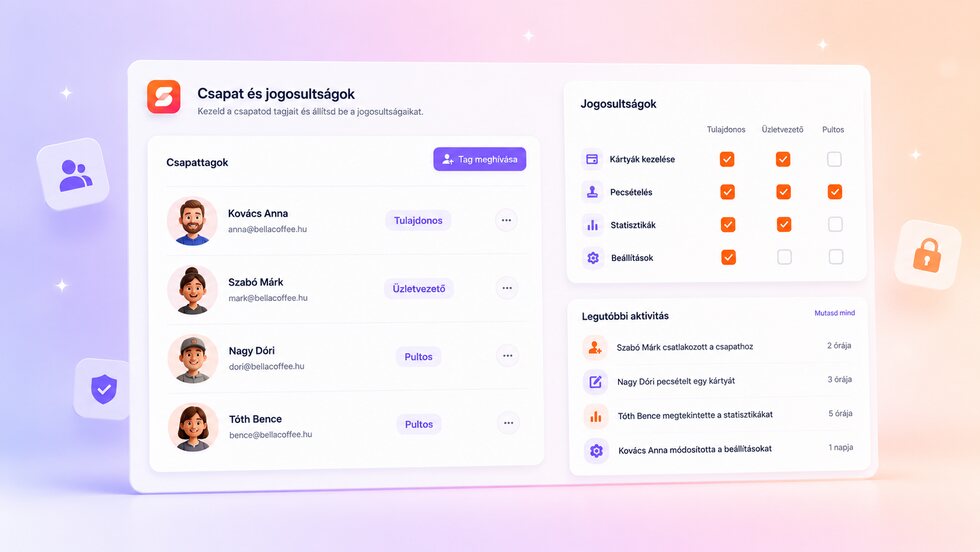
Give owners, managers and counter staff the access they need, with individual accounts and a clear activity trail.
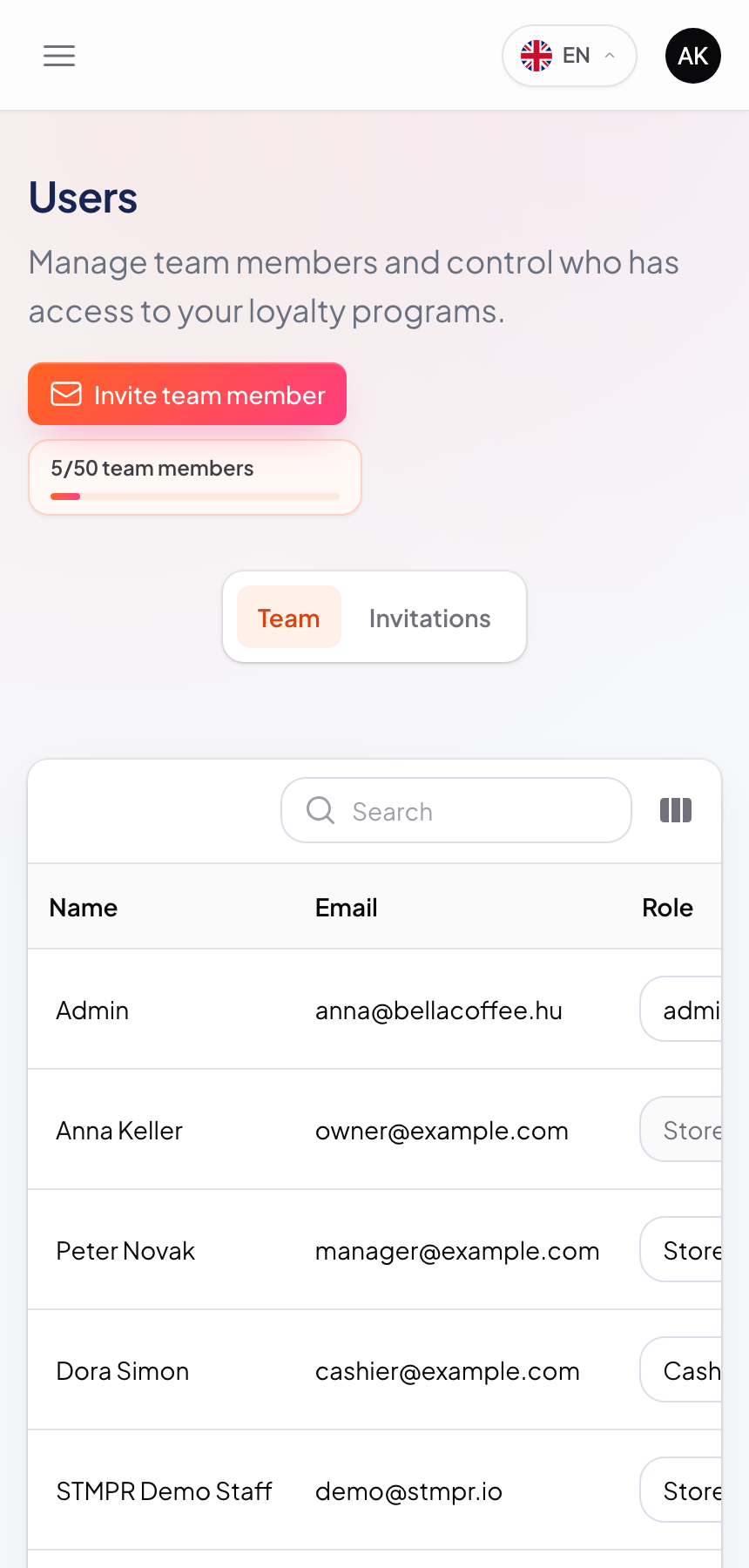
Invite a teammate by email.
Choose a built-in role or tailor permissions.
The teammate signs in with their own account.
Review team activity and adjust access whenever responsibilities change.
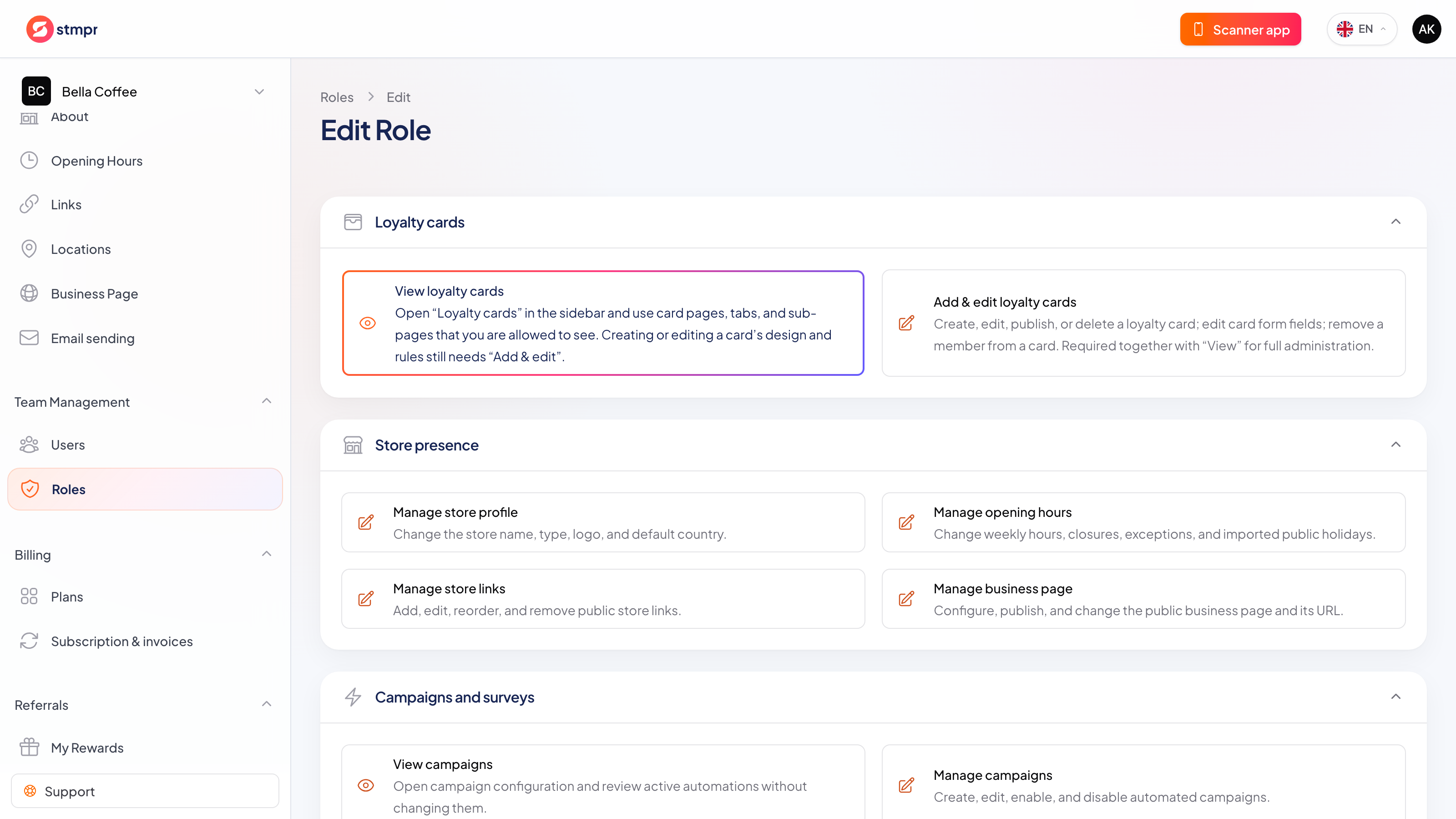
Team size depends on the plan. Custom roles are available on higher plans.
Plans and pricingGuests can join without giving an email, and you only collect the data you actually need. Personal details are never required to issue a card or add a stamp. No per-customer or per-scan fees, and guest limits depend on your plan.
Individual accounts make daily work safer and easier to trace.
| Area | Common workaround | stmpr |
|---|---|---|
| Sign-in | The team shares one password. | Every teammate uses an individual account. |
| Access | Anyone signed in can change everything. | Roles separate counter work, management and ownership. |
| Accountability | Actions cannot be tied to a person. | The activity log records the teammate behind the action. |
Short walkthroughs with screenshots from the knowledge base, in case you get stuck.
Create your first Apple and Google Wallet-based loyalty card and try stmpr free.
Try it free