Availability
Targeted audiences and automated campaign presets are available according to plan limits.
Plans and pricingThe same message is rarely useful to a new member, a frequent regular and someone who has disappeared. Targeted campaigns use loyalty activity to make each reminder more relevant.
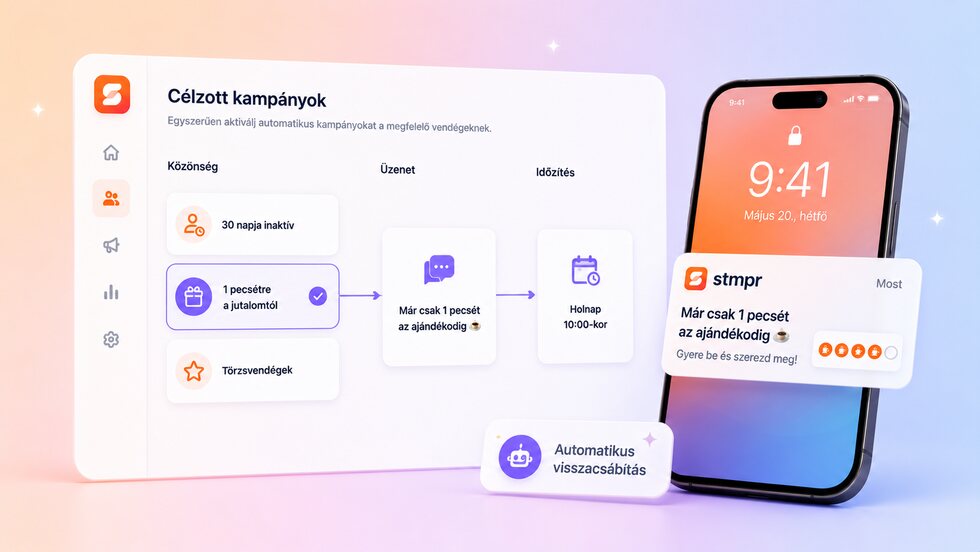
Reach guests based on loyalty progress and inactivity, then automate the reminder that brings them back.
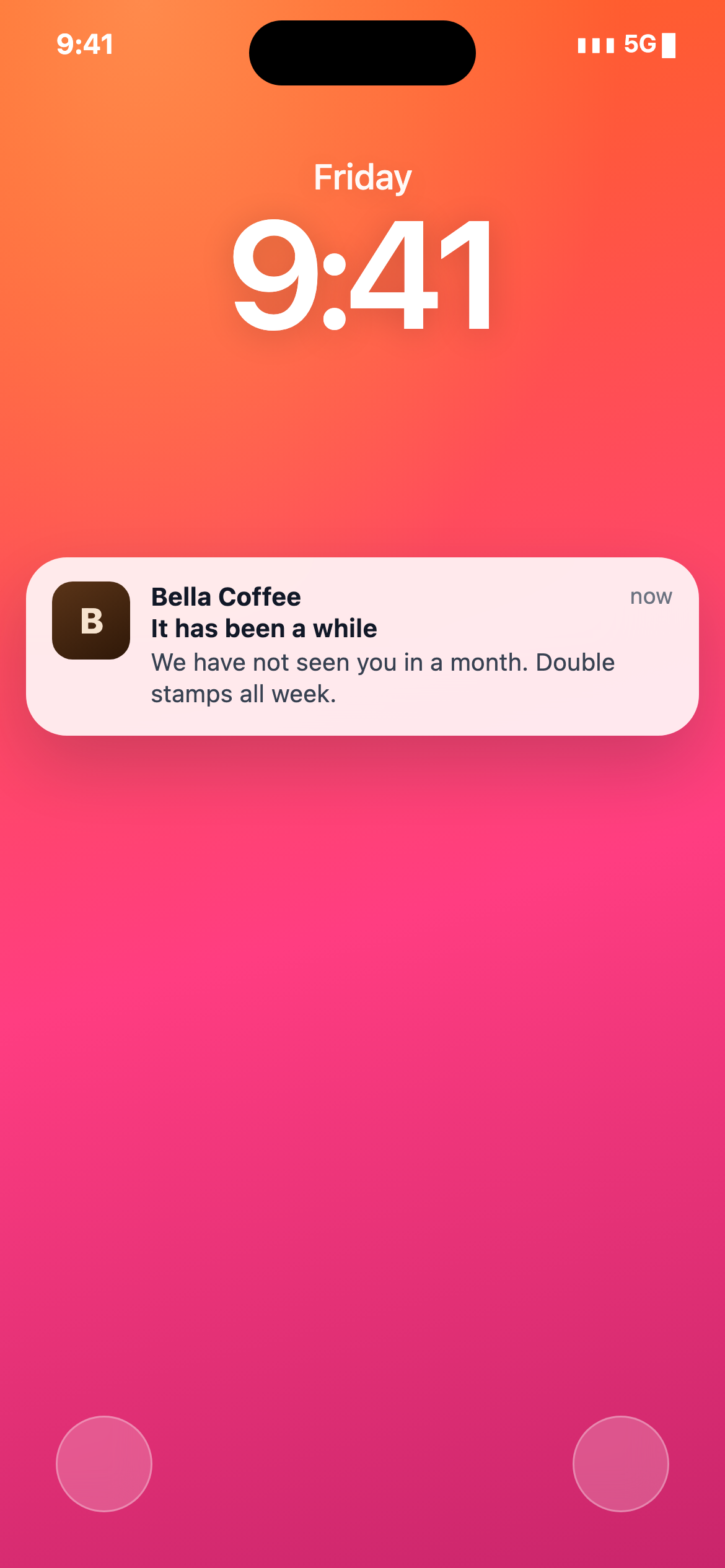
Choose the card and the business goal.
Select a saved audience rule or build a focused segment.
Write, preview and schedule the Wallet message.
Follow delivery and return activity, then refine the next campaign.
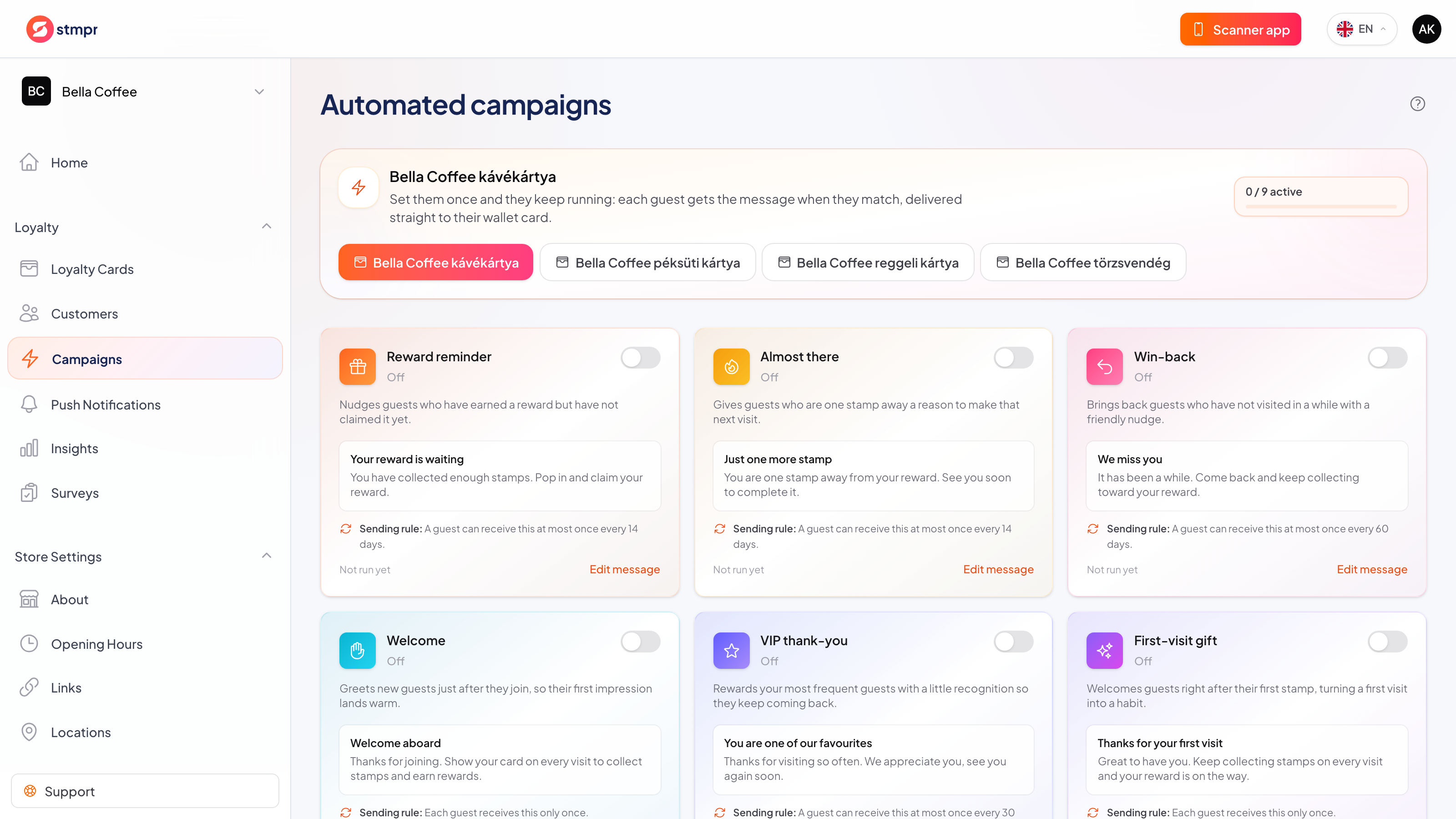
Targeted audiences and automated campaign presets are available according to plan limits.
Plans and pricingGuests can join without giving an email, and you only collect the data you actually need. Personal details are never required to issue a card or add a stamp. No per-customer or per-scan fees, and guest limits depend on your plan.
Better timing begins with choosing the guests the message can help.
| Area | Common workaround | stmpr |
|---|---|---|
| Audience | Every member receives the same promotion. | Segments use inactivity, frequency and reward progress. |
| Message | Generic copy is disconnected from loyalty state. | The offer can match the segment’s reason to return. |
| Follow-up | Win-back messages rely on a manual calendar. | Automated presets can react to inactivity windows. |
Short walkthroughs with screenshots from the knowledge base, in case you get stuck.
Create your first Apple and Google Wallet-based loyalty card and try stmpr free.
Try it free