
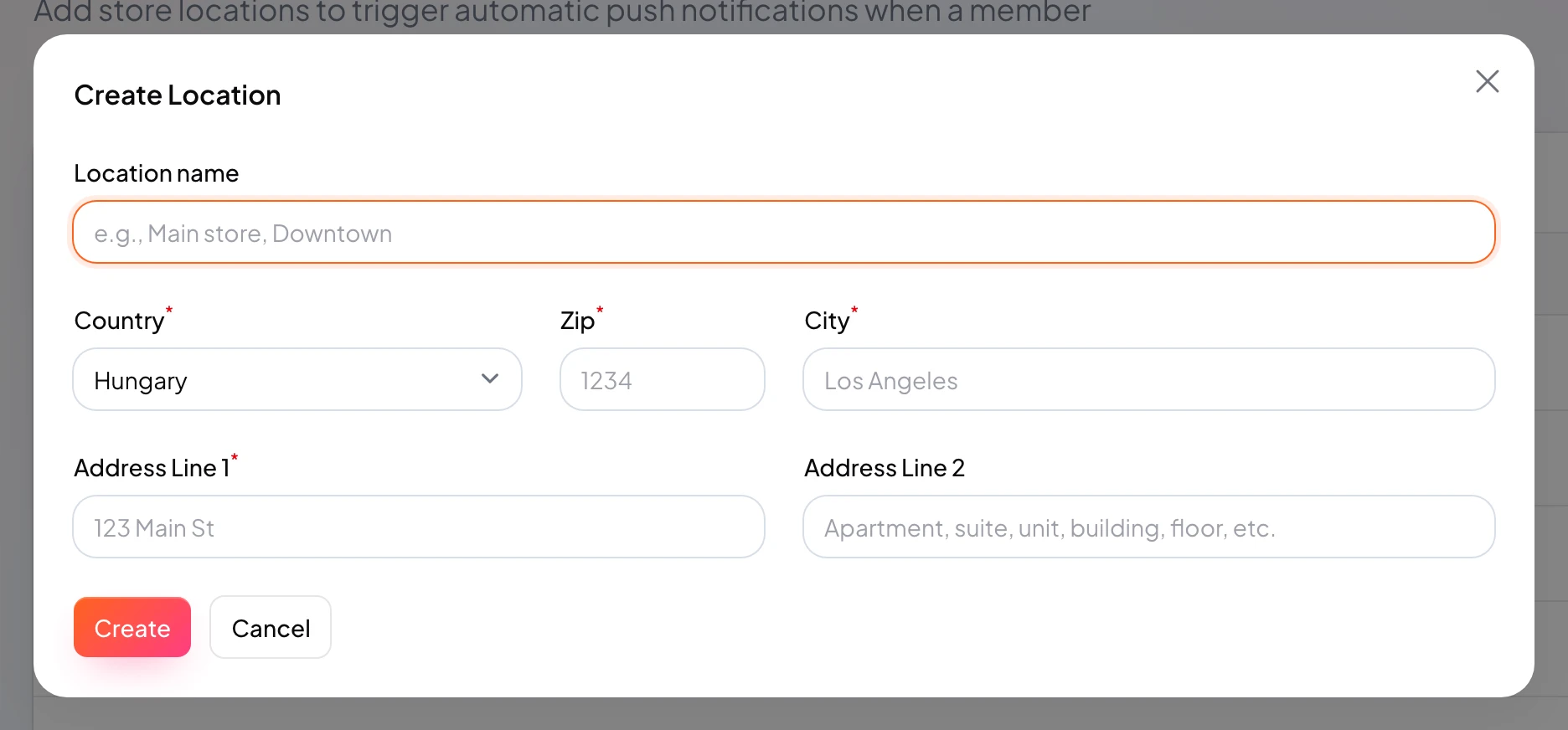
Create a new location
Add an address to the system.
A location is the address you attach to cards for reminders and reporting.
Manage locations in Locations; one location can serve multiple cards.
Nearby reminders and customer-facing addresses need accurate data.
https://stmpr.io/dashboard/locations · Create
Why use this?
Create once, reuse on many cards.
Coordinates matter for reliable nearby reminders.
Separate locations give clean per-branch reports.
Step by step
- Go to Locations.
- Click New location.
- Enter location name (for example “Downtown cafe”).
- Fill country, postal code, city, and street.
- Save the location.
- Attach it on the card Locations tab.