A loyalty card in your guests’ phones
Paper punch cards get lost and forgotten, and nobody wants to install another app for a coffee stamp. stmpr puts the card where your guests already carry it: Apple Wallet and Google Wallet, always one tap away.
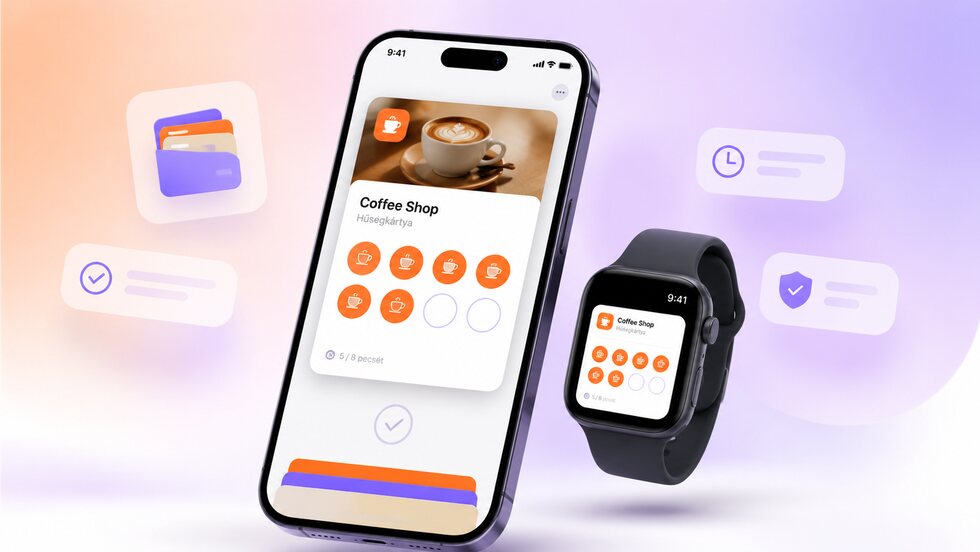
Apple and Google Wallet
Guests save the loyalty card to the Apple or Google Wallet already on their phone. They do not need to download another app, and the card stays close at hand, even on supported smartwatches.
- No app download: the card saves straight to Apple Wallet or Google Wallet.
- Always up to date. Stamps and rewards refresh automatically on the guest’s phone.
- Works on supported smartwatches, so a stamp is never more than a glance away.
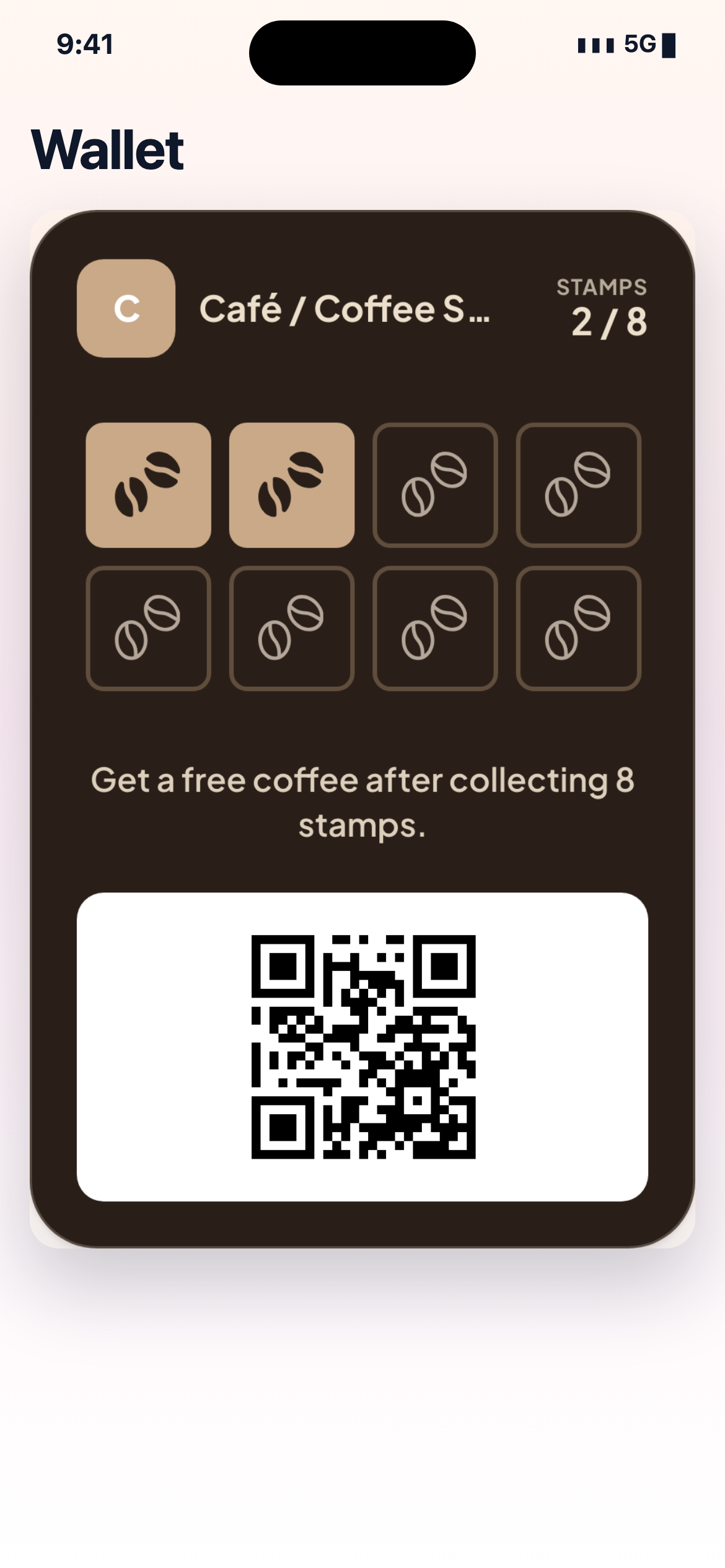
How it works in practice
-
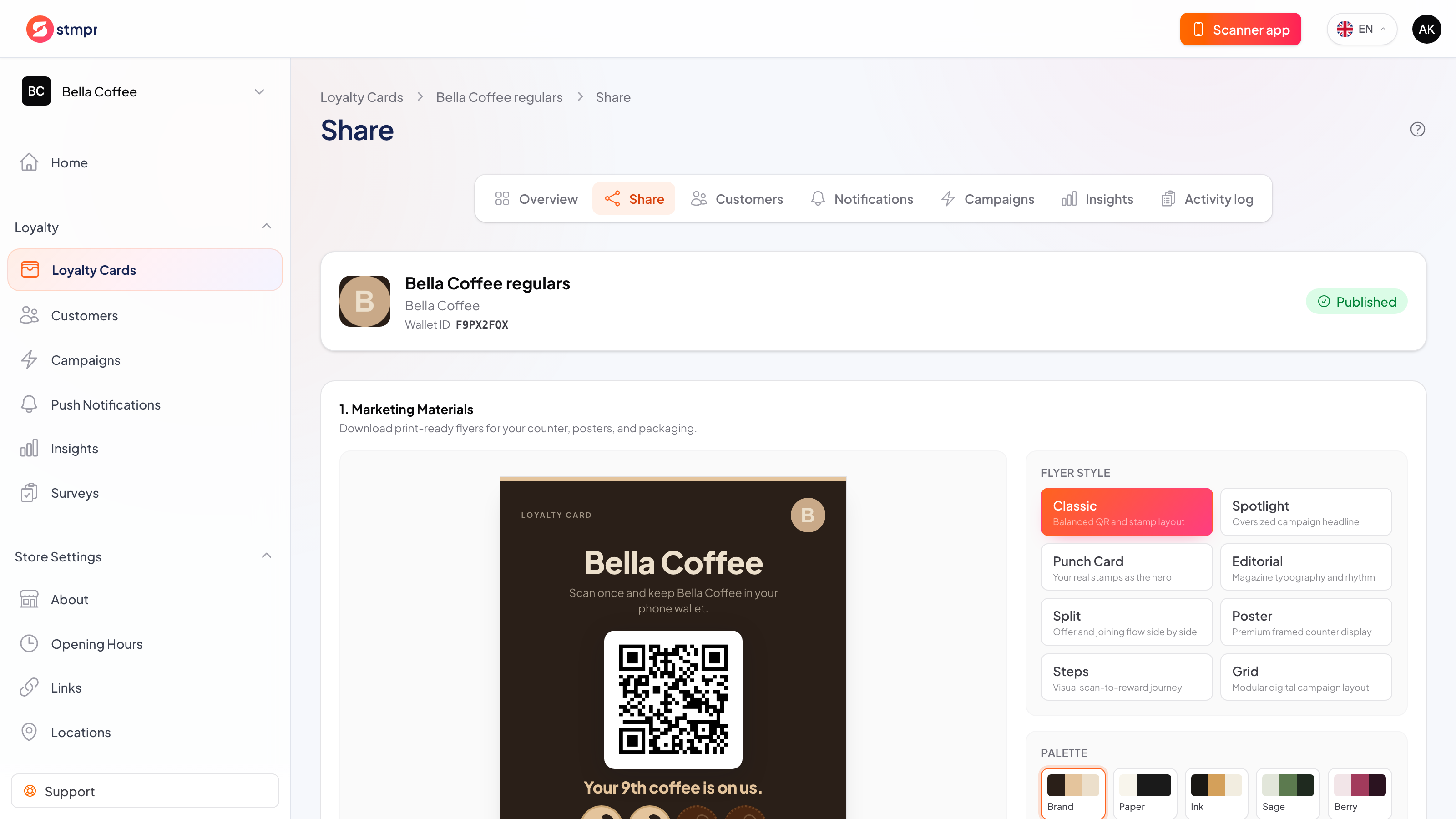
Create your card in the dashboard and publish it.
-
Share it with guests via QR code or link on your counter, receipt or social media.
-
Guests scan and add the card to Apple Wallet or Google Wallet in one tap.
-
You stamp and reward from the staff app, and the card updates itself.
Privacy by default
Guests can join without giving an email, and you only collect the data you actually need. Personal details are never required to issue a card or add a stamp. No per-customer or per-scan fees, and guest limits depend on your plan.
A Wallet card for repeatable routines
A card guests can actually keep
The familiar stamp-card idea stays, but the card is saved, updateable and always close at hand.
| Area | Common workaround | stmpr |
|---|---|---|
| Access | Paper gets left at home; a standalone app must be found and opened. | The card lives in Apple Wallet or Google Wallet on the guest’s phone. |
| Joining | Registration often starts with an account, password or long form. | A QR code or link opens the add-to-Wallet flow without an app download. |
| After changes | A new reward or design means reprinting cards. | Published stamp counts, rewards and card details can update on the saved pass. |
Questions about this feature
Do guests need a separate app for the Wallet card?
What happens when a guest changes phone?
Does the card update when I change the reward?
Set it up step by step
Short walkthroughs with screenshots from the knowledge base, in case you get stuck.
- Apple Wallet enrollment
- Google Wallet enrollment
- Automatic card update in Apple Wallet
- Apple and Google Wallet card recovery