
Publish card
This is how a draft becomes a live card.
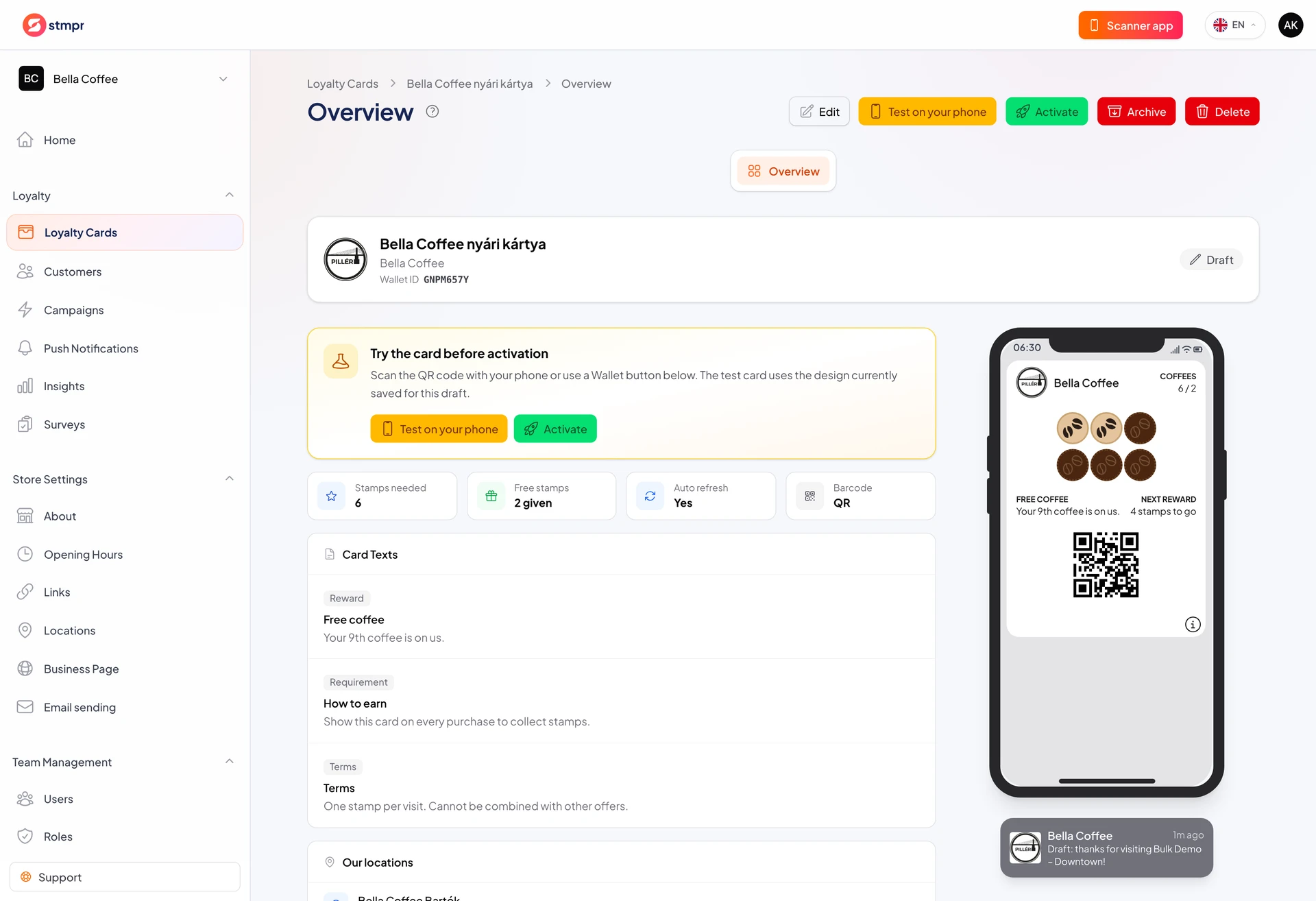
A draft card is for internal testing only. After publish, customers can enroll and the card appears on the public link.
Before publish, test the full path: link, Wallet save, stamp, and pass update.
Some fields lock after publish. See the related article for the list.
https://stmpr.io/dashboard/wallets/{id} · Draft
Why use this?
A published card is the live program. Customer counts and Insights start from publish.
Testing before go-live prevents support tickets and frustrated customers.
The Share tab gives a real link and QR code only for published (or testable) cards.
Step by step
- Open the card editor and review every tab (Design, Details, Locations).
- Test enrollment on your phone using the link on the Share tab.
- Add a test stamp and confirm the Wallet pass updates.
- Click Activate or set status to Published.
- Confirm in the dialog.
- Open Share, copy the link or download the QR code.