
Interpret survey results
Read the average star rating, distribution and text responses.
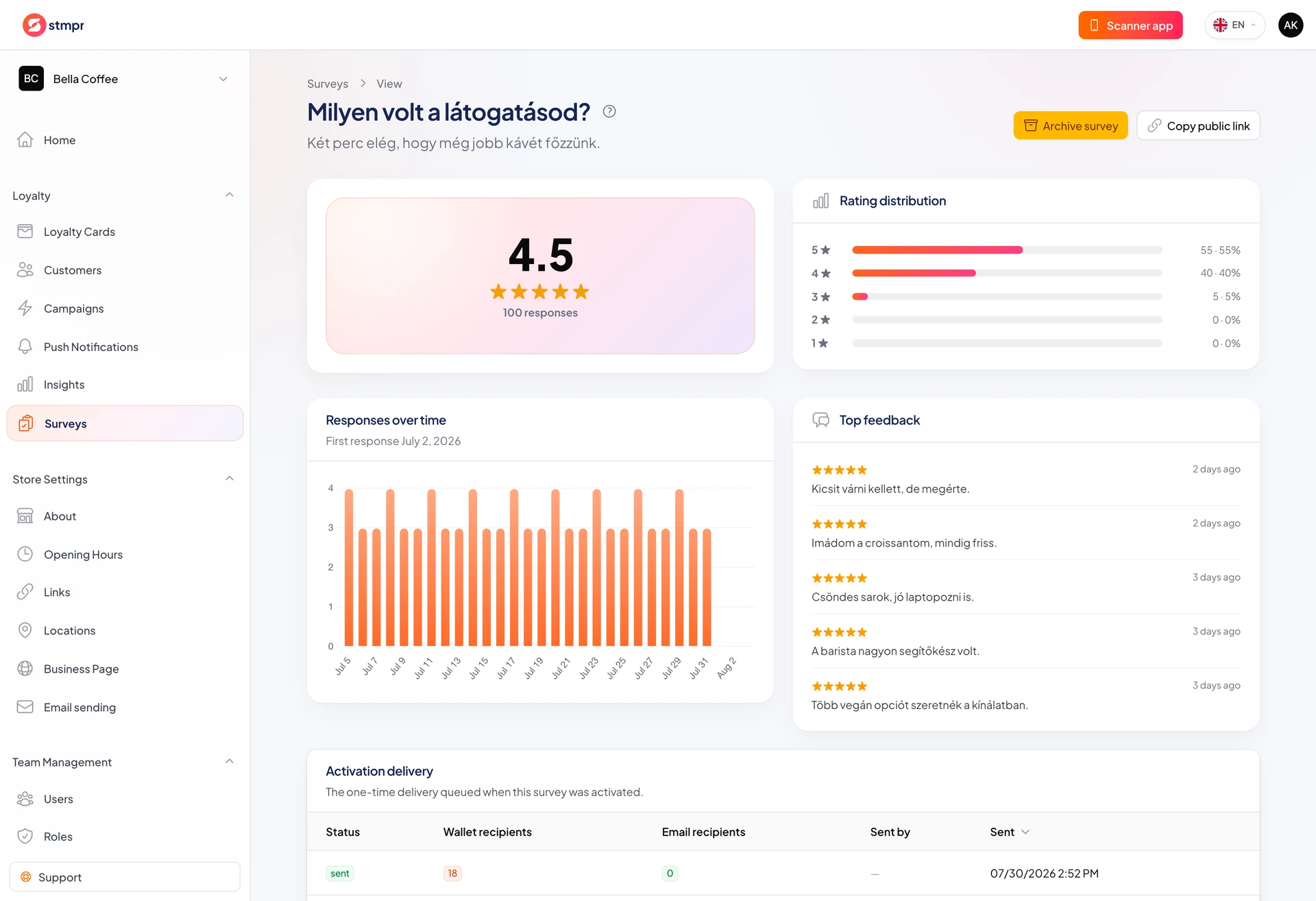
Results highlight average star rating and distribution by star count.
Response list shows ratings and answers. Anonymous public surveys hide identity.
Average alone is not enough: check volume, distribution, and recurring text themes.
https://stmpr.io/dashboard/surveys · Results
Step by step
- Open Loyalty Surveys and select a survey.
- Top left: average stars and response count; beside it distribution 5 to 1.
- Chart Responses over time and Top feedback for trends and quotes.
- Table All responses lists each submission with source.
- Click View on a row for full answers.
- Improve unclear questions in the next survey version.