
Automated campaigns and reminders
Welcome, reward-ready, and win-back messages on autopilot.
Automatic campaigns send reminders on events or timing: reward reminder, almost there, win-back, welcome, VIP, first visit, post-visit, anniversary, and expiry.
Enable per loyalty card. Set delay, message, quiet hours, and frequency caps.
Before activation, stmpr previews customers who would qualify now.
https://stmpr.io/dashboard/wallets/{id}/automations
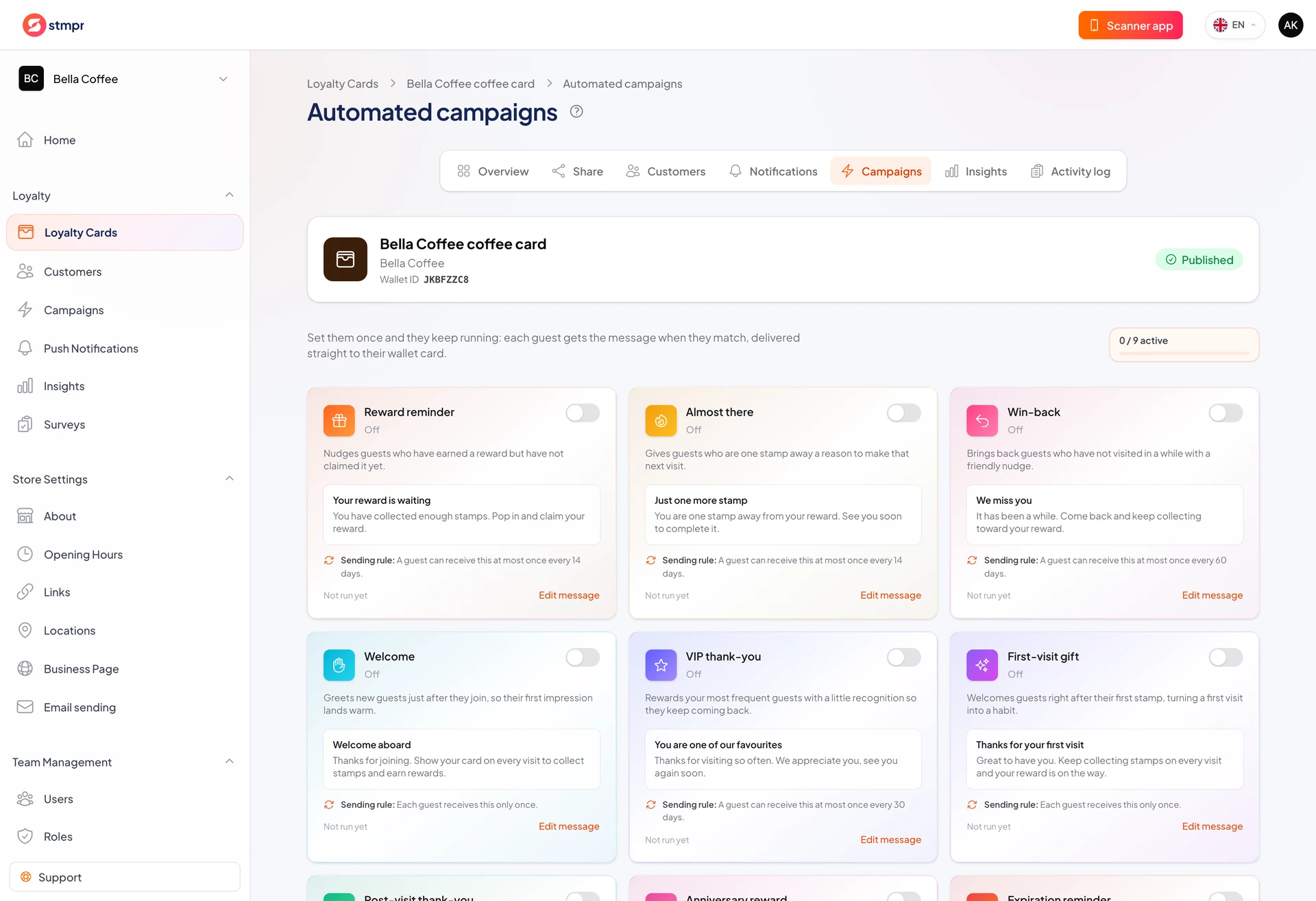
https://stmpr.io/dashboard/wallets/{id}/automations · Settings
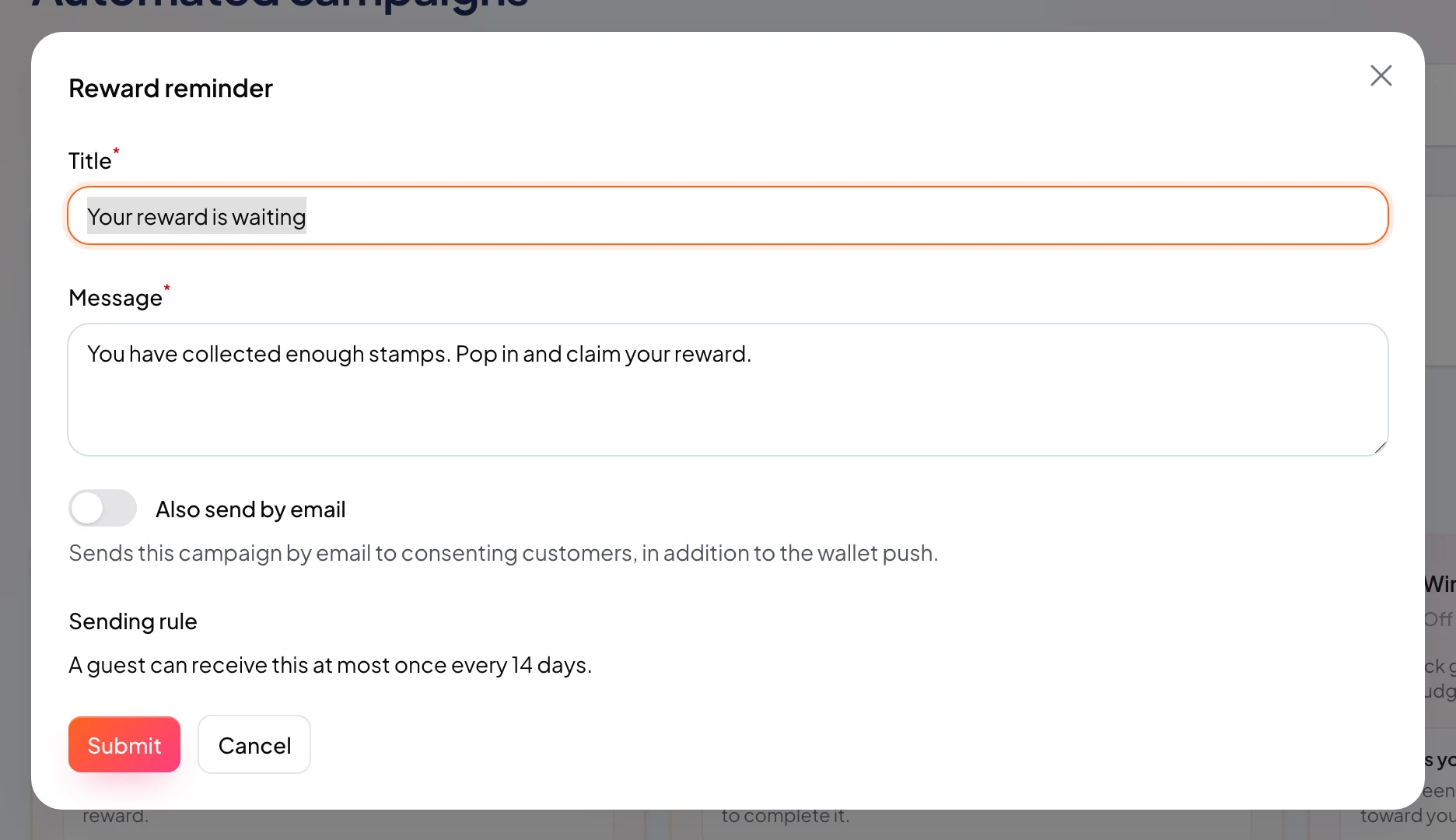
Step by step
- Open Push Notifications Automations.
- Pick an event such as Reward ready or Inactive for 30 days.
- Set delay after the event.
- Write message; set quiet hours and frequency limit.
- Review preview audience and marketing consent needs.
- Enable. Pause later without deleting settings.