The whole journey, from the first card to the return visit
This is what a guest’s journey looks like at your place. At every step, we also tell you what to watch out for.
-
Step 1 · Monday, 16:02
You create your card
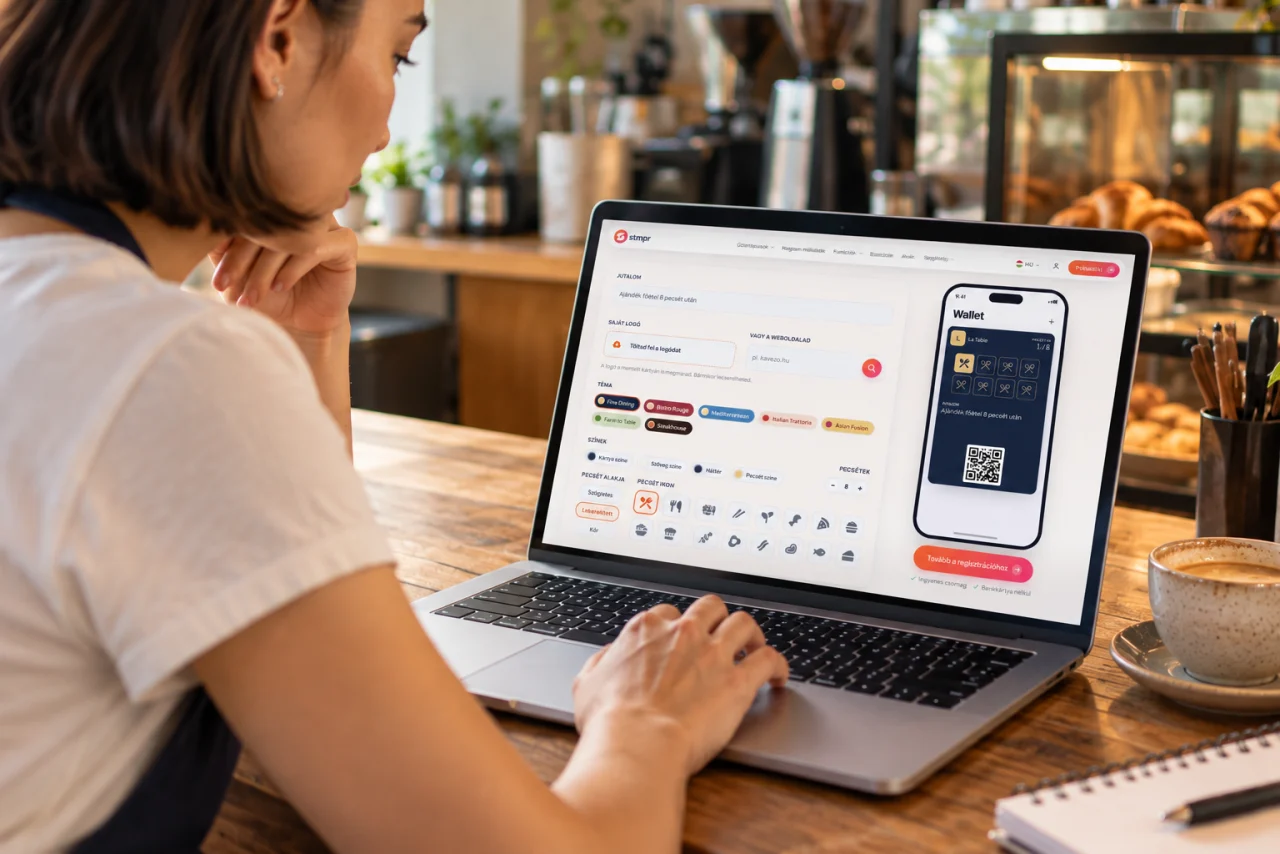
You pick your colours, upload your logo and set how many stamps earn which reward. A few minutes and it’s live.
- Set the required stamp count and reward terms.
- Test the guest flow before displaying the QR code.
-
Step 2 · Friday, 21:15
Your guest saves it with one tap
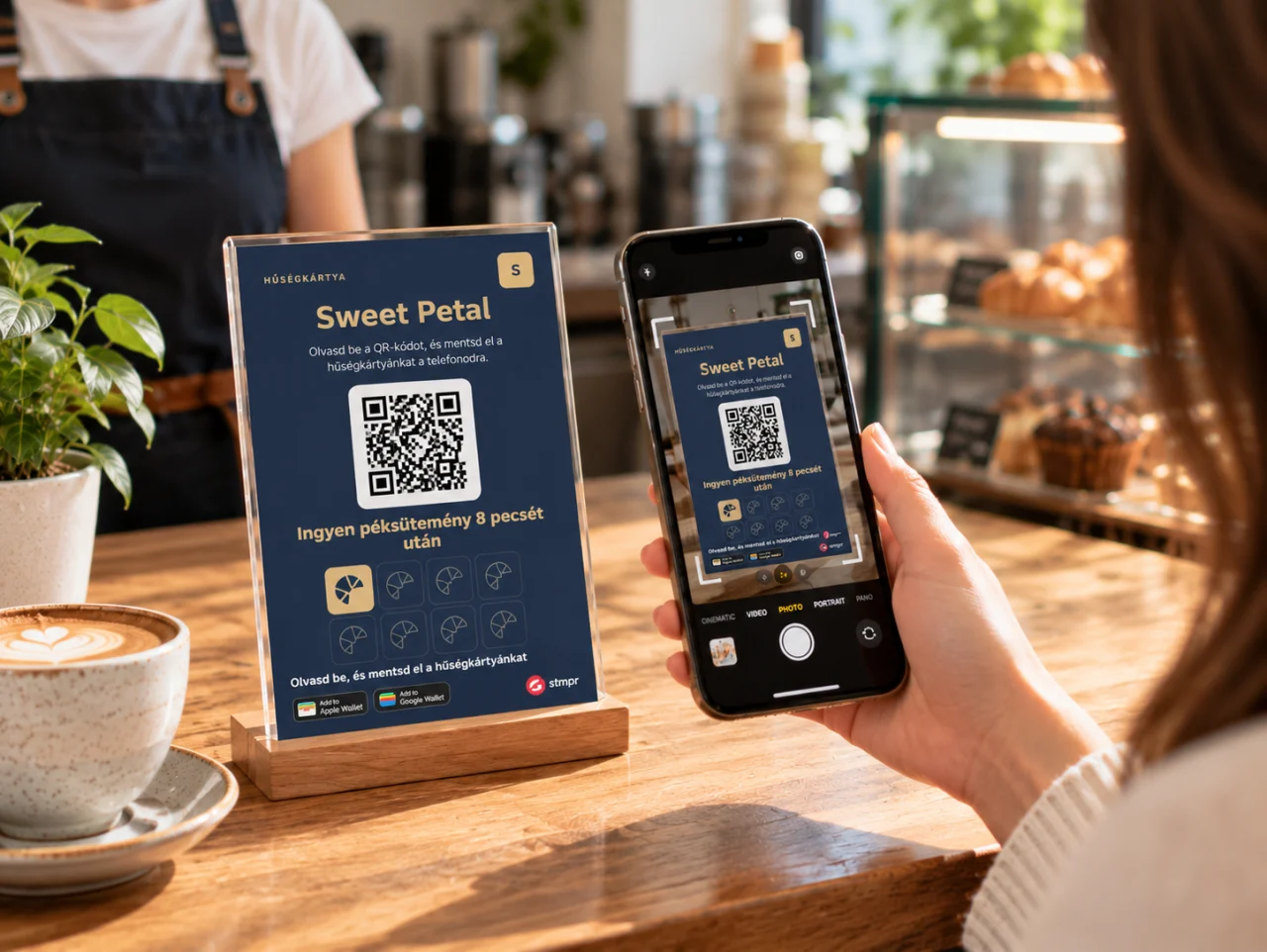
They scan the QR code on the counter, the flyer or the table card, and the loyalty card is in their Wallet.
- The card goes to Apple Wallet on iPhone or Google Wallet on an Android phone.
- One tap adds it to Wallet, with no separate stmpr app.
-
Step 3 · Saturday, 10:40
You stamp, they collect
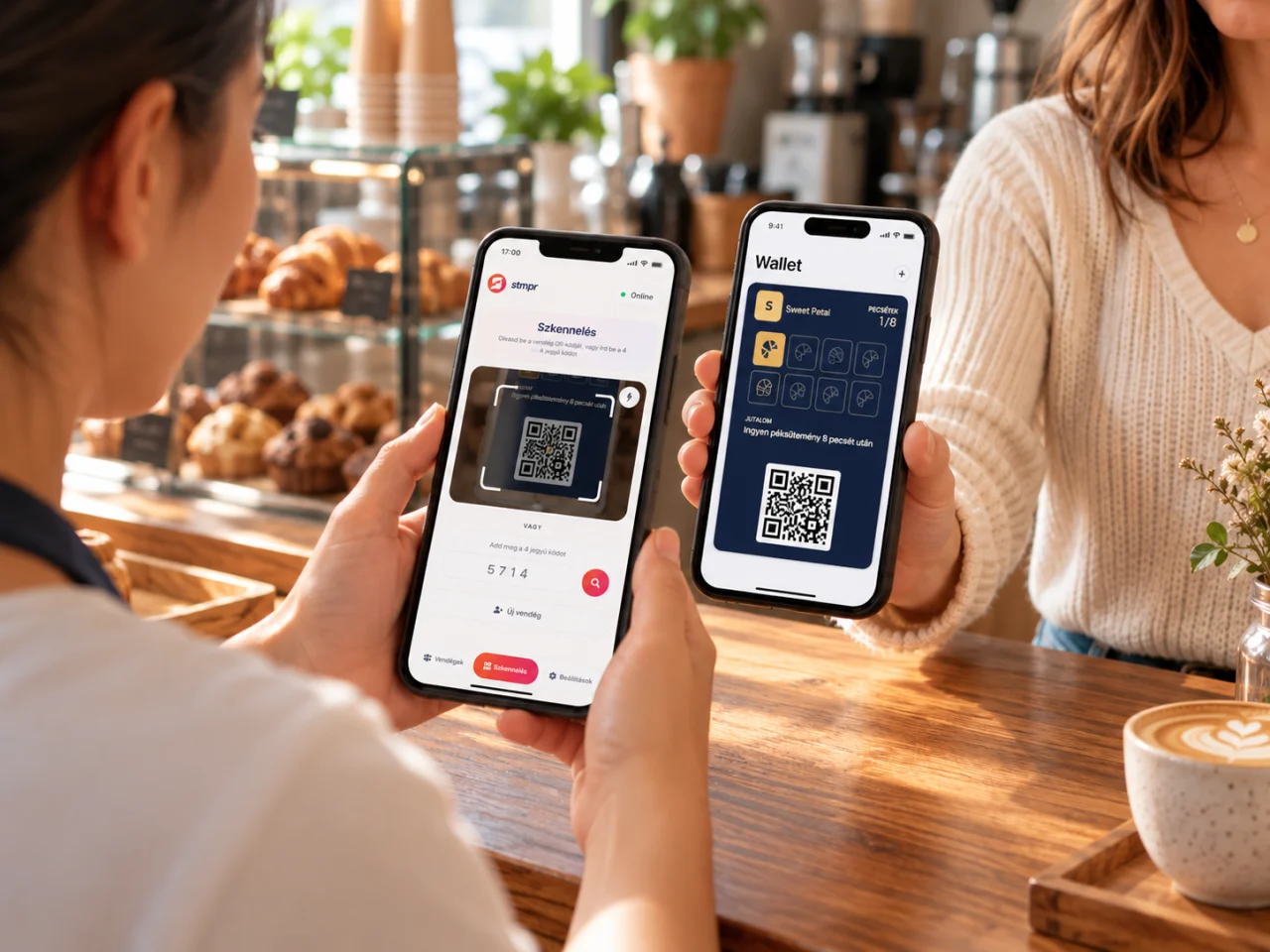
Scan your guest’s card with the stmpr Scanner app and add a stamp with one tap. The stamp shows up in their Wallet right away.
- Your colleagues can stamp from their own phones, with the access you give them.
- Works offline too: with no signal, the app keeps the stamp and syncs as soon as you are back online.
stmpr Scanner is free for iPhone and Android.
-
Step 4 · Thursday, 12:30
The card is full, the reward is theirs
Your guest shows the full card, and you redeem the reward with one tap in the Scanner app. Then a new round can begin.
- You decide what the reward is and how many stamps it takes.
- Redemptions show up in your statistics too.
-
Step 5 · Tuesday, 17:00
One message so they come back
Switch on the automatic messages once and they go out by themselves. You can send your own message any time, too.
- Almost there: guests one stamp away from the reward get a gentle nudge on their own.
- Haven’t seen them in a while: guests who haven’t visited for 30 days get a friendly invitation.
You can send your own messages from Start. The reward reminder is available from Bronze, and the other automated messages from Silver.
-
Tuesday, 20:30
Give them a reason for the next visit.


What supports the next visit?
Notifications and reminders
Send an offer or reminder straight to your guest’s Wallet card. Start includes one campaign a month, and Bronze adds an automated reward reminder.
DetailsSee your guests’ activity
See joins, stamps and redemptions in one place, so you know how well your loyalty programme is doing.
DetailsBefore you launch
Do guests need a separate app?
Which phones support the card?
Do I need a till integration to stamp?
Can my colleagues stamp too?
What if there is no internet at the counter?
What data should I ask guests for?
Let’s talk, no strings attached
Message us on WhatsApp or Messenger, or book a 20-minute walkthrough. We’ll help you set up your first card too.
We usually reply within one business day.