
Invite a team member
Send an email invitation to colleagues.
Invite colleagues by email for dashboard and scanner access. Each person sees and does only what their role allows.
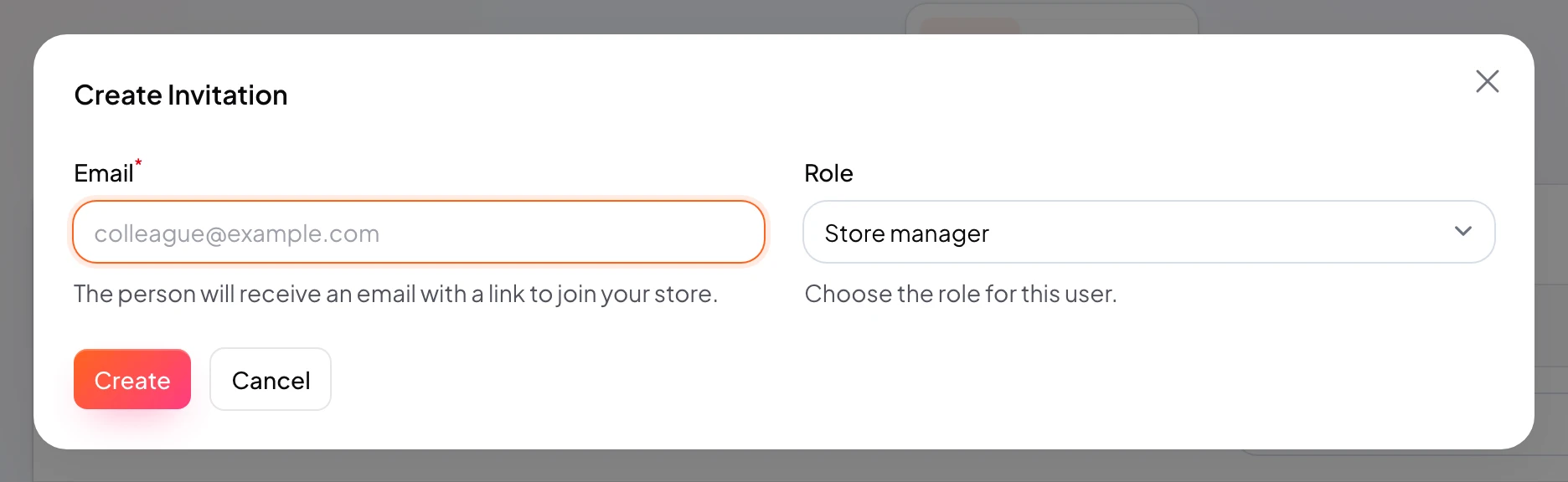
Send invites from Team / Users with email and role.
They accept by email and set their own password.
https://stmpr.io/dashboard/users · Invite
Why use this?
Safer than sharing the owner password.
Roles limit access (counter staff stamp only, for example).
Activity log shows who did what.
Step by step
- Open Team or Users.
- Click Invite.
- Enter email and choose a role.
- Send the invite.
- They accept and sign in to dashboard or scanner.
- Confirm they see the correct store.