
Export XLSX
Download statistics and guest list.
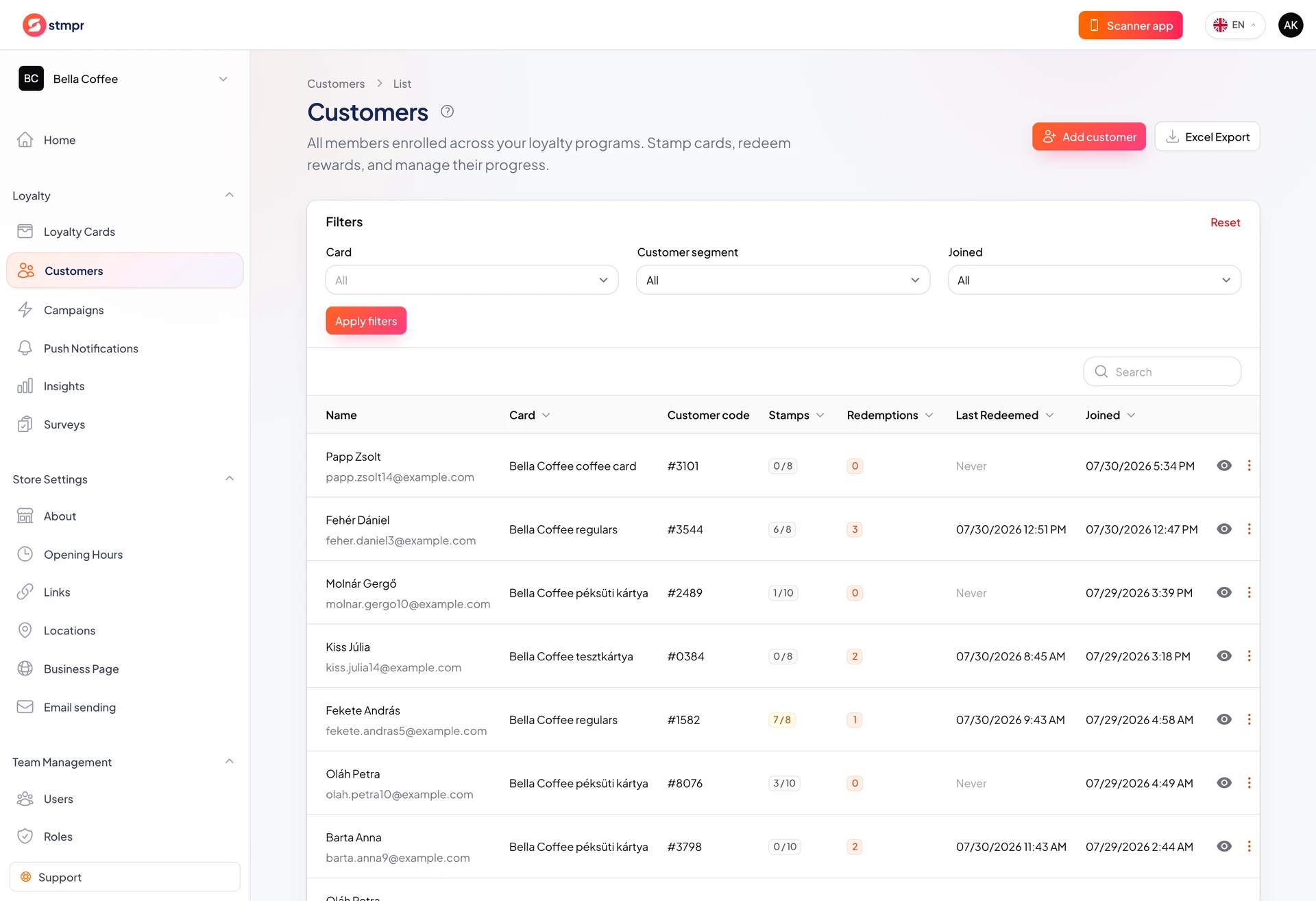
On Silver and Gold plans export Insights and Customers to XLSX for bookkeeping, marketing analysis, or backup.
Start from Insights or the customer list.
Open files in Excel or Google Sheets.
https://stmpr.io/dashboard/customers · Export
Why use this?
Build custom reports from raw data.
Finance and marketing can use the same export.
Archive periods and compare over time.
Step by step
- Open Insights or Customers.
- Set filters (period, card) if needed.
- Click Export or Download XLSX.
- Save the file locally.
- Analyze in Excel or Google Sheets.