
Two-factor authentication
Extra protection for your account.
Two-factor authentication (2FA) adds protection to your stmpr account. Login needs password plus a one-time code from an authenticator app.
Recommended for owners and anyone with billing or admin access.
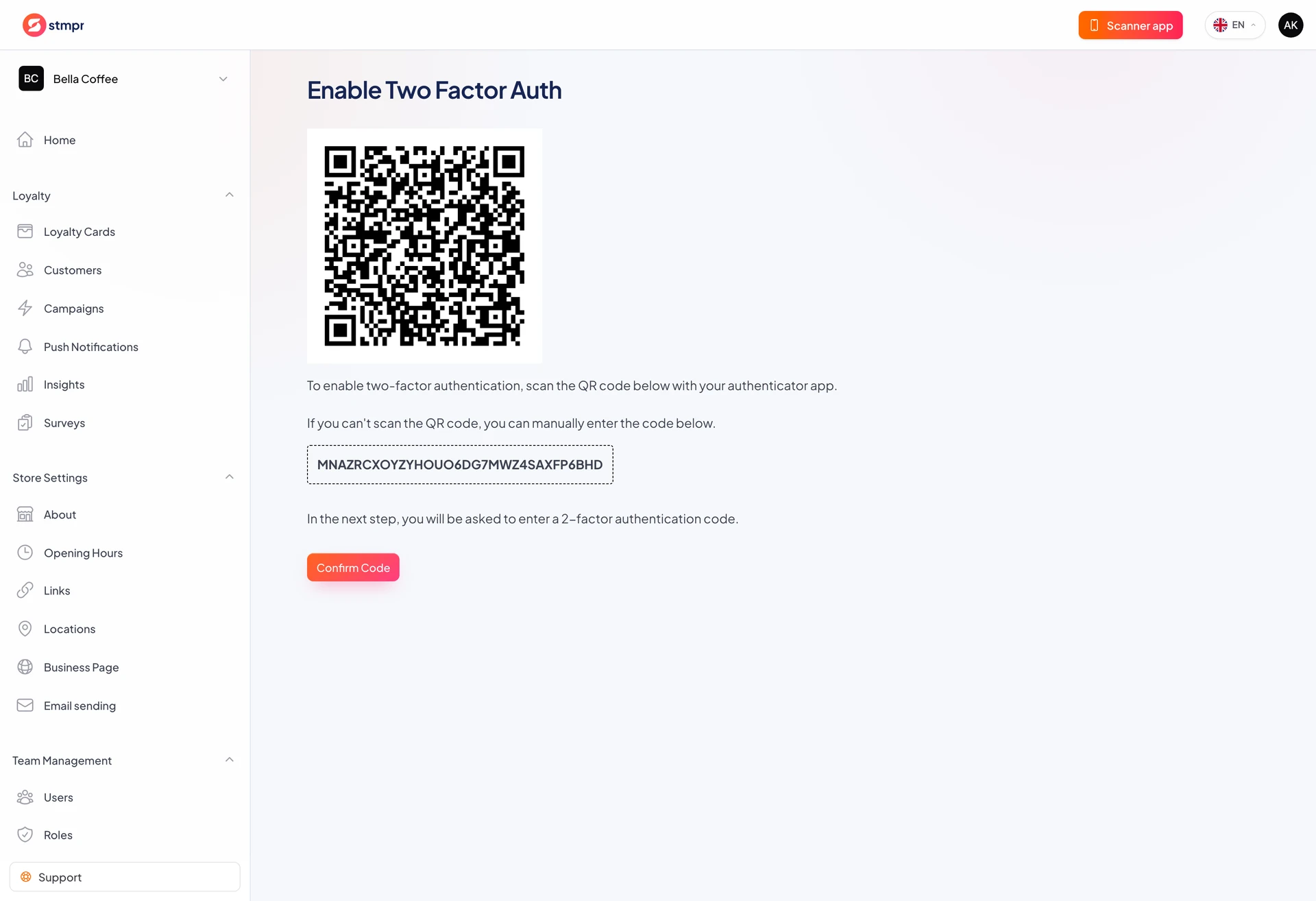
Set up in your profile with Google Authenticator or similar.
https://stmpr.io/dashboard · Two-factor authentication
Why use this?
Stolen password alone is not enough to sign in with 2FA enabled.
Loyalty data is business-critical and worth protecting.
Store backup codes offline in case you lose the phone.
Step by step
- Open your profile from the top-right menu.
- Enable Two-factor authentication.
- Scan the QR code in your authenticator app.
- Enter the code to confirm.
- Save backup codes offline.
- Next login requires a code from the app.