
Location-based Wallet reminders
Display a message near the store.
A location message is the short line a guest sees on their phone when they come near your shop. They do not have to open the card for it.
Today this shows on iPhone only. stmpr hands the location coordinates and the message to Apple Wallet. The Google Wallet card carries the address, not the message.
It is not continuous location tracking, and not a guaranteed push at a set radius: the phone decides when and how it appears.
https://stmpr.io/dashboard/wallets/{id}/edit · Locations
iPhone · Lock screen · Relevant pass
Image placeholder: A Wallet card suggestion on a phone lock screen
Why use this?
A guest who is already nearby gets the reminder at the best possible moment.
Each card and location pair carries its own line, so your cafe and your bakery do not say the same thing.
One list shows which messages are live, which are switched off, and where there is nothing yet.
Step by step
- Create the exact location under Locations if it does not exist yet.
- Open Location messages in the loyalty group.
- Press New location message, then pick the loyalty card and the location.
- Write a short line that says why it is worth stepping in. It appears on the phone lock screen, so keep it under 120 characters.
- Save. Passes already on customers phones are updated too.
- Test it on a real iPhone near the location, with location services on.
Worth knowing
- Location messages start on the Start plan. On the free plan the menu item is there, but the message does not go out.
- A loyalty card carries at most 10 locations. That is an Apple Wallet limit, not ours.
- The message belongs to the card and the location together. The same shop can say different things on two cards.
- Switching one off keeps the text and simply stops sending it. Turning it back on is one click.
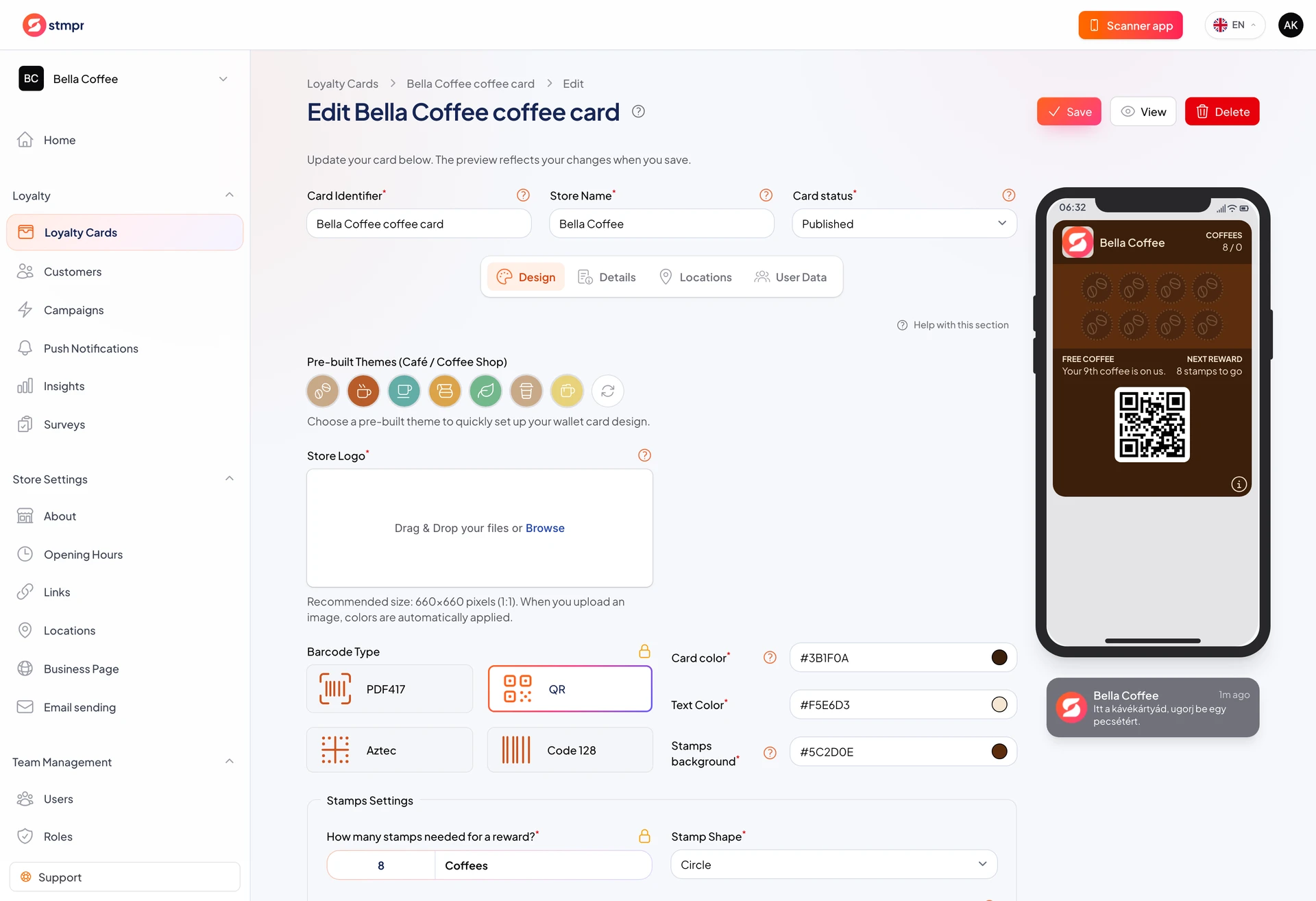
- The same fields are on the card editor Locations tab, where you can see them next to the live pass preview.