Availability
Available on every plan, subject to Apple and Google Wallet platform limits.
Plans and pricingThe best time to remind a guest about their card is when they are around the corner. Wallet can surface the card on the lock screen when your guest is near your store.
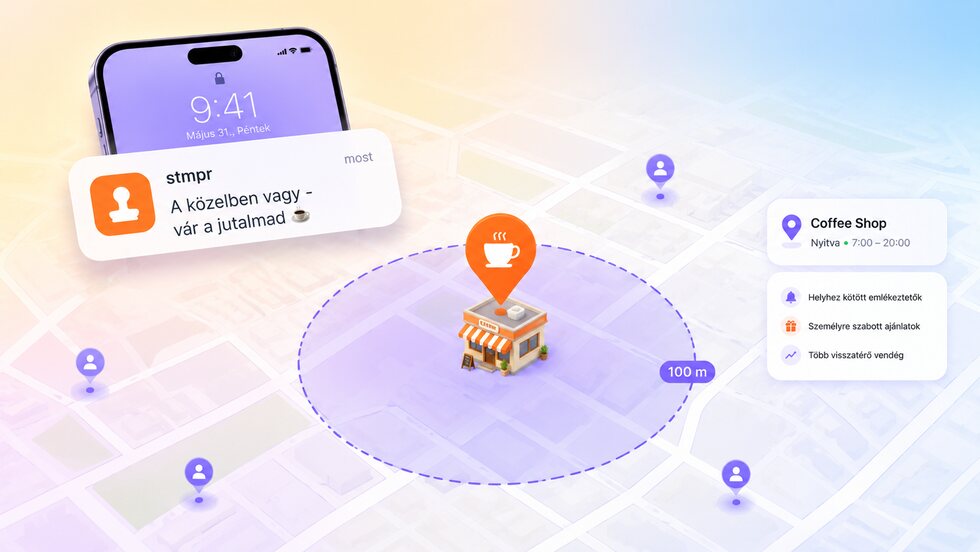
When guests are nearby, they can receive an automatic reminder, making it easier for them to stop by, collect stamps or redeem a reward.
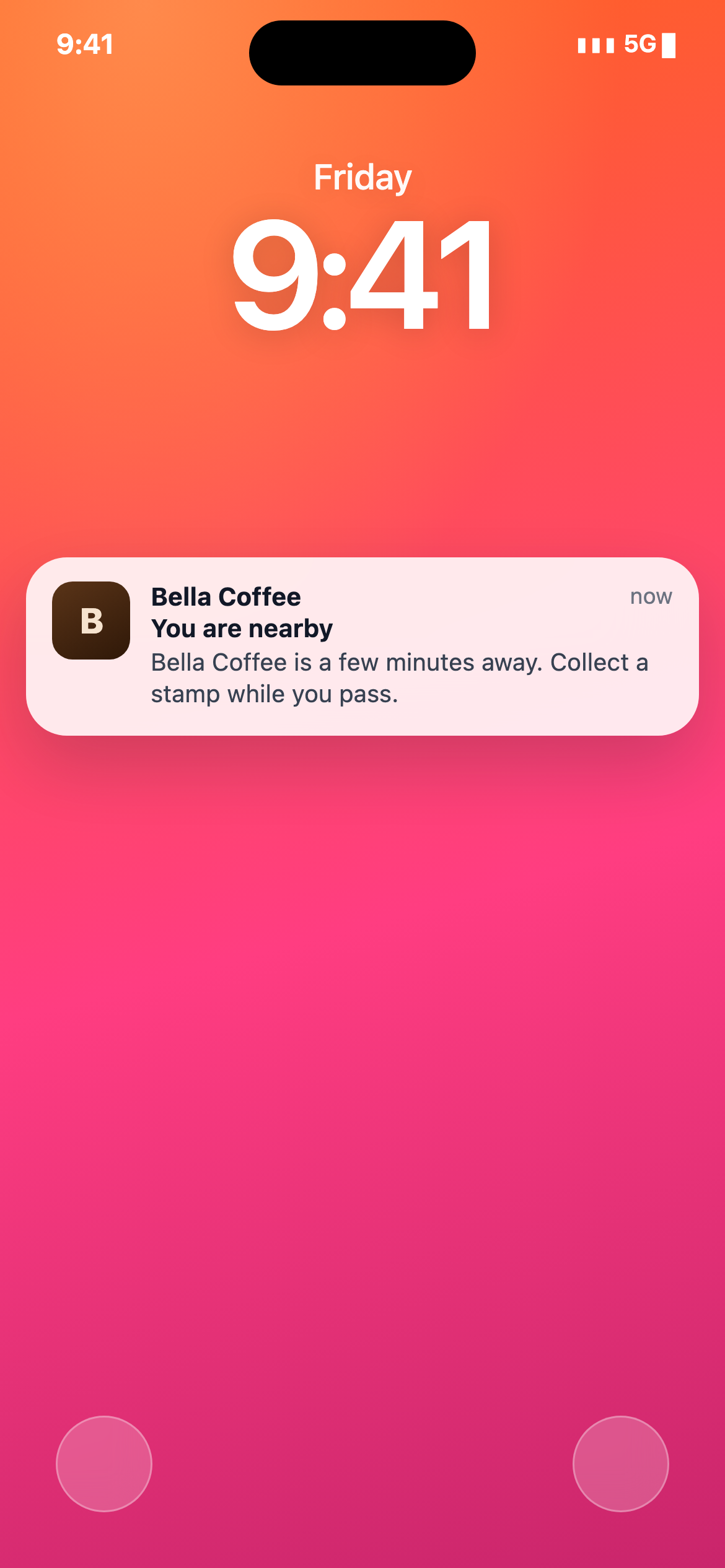
Add your store locations to your card.
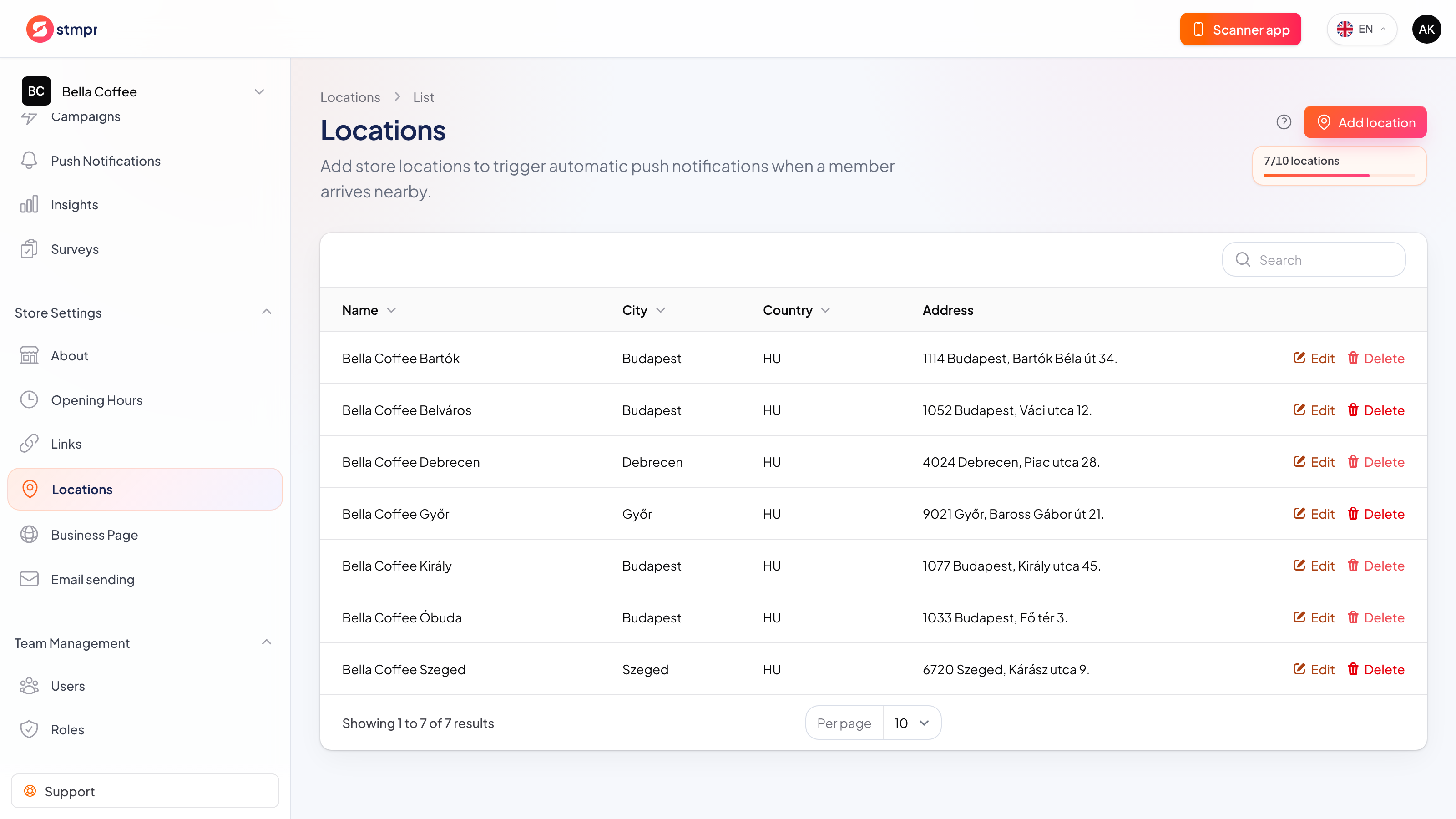
Pick your short reminder text: guests see it when they’re nearby.
Apple or Google Wallet surfaces the card when a guest is close.
The guest taps and drops in, without any tracking on your side.
Available on every plan, subject to Apple and Google Wallet platform limits.
Plans and pricingGuests can join without giving an email, and you only collect the data you actually need. Personal details are never required to issue a card or add a stamp. No per-customer or per-scan fees, and guest limits depend on your plan.
The useful moment is not when a campaign is sent, but when the guest is near the business.
| Area | Common workaround | stmpr |
|---|---|---|
| Timing | A scheduled post or email arrives regardless of where the guest is. | Wallet may surface the saved card when the guest is near a configured location. |
| Privacy | Marketing apps may ask for persistent background location access. | Apple and Google control on-device relevance; stmpr does not track the guest in the background. |
| Maintenance | Every location needs another manually scheduled campaign. | The configured pass locations stay attached to the loyalty card. |
Short walkthroughs with screenshots from the knowledge base, in case you get stuck.
Create your first Apple and Google Wallet-based loyalty card and try stmpr free.
Try it free