A card that looks like your business
A generic card does nothing for your brand. stmpr lets you set your logo, colours, icons, stamps and rewards, so the card in Wallet looks unmistakably yours, with no design skills needed.
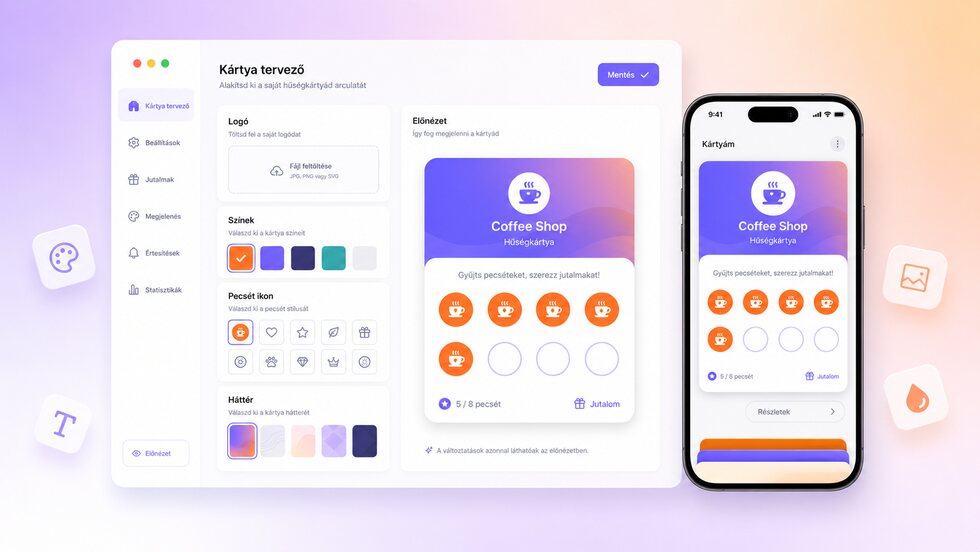
Branded cards
Set your own logo, colors, icons, stamps and rewards. The card matches your business identity without requiring design skills.
- Set your logo, colours, icons, stamp art and reward text.
- Preview the card before you publish it.
- A consistent look on the phone, the smartwatch and your printed QR flyers.
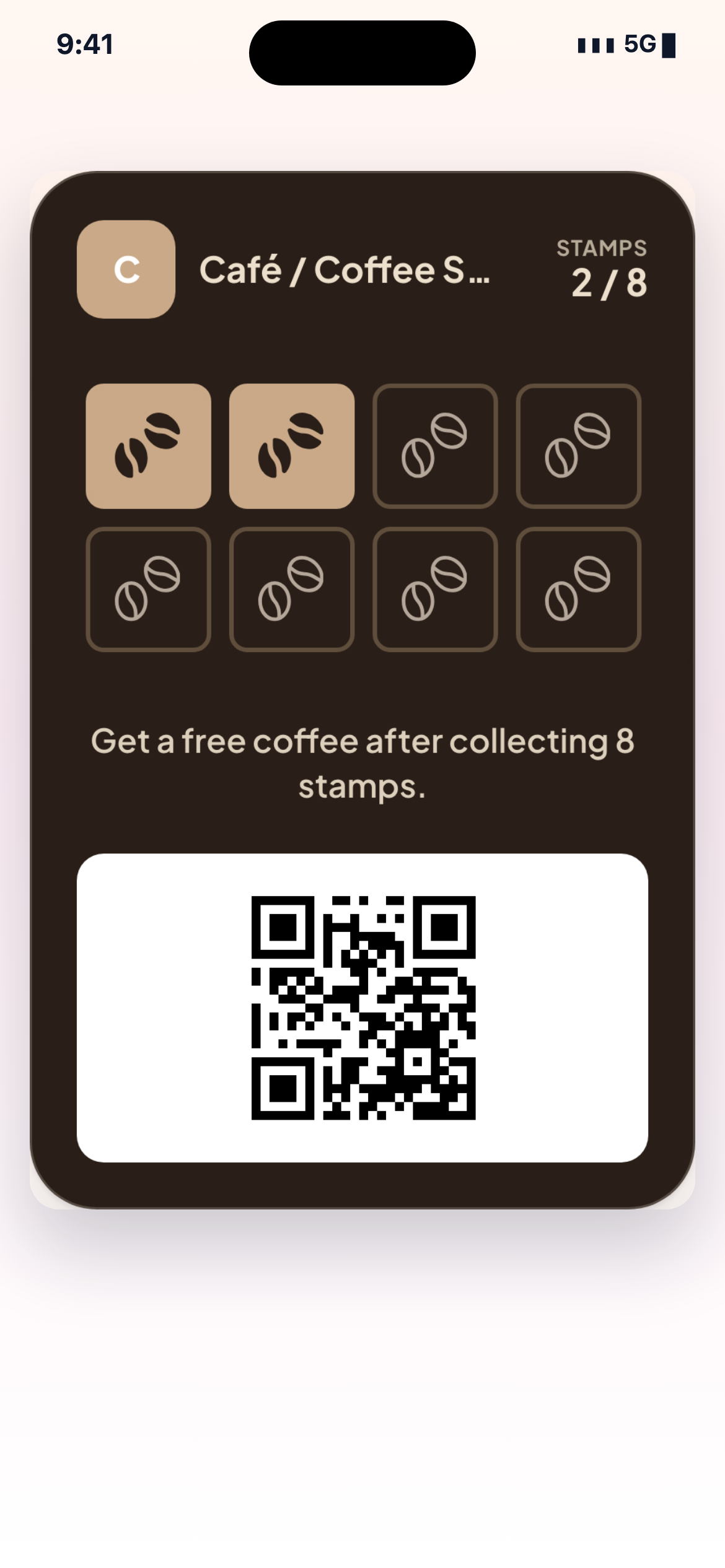
How it works in practice
-
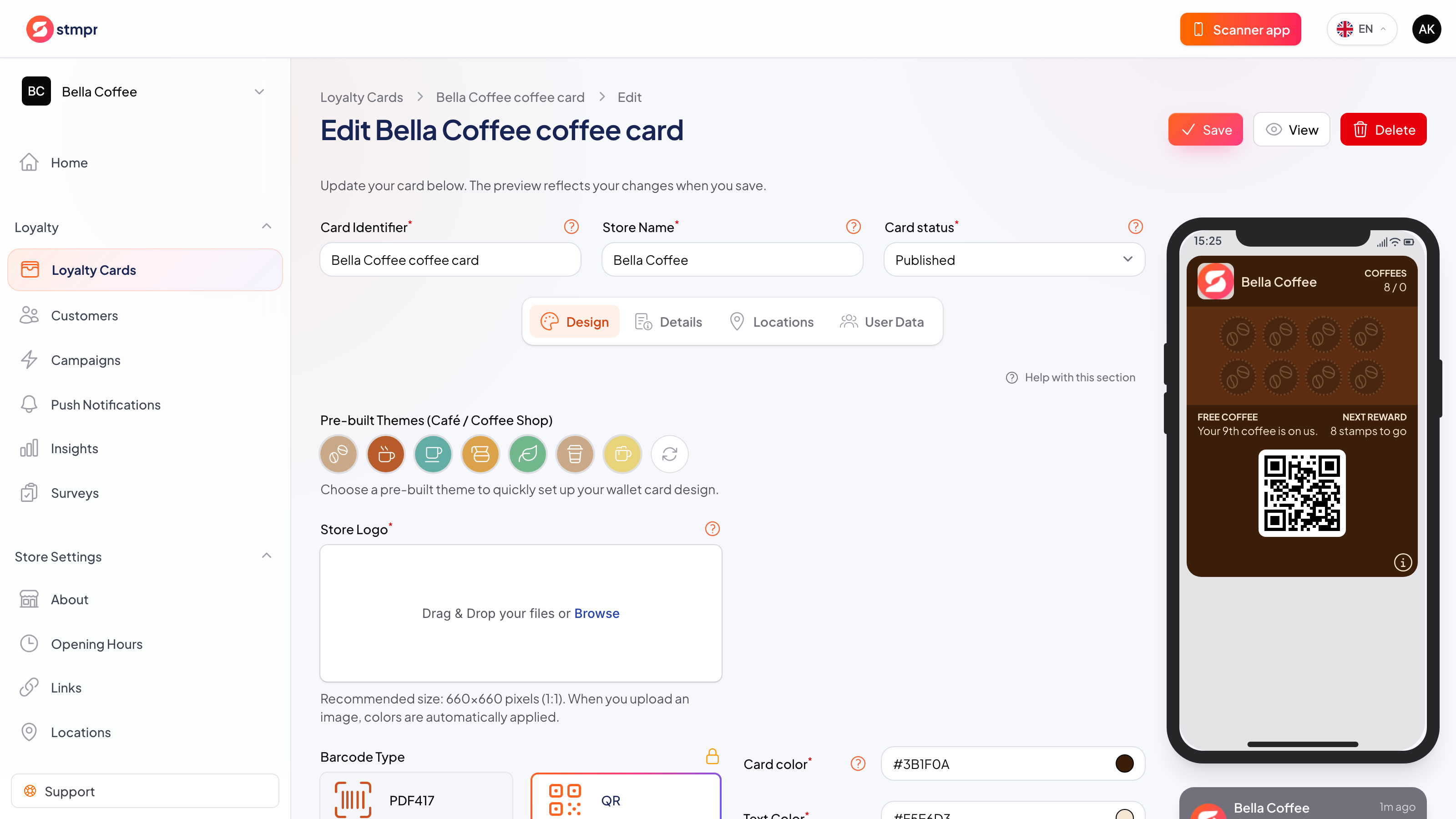
Upload your logo and pick your brand colours.
-
Choose icons, stamp art and the reward text.
-
Preview the card live on a phone before publishing.
-
Publish, and the same look carries to smartwatches and your printed flyers.
Privacy by default
Guests can join without giving an email, and you only collect the data you actually need. Personal details are never required to issue a card or add a stamp. No per-customer or per-scan fees, and guest limits depend on your plan.
Brand cues guests recognise quickly
Your identity on every saved card
A loyalty card should look like the business guests remember, without a new design project for every change.
| Area | Common workaround | stmpr |
|---|---|---|
| Consistency | Generic templates make different businesses look interchangeable. | Logo, colours, stamp art and reward copy carry your own identity. |
| Editing | Printed cards require a designer, proof and another print run. | Point-and-click controls and a live preview make routine changes manageable. |
| Surfaces | The card and counter material drift into different visual versions. | The Wallet card and generated sharing material start from the same brand settings. |
Questions about this feature
Do I need a designer?
Can I change the card after publishing?
What makes a good logo here?
Set it up step by step
Short walkthroughs with screenshots from the knowledge base, in case you get stuck.