Digital loyalty cards, made simple.
You set up the card and reward. Your guest collects stamps on their phone, while you stamp from yours. Here is how stmpr works day to day.
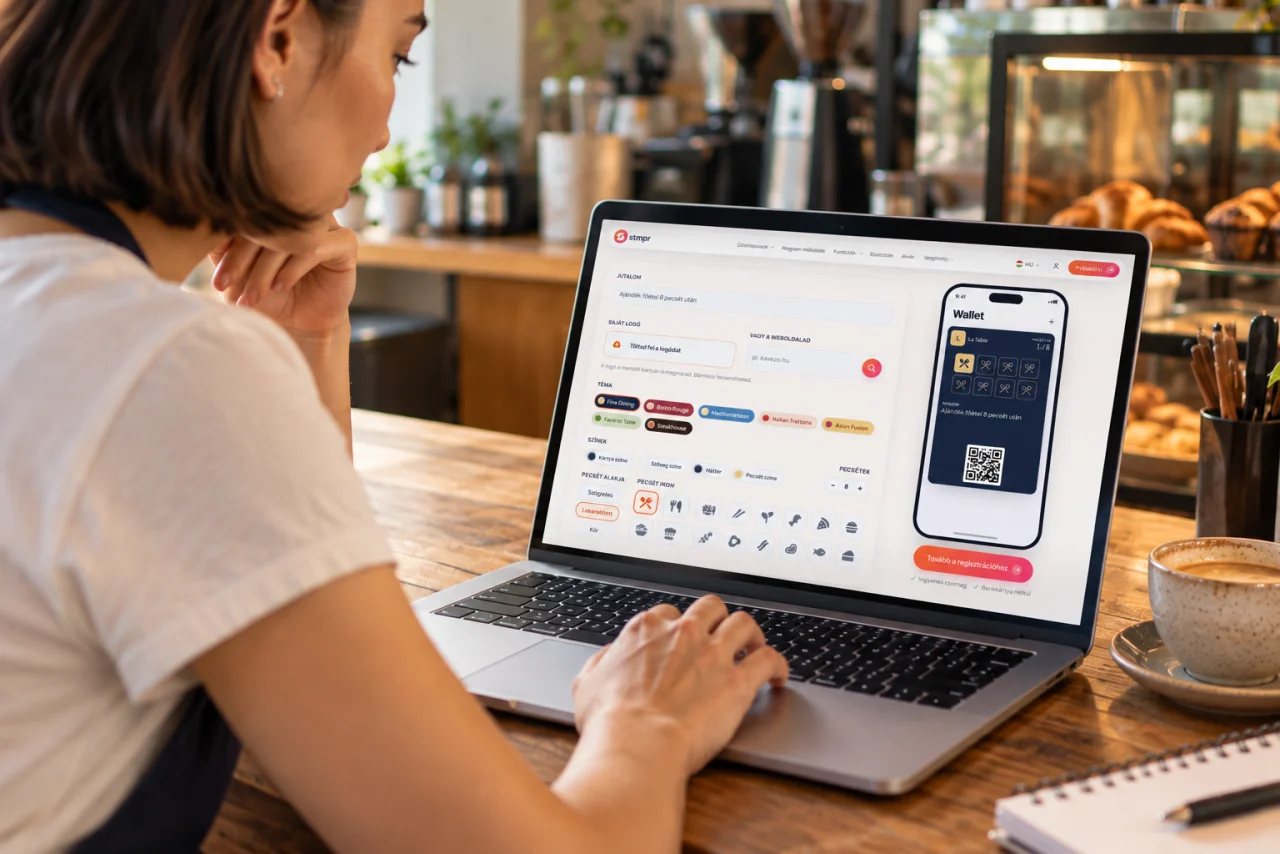
Set up your own card
Match the logo, colours and stamps to your brand. Choose a reward your guest understands and wants to earn.
- Set the required stamp count and reward terms.
- Test the guest flow before displaying the QR code.
Your guest saves the card
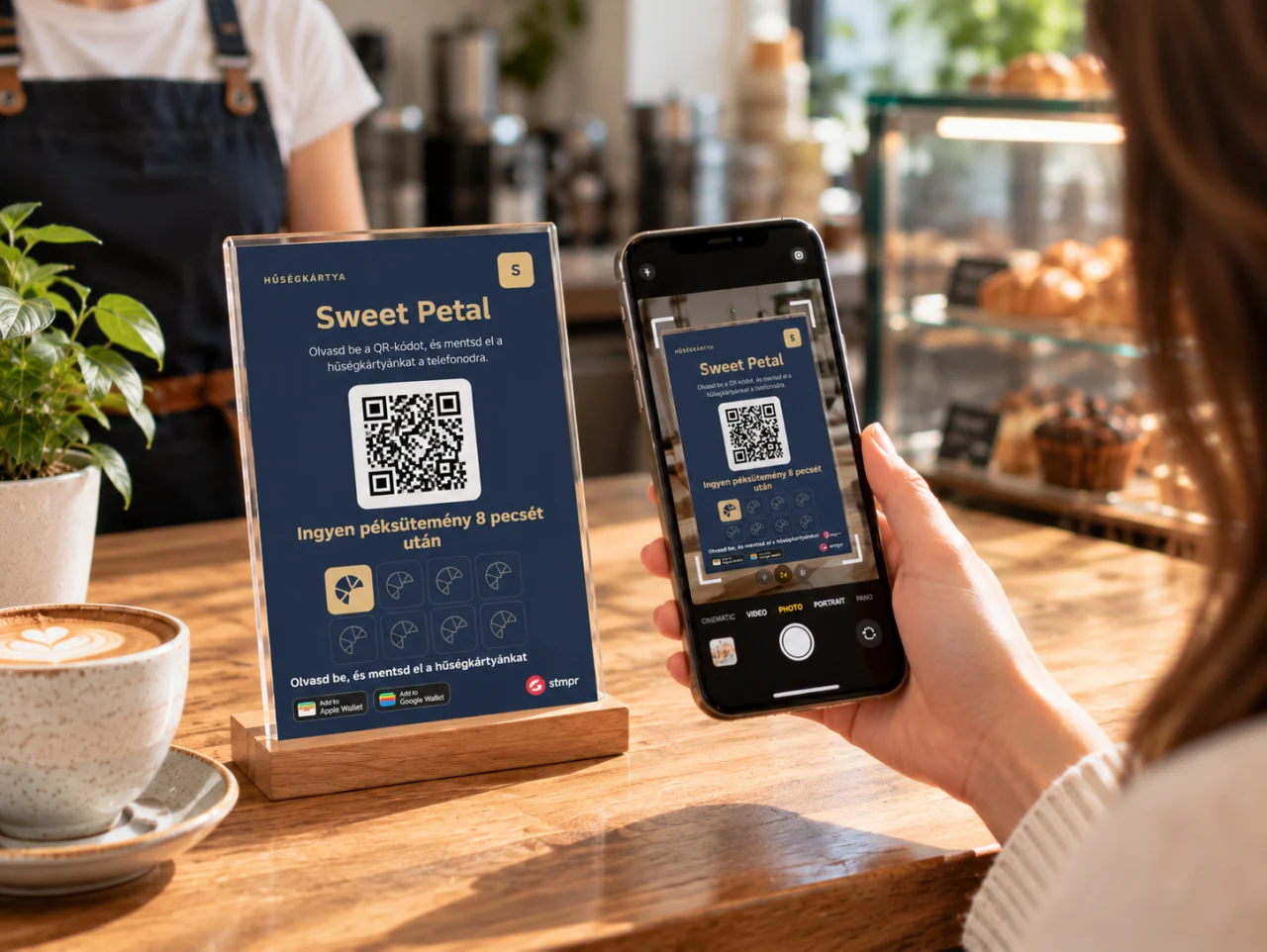
Share the card’s own link online or display its QR code in your business. Guests start saving the card on the joining page.
- The card goes to Apple Wallet on iPhone or Google Wallet on an Android phone.
- One tap adds it to Wallet, with no separate stmpr app.
Stamp from your own phone
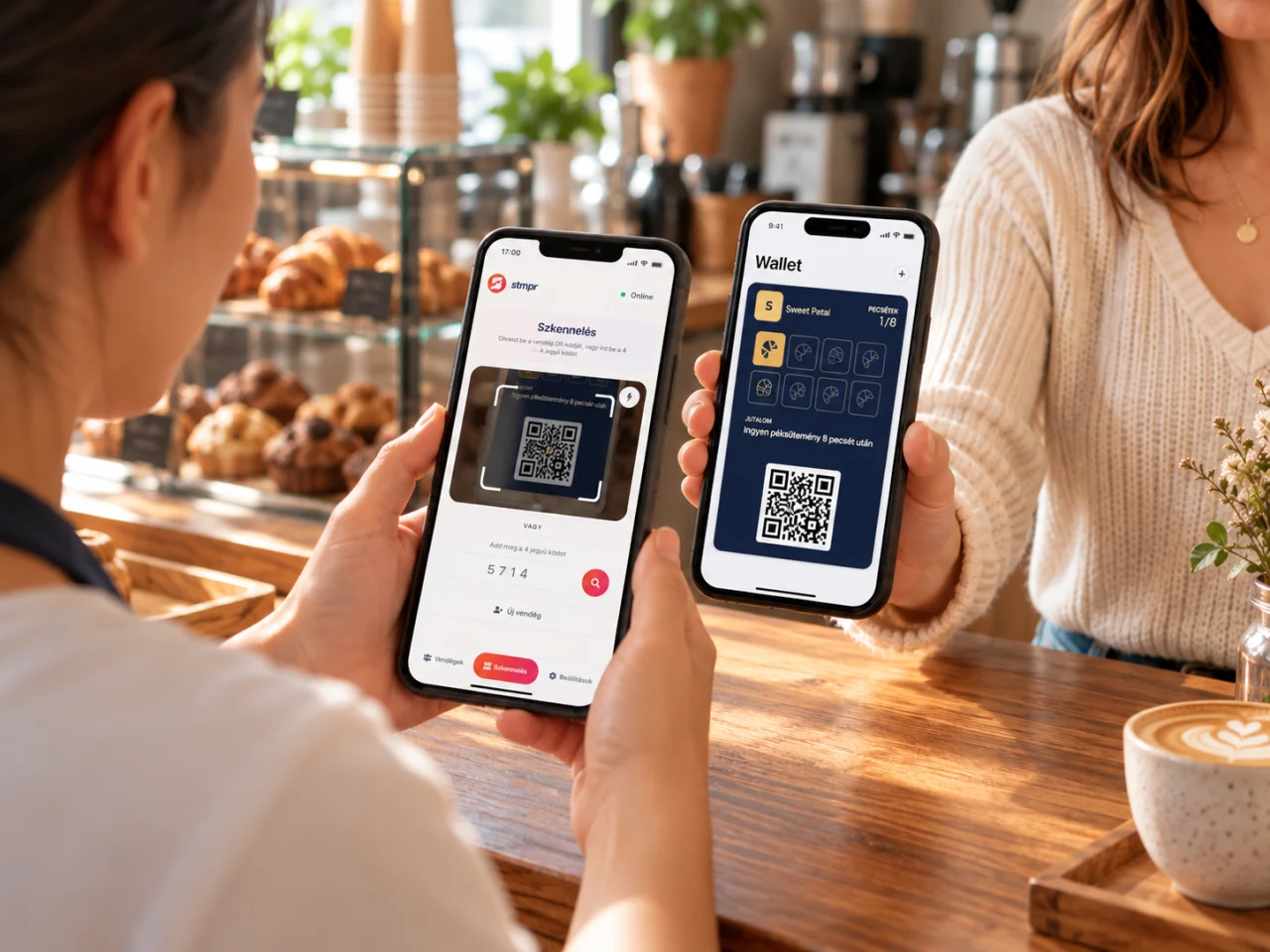
The guest opens their card, you scan its code with the stmpr Scanner app and add the stamp earned for a purchase or visit.
- Your colleagues can stamp from their own phones, with the access you give them.
- Works offline too: with no signal, the app keeps the stamp and syncs as soon as you are back online.
stmpr Scanner is free for iPhone and Android.
Redeem the reward
Once the required stamps are collected, the guest becomes eligible for the reward you set. Record the redemption in the scanner and collecting can continue.
- You decide what the reward is and how many stamps it takes.
- Redemptions show up in your statistics too.

Want to try it with your own card?
Your first card is ready in a few minutes on the free plan, no credit card needed.
What supports the next visit?
Notifications and reminders
Send an offer or reminder straight to your guest’s Wallet card. Start includes one campaign a month, and Bronze adds an automated reward reminder.
DetailsSee your guests’ activity
See joins, stamps and redemptions in one place, so you know how well your loyalty programme is doing.
Details