






Your guest is already counting down
Three stamps on the coffee. On their phone they see how many are left until the gift.
Used by local businesses in 10+ countries
Fairy lights, snowy pines, gingerbread and more. The patterns take on your card colors and take a few clicks to set.
Try it free
What business owners run into every day:
Loyalty doesn’t end at the door. With your loyalty card you stay in your guest’s pocket.
Reaching your guests, beyond your door, in your own style. Like this:
Three stamps on the coffee. On their phone they see how many are left until the gift.
Someone who disappeared gets an invite on their phone. You set it up once.
The card is full. Your guest sees the reward and comes in for it.
The message goes out Friday afternoon: live music, and the first glass is on the house.
Café, bakery, beauty salon, barber, pilates or pizzeria: the card follows your rhythm.
You can launch your own loyalty card in a few minutes.
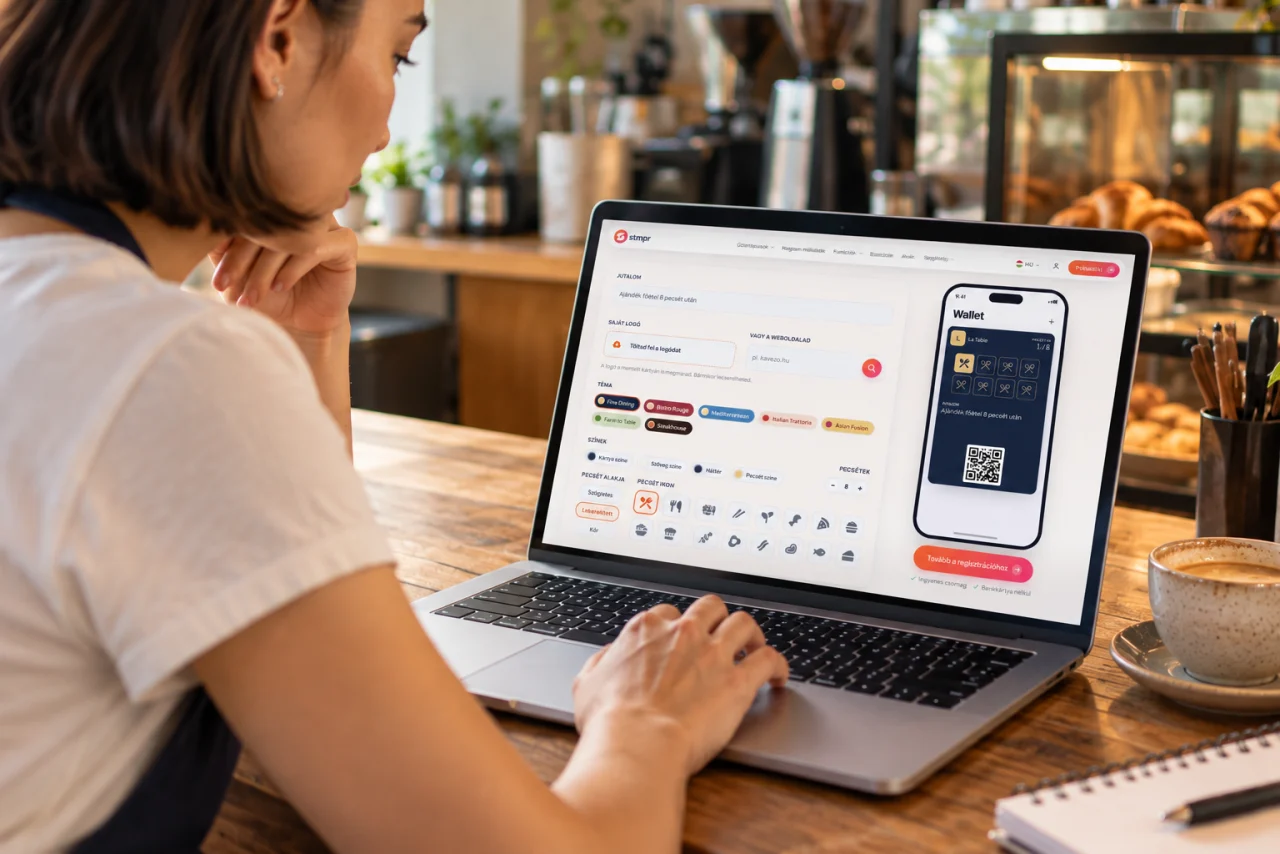
You pick your colours, upload your logo and set how many stamps earn which reward. A few minutes and it’s live.
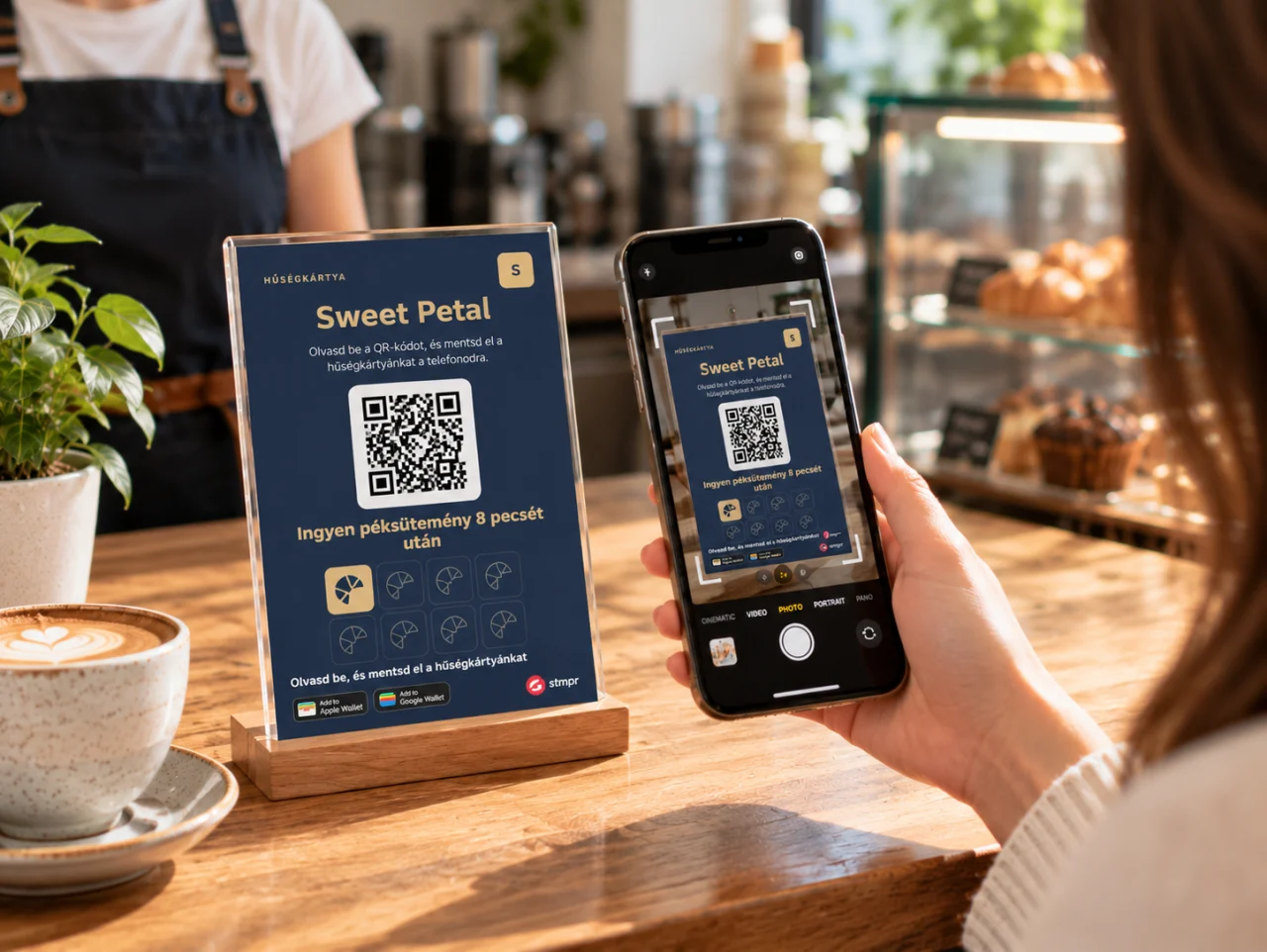
They scan the QR code on the counter, the flyer or the table card, and the loyalty card is in their Wallet.
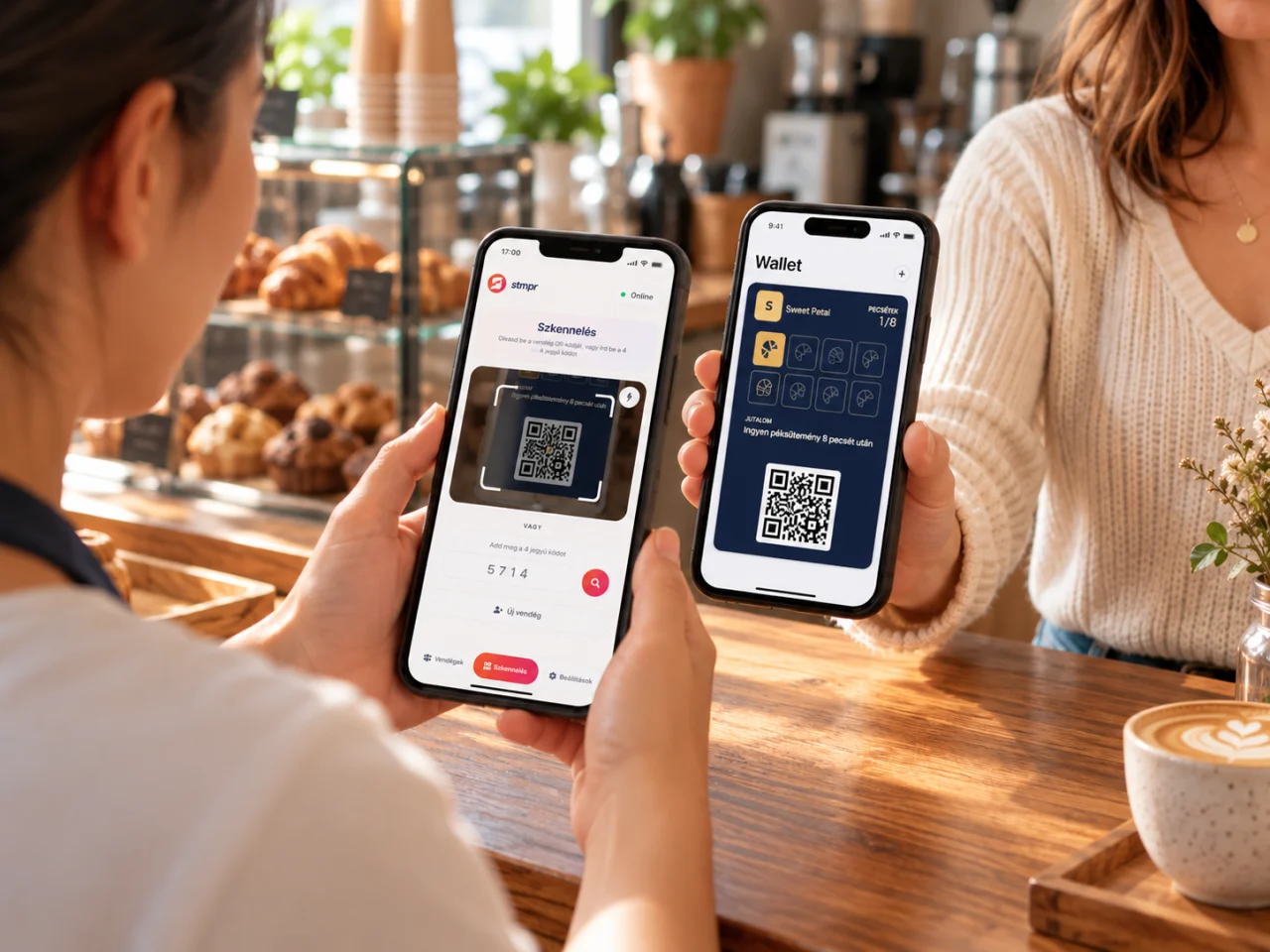
You scan their card with the stmpr Scanner app and stamp with one tap. When the card is full, you redeem the reward the same way.
Switch on the automatic messages once and they go out by themselves. You can send your own message any time, too.
Give them a reason for the next visit.
Pick a business type, choose a ready-made theme, and watch an app-free Wallet card take shape for your store.
Paper stamp card or digital loyalty card? Compare how they work day to day.
| Paper stamp card Paper | stmpr digital loyalty card Digital | |
|---|---|---|
| The guest needs to carry a separate card. | Where is the card? | Guests save it to Apple or Google Wallet, without a separate stmpr app. |
| Changes may require another print run. | Making changes | Edit the logo, colours and reward in your dashboard. |
| The card cannot send reminders by itself. | Reminders | Use notifications and automated reminders to invite guests back. |
| You need to record and total usage manually. | Tracking usage | Track sign-ups, stamps and redemptions in your statistics. |
Before you ask guests for data, you should know what happens to it. The short version.
For guest data collected through your loyalty program you are the controller, and we act as processor on your documented instructions.
Each business has its data stored in logical isolation. We do not merge or match guest data across businesses.
The scanner only uses the camera to read the QR code. The device processes the image locally, and it is never stored or uploaded.
If you get stuck, write to us. You get an answer from someone who knows the product, not a chatbot.
Message us on WhatsApp or Messenger, or book a 20-minute walkthrough. We’ll help you set up your first card too.
We usually reply within one business day.
Create your first Apple and Google Wallet-based loyalty card and try stmpr free.
Try it free