Verfügbarkeit
Kiosk mode lives in the scanner app; staff configure it right on the device.
At fast counters, events and food trucks, staff may not have time to scan every card. In kiosk mode a phone or tablet on the counter reads the guest's own Wallet pass, with no staff involvement.
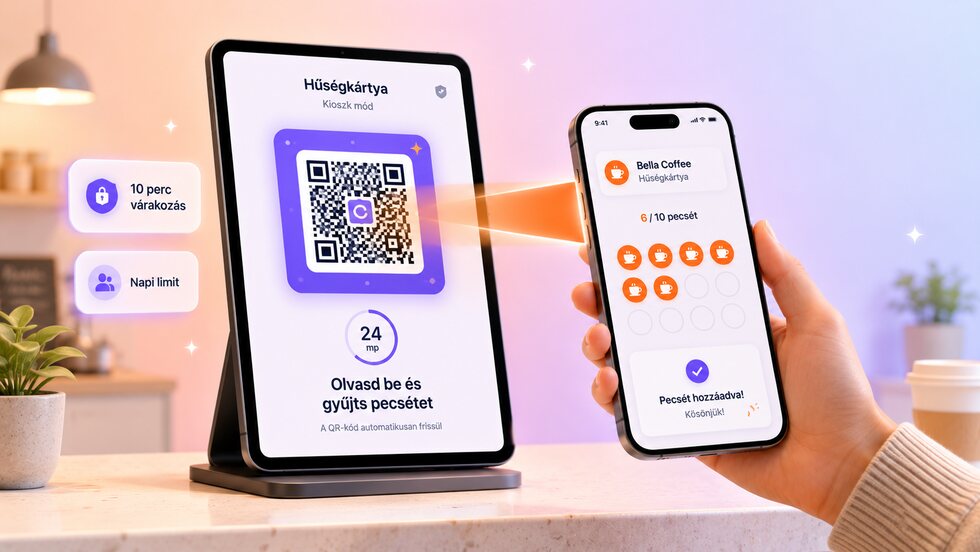
Gäste stempeln selbst: Ein Gerät am Tresen liest ihre Wallet-Karte, mit Sperrzeit, Tageslimit und PIN-Ausstieg.
The guest scans their own pass, and server-side limits keep the flow quick without inviting abuse.
| Bereich | Gewohnte Lösung | stmpr |
|---|---|---|
| Code | A printed QR can be photographed and reused anywhere. | The kiosk reads the guest's own Wallet pass, so there is no shared code to copy. |
| Frequency | The same guest may repeat the action immediately. | A one-hour cooldown and a daily limit are enforced on the server. |
| Visibility | Self-service actions disappear into an untracked total. | Kiosk stamps and blocked attempts appear in an audit trail. |
Kiosk mode lives in the scanner app; staff configure it right on the device.
Gäste können ohne E-Mail-Adresse beitreten, und du erfasst nur die Daten, die du wirklich brauchst. Für das Ausstellen einer Karte oder das Stempeln sind nie persönliche Angaben nötig. Keine Gebühren pro Gast oder pro Scan, und unbegrenzt viele Gäste in den bezahlten Tarifen.
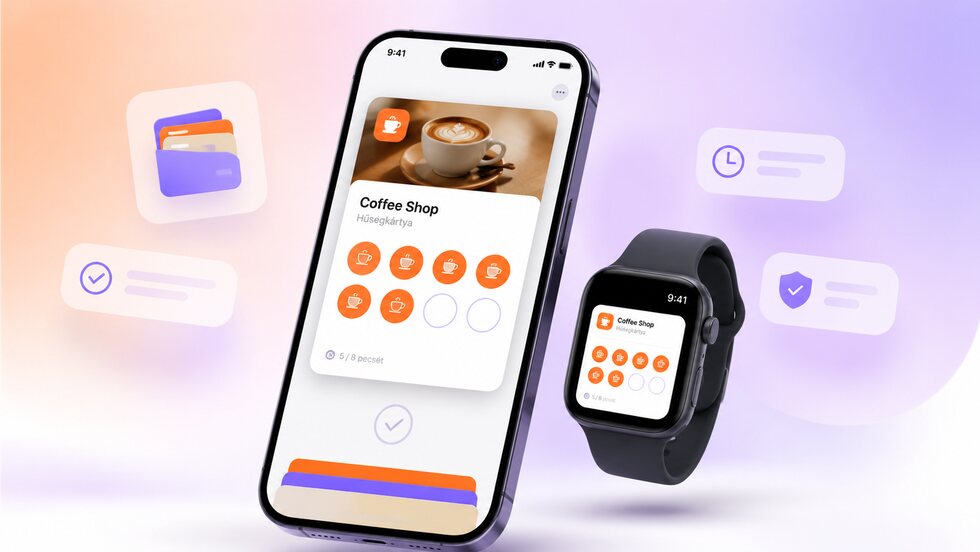
Gäste speichern die Kundenkarte in Apple oder Google Wallet auf ihrem Smartphone. Sie müssen keine weitere App herunterladen, und die Karte ist immer griffbereit, auch auf unterstützten Smartwatches.

Erinnere Gäste, wenn sie kurz vor einer Belohnung stehen, lange nicht da waren oder du gerade ein aktuelles Angebot hast. Die Nachricht erreicht sie über die gespeicherte Wallet-Karte.
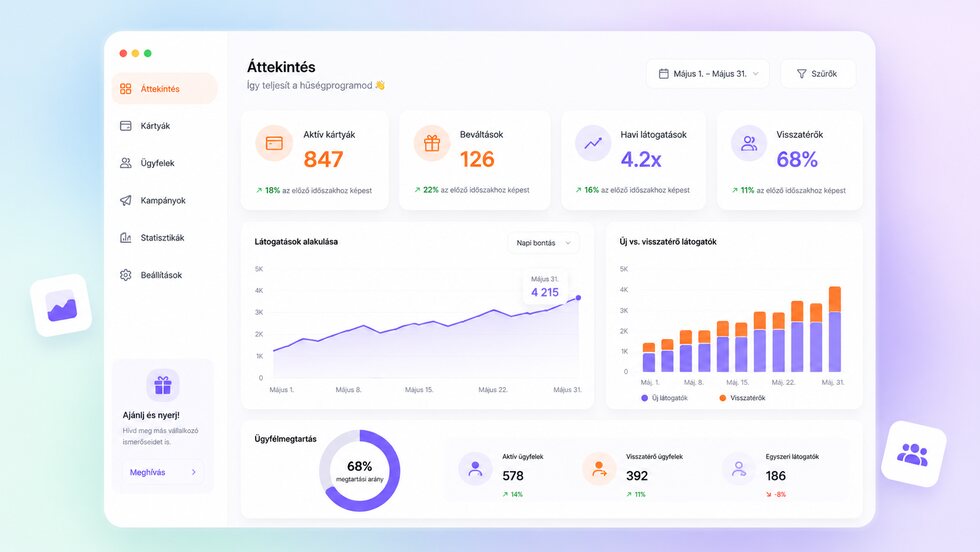
Verfolge, wie viele Gäste beigetreten sind, wie viele Stempel vergeben wurden, wie viele Belohnungen eingelöst wurden und welche Angebote am besten funktionieren.
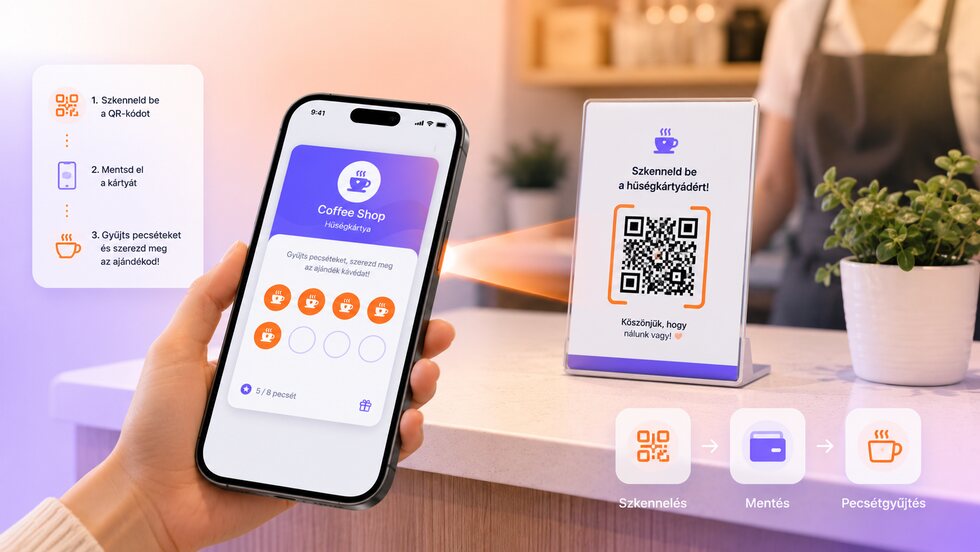
Scanne den QR-Code auf dem Smartphone des Gastes, vergib einen Stempel und löse Belohnungen ein. Keine Kassensystem-Integration nötig, daher schnell einsatzbereit.
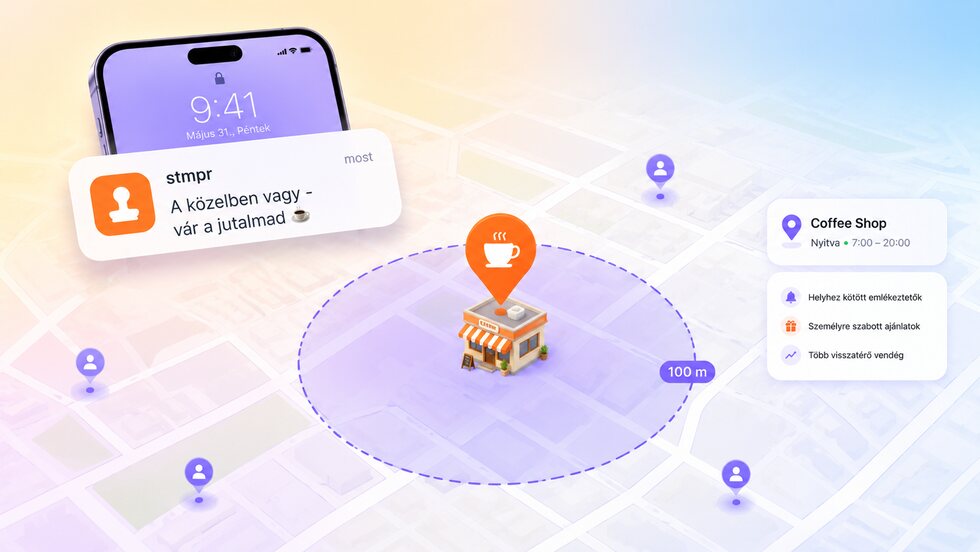
Wenn Gäste in der Nähe sind, können sie automatisch erinnert werden, damit sie leichter vorbeikommen, Stempel sammeln oder ihre Belohnung einlösen.
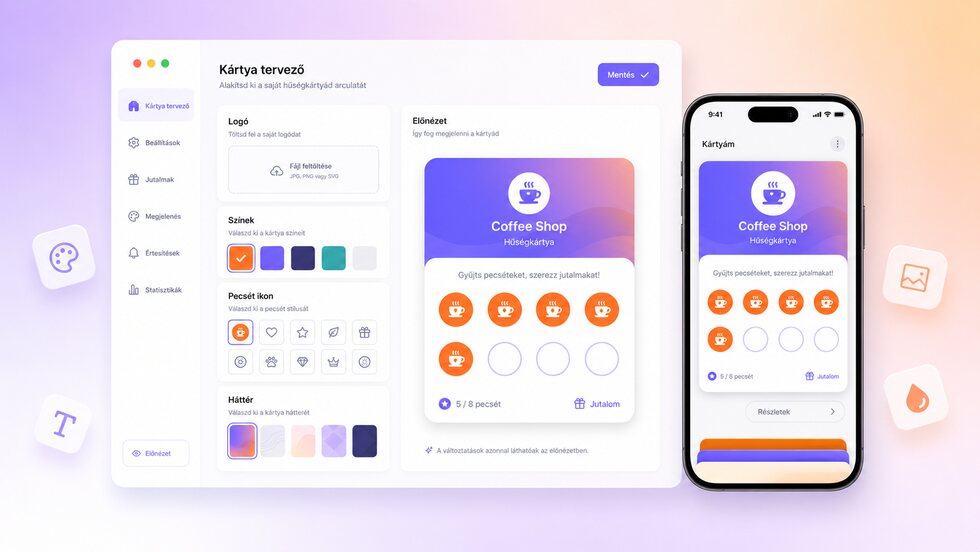
Lege dein Logo, deine Farben, Icons, Stempel und Belohnungen fest. Die Karte passt zu deinem Markenauftritt, ganz ohne Designkenntnisse.
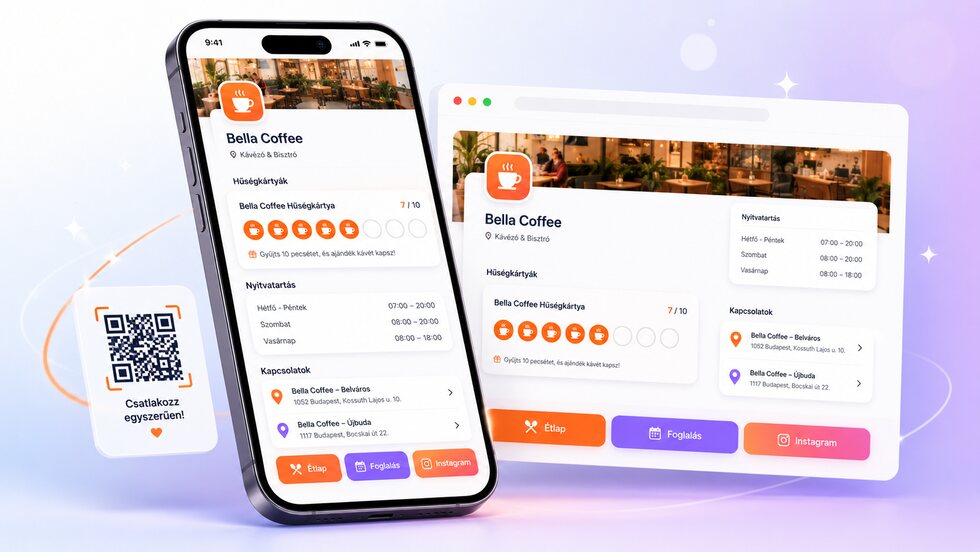
Kundenkarten, Öffnungszeiten, Standorte und wichtige Links auf einer einfach teilbaren Seite.
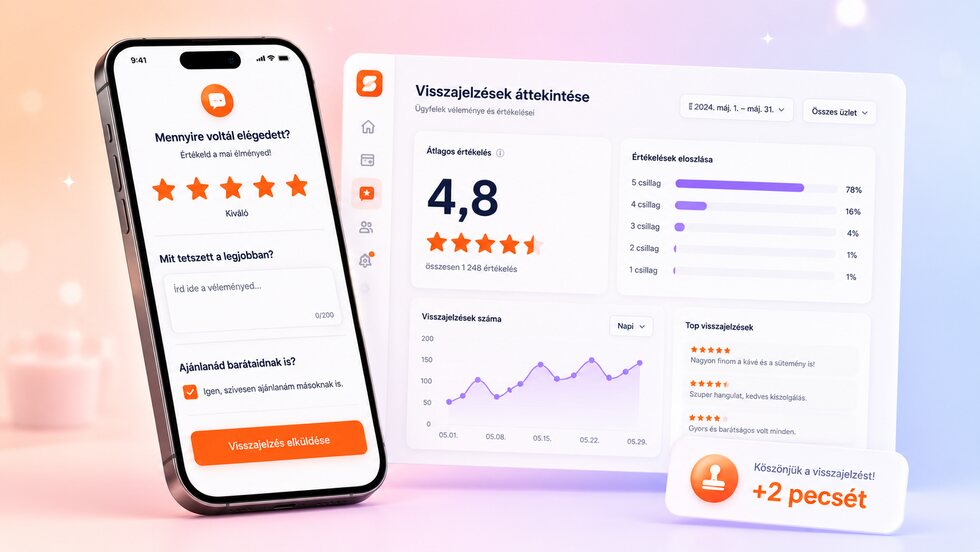
Bitte im richtigen Moment um Feedback, belohne eine abgeschlossene Umfrage optional mit Stempeln und erkenne klare Trends.
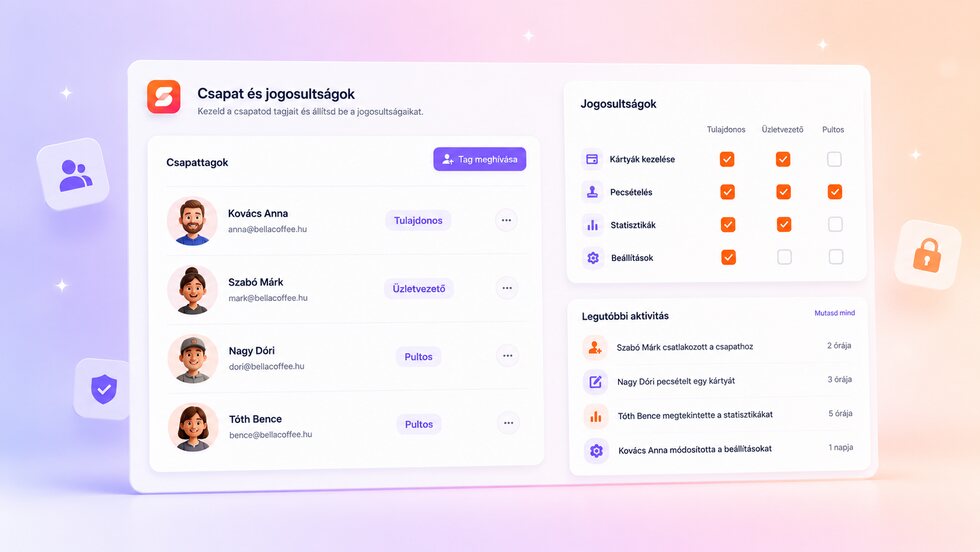
Individuelle Konten und passende Rechte für Inhaber, Manager und Kassenpersonal.
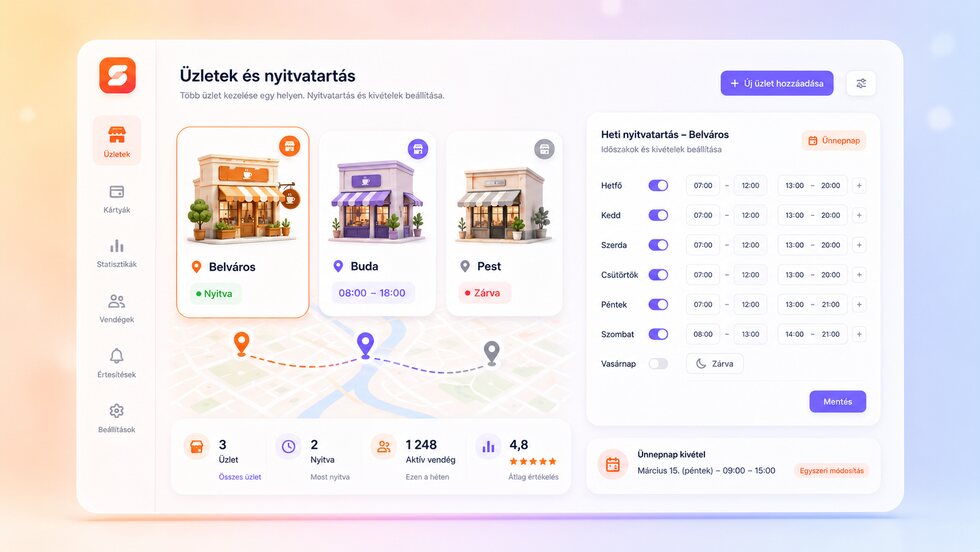
Verwalte Filialen, Wochenzeiten und Feiertagsausnahmen zentral.
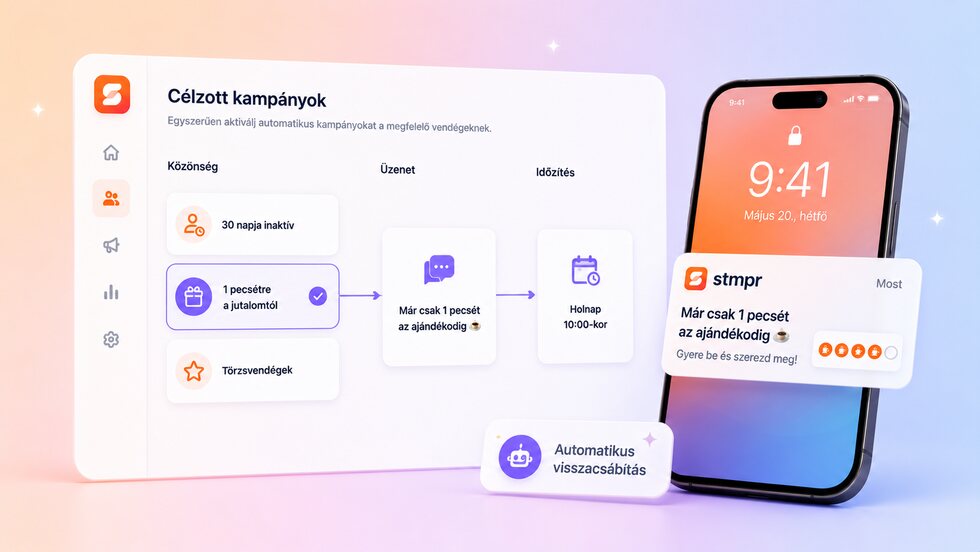
Erreiche Gäste nach Aktivität und automatisiere Rückgewinnungs-Erinnerungen.
Trag dich auf die Warteliste ein und teste als eine der ersten Personen die Apple- und Google-Wallet-Kundenkarten von stmpr.